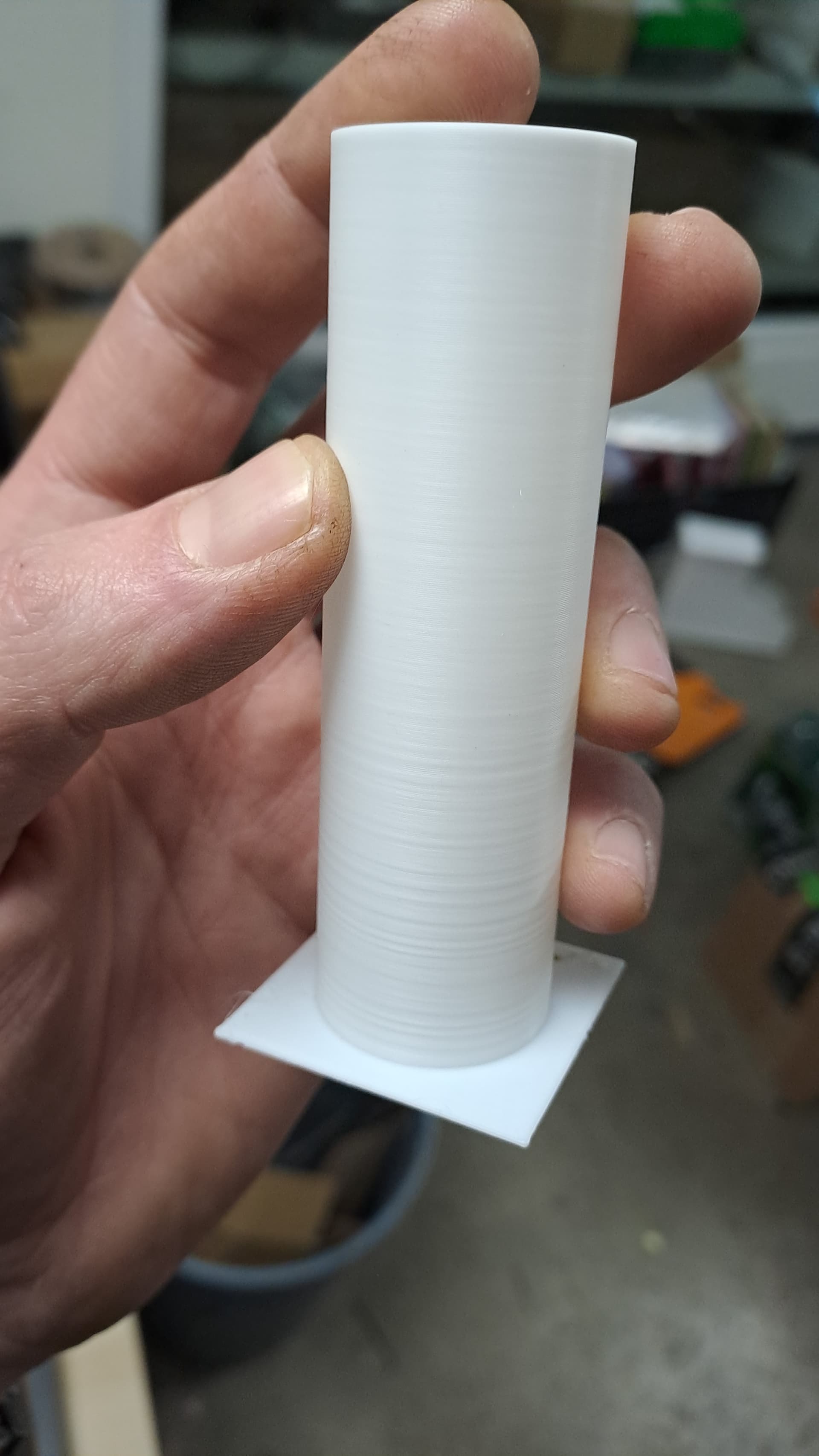
Hello guys.
What we can do about uneven layers??
I check the belts
i check every screw
i check the bed
i change extruder
im waiting to change also extruder motor
also im waiting the hotends to do the unicorn nozzle mod.
Hello guys.
What we can do about uneven layers??
I check the belts
i check every screw
i check the bed
i change extruder
im waiting to change also extruder motor
also im waiting the hotends to do the unicorn nozzle mod.
dud i know that. you gotta tighten or loosen the belts and stuff
and how does it uneven… can you send a pic?
Put some grease on rods ?
Very poor surface artifacts when the bed goes lower … so instead of wobble being an issue is seems either as the bed is loaded (more filament on the bed) or some odd z-screw/z-nut tension that causes issues, so I’m concerned and a bit confused.
Normally this issue happens at the tops of wobbly screws, not near the bearing that constrains the screw. But this case does point to some X-Y alignment issue with the z-nuts. Something grease won’t help. Can’t tell though if the nuts are suppossed to have X-Y play : the springs on the screws - do they provide backlash control or allow freedom of movement?