Written by Cyril Holland at 03-08-2024
In the vast realm of 3D printing and modeling, where imagination takes shape and innovation knows no bounds, we have the privilege of diving into the mind of a true artist, Marc, better known as Frikarte 3D. With a passion that ignites his every creation, Marc has become a force to be reckoned with in the world of 3D printing and modeling. Today, we sit down with him for an exclusive interview, eager to uncover the secrets behind his incredible designs, his journey as a dedicated enthusiast, and the profound impact that 3D printing and modeling have had on his life. Join us as we embark on a fascinating conversation with Frikarte 3D, where artistry meets technology and innovation takes flight.
Self Introduction
I’m Frikarte3D; I studied computer science at university and have worked as a technology teacher in a high school for over 10 years, teaching students how things work, how they are thought, how they are designed, and how they are made and evaluated. Since last year, I have also had two 3D printers at work, so I take the opportunity to teach the students how to design. I have really been very positively surprised by how, in a short time, they can come up with fantastic things.
Career Beginnings
Q: How did you first become interested in 3D modelling? What motivated you to pursue it as a career?
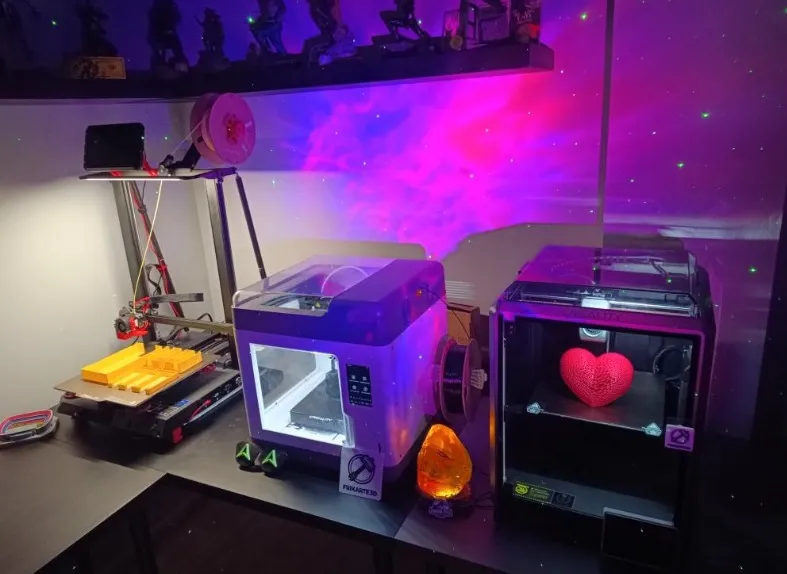
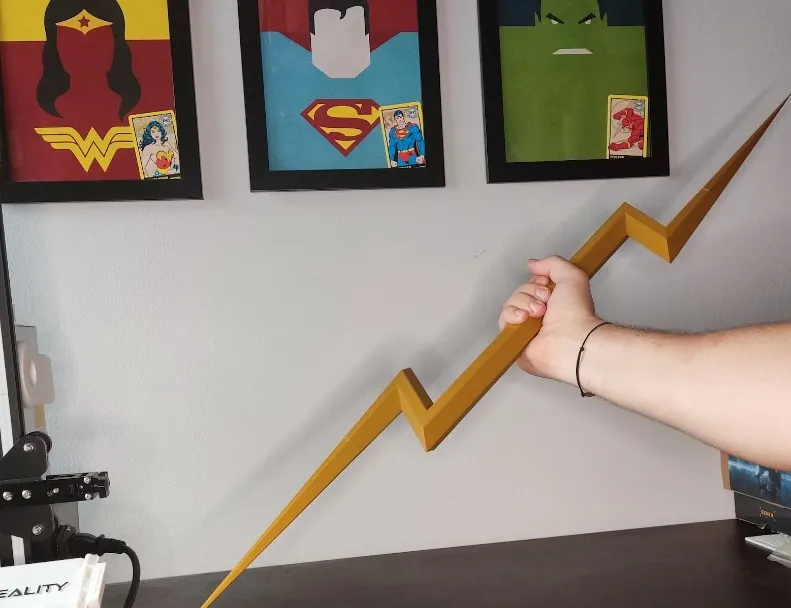
A: I saw 3D Printers for a long time in different local shops; they were beautiful but costly. A friend told me he bought an Ender 3 Pro, and after checking some videos and reviews, I bought one. I printed some upgraded parts for the printer. I started simple modelling initially with objects to improve home design and organisation. My idea was to print movie props because I love superhero movies like Avengers or League of Justice. Still, as I uploaded some designs, people started downloading them and decided to explore the world of 3D modelling more deeply; now, I spend more time designing than printing. Now I have the Ender 3 Pro, a Cr10 Smart Pro with Sonic Pad, a Sermon V1 Pro and a K1.
Q: Can you share any significant milestones or turning points in your professional journey as a 3D model designer?
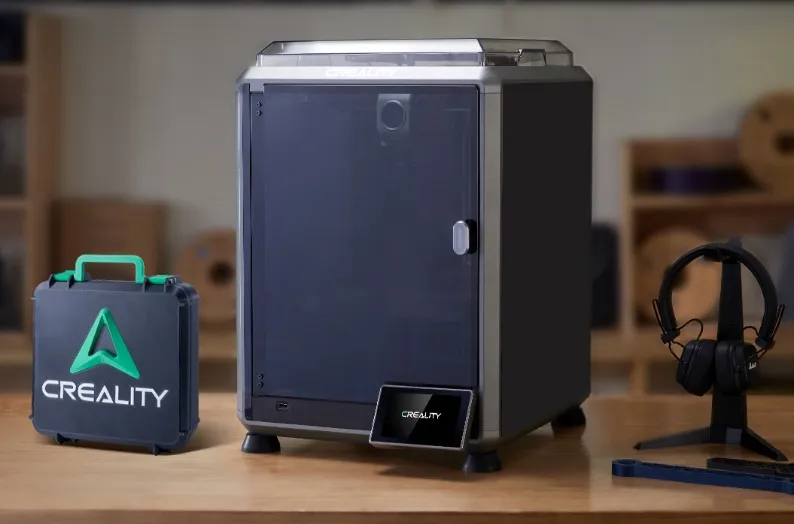
A: My main turning point was starting the remix of the Tool Boxes created by Yanev. A user asked me to design that toolbox with the Fulcrum logo of Ahsoka Tano from Star Wars. I made the design and shared it on my 3D Printing platforms, and people started downloading it. I made a lot of versions with different logos and base choices,… One of my last boxes is the Creality New Logo, which has a lot of downloads and is used to showcase the new Creality K1C 3D Printer.
Design Philosophy
Q: What inspires your creative process when developing 3D models?
A: I have a lot of ideas, but the main points are the time I have for designs and the software I use. The first one is 3D Printing Design. For me now, it’s a hobby, I have a full-time job and a family, and I don’t have much time for design, so I do this because I like it. It relaxes me, and putting lines together to create any object is always satisfying. When I want to create a new model, I draw it on paper first and then start sketching on the software until I’m happy with it; I’m very meticulous; I usually do different versions thinking about avoiding the user of supports and the tolerances to fit together all the parts, trying to do the best I can, I don’t want to make models that don’t work correctly, and people spend time and resources for using a flawed model.
Q: What 3D modelling software do you use?
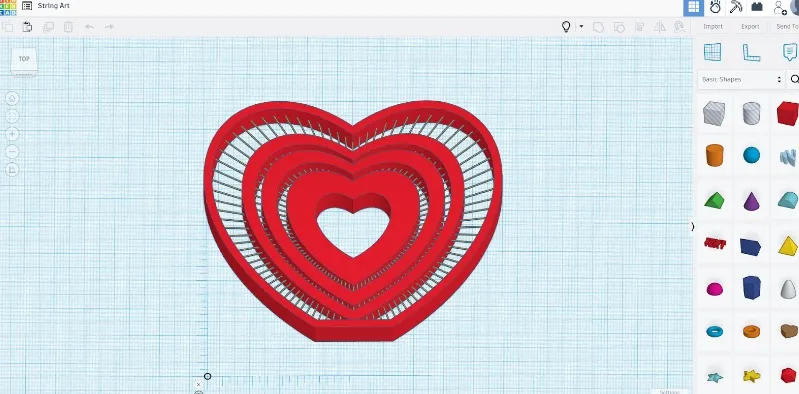
A: My most used software is SketchUp; it’s not the best, but it’s the one I use better. It’s not designed to create 3D Printable objects, but if you understand how it needs to be, it’s an easy software to use. I’ve been using it for more than 10 years now, and 3 years ago, I started 3D printing with that same software. I also use TinkerCAD for doing some models, and I want to find a way to teach my students to create tangible objects that are simple, easy to use and have a swift learning curve. When I needed immaculate details, I started learning to use Blender; it’s my tutorial time now. If I need to fix or work with a complex model, I use Meshmixer. Some software I want to try someday are Fusion360 and HueForge. It’s always good to learn something.
Q: Are there any particular design principles or techniques that you consistently apply in your work?
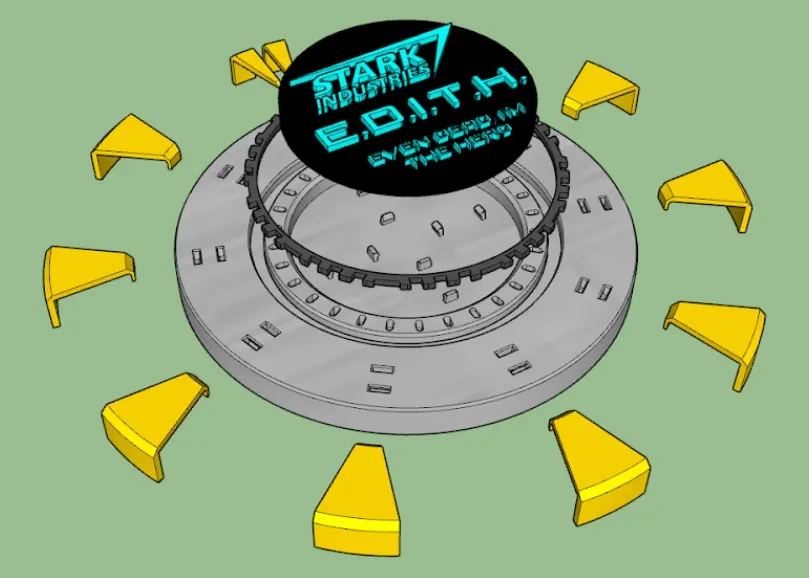
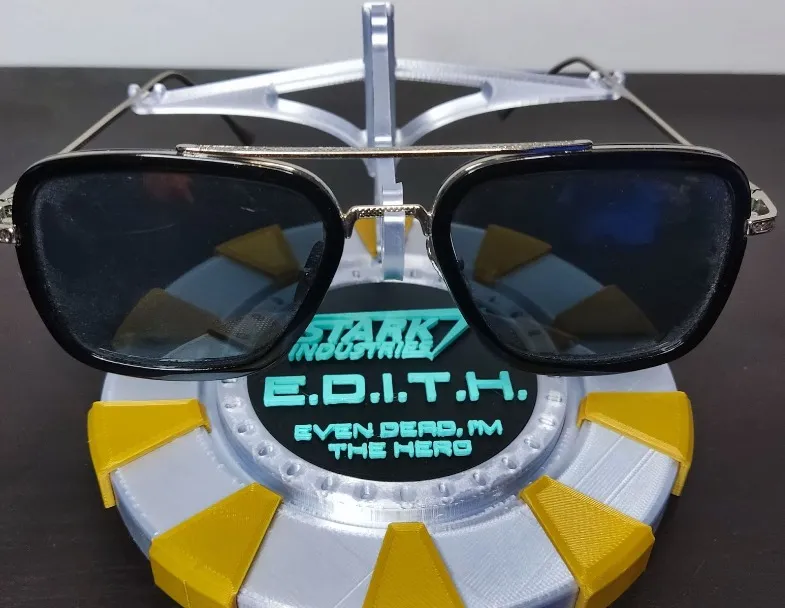
A: I always try to do solid models when designing. Some designers make the design only to get a good shape and then use software to fix the mesh or the problems on the model. A good model will always be better. I may be wrong, but this is what I think. You need to check the tolerances for objects that need to fit together; I usually use 0.2mm for objects that need resistance and 0.25mm for objects I will assemble and glue together. Recently, I started with multicolour designs; I always use at least 1 mm colour thickness for a better look and create them by parts to be easier to paint in the slicers.
Notable Projects
Q: Could you share details about a recent project that you found particularly challenging or rewarding? What were the key considerations and outcomes?
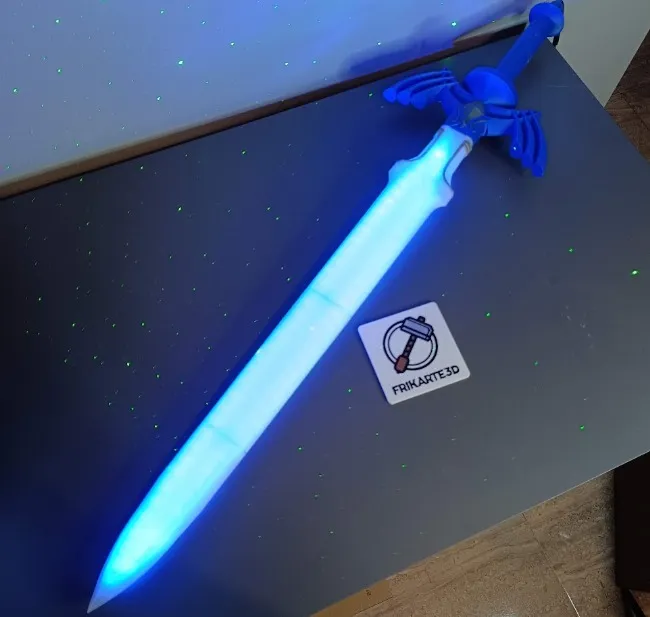
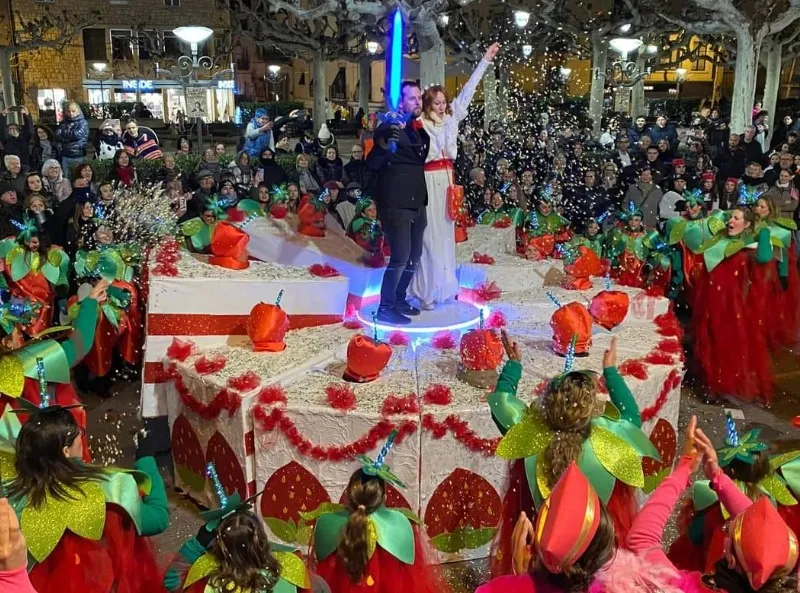
A: I remixed Zelda’s Master Sword; during carnival, my school wanted to dress up as a giant wedding cake, and we had the design of the cake with the pieces and everyone’s costumes. They decided they needed some bride and groom. It hit me and my wife, and I told them it would be fun to have something to cut the cakes with and offered one of my lightsabers, but they said it was too short, so I decided to make a sword with more excellent light. I found Zelda’s Master Sword design and an Adafruit remix to use its components. As I needed more time or wanted to spend so much money, I made my own version of the sword, taking advantage of some parts and modifying the ones I needed. It took a lot of work to design, print and assemble, but it was fantastic because we managed to win first place among the Carnival troupes in our city.
Q: Is there a specific project or design that holds a special place in your heart? If so, what makes it memorable?
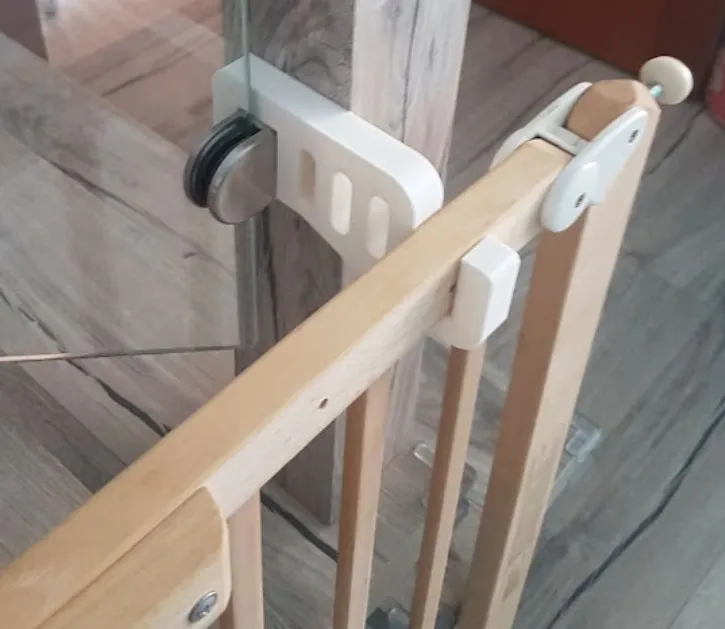
A: My first design and successful print supported attaching a baby fence to the stairs. We need a place to hang the wall safely to avoid falling, but we are using it near the stairs, so we decided to design that piece. 3 years later, it is still there. It was my first design, and it helped me find an excellent place to have it and avoid hurting anybody. After all this time doing designs, I would probably change a few things, but it does the job, and the look is all right, so I don’t think I will. It’s memorable because up until that point, I had only printed “improvements” through the printer. It was the first functional design I had done; I was very proud to be able to create a part that solved a problem, and that attitude has brought me here.
Advice for Aspiring Designers
Q: What advice would you give to aspiring 3D model designers who are just starting their journey?
A: Love what you’re doing! If you do it with passion, it will be excellent for sure! Even if you start or are a consolidated designer, do whatever you love to do. The designing process sometimes is long and not rewarding; if you like what you are doing, you will continue doing it. Some things I could have done better are looking too much into the numbers, followers, downloads, likes, etc. Those are just numbers and are better or worse not only for the model itself but also for the reach, moment of the year, trending topics,… It’s better to listen to people’s feedback about your models, improvements, and changes; just get all the information you get to benefit your following designs or upgrade the actual ones. Return to your followers what they give you, and always try to stay positive. Since I started designing, it has been like a roller coaster, with sound and perfect, imperfect and awful moments, but you must not lose face in life and move on!
Q: Are there any resources or learning materials you would recommend to those who wish to enhance their skills in this field?
A: When you need to do something for the first time or are unsure how to do it, the 3D Printing community is beneficial. It generates some links with people that we help each other with our designing and printing stuff. There are also plenty of online tutorials and manuals; excellent designers share their tips and workflow on their social media, YouTube and so on, where you can learn a lot. Also, the software communities have plenty of information from which to learn.
