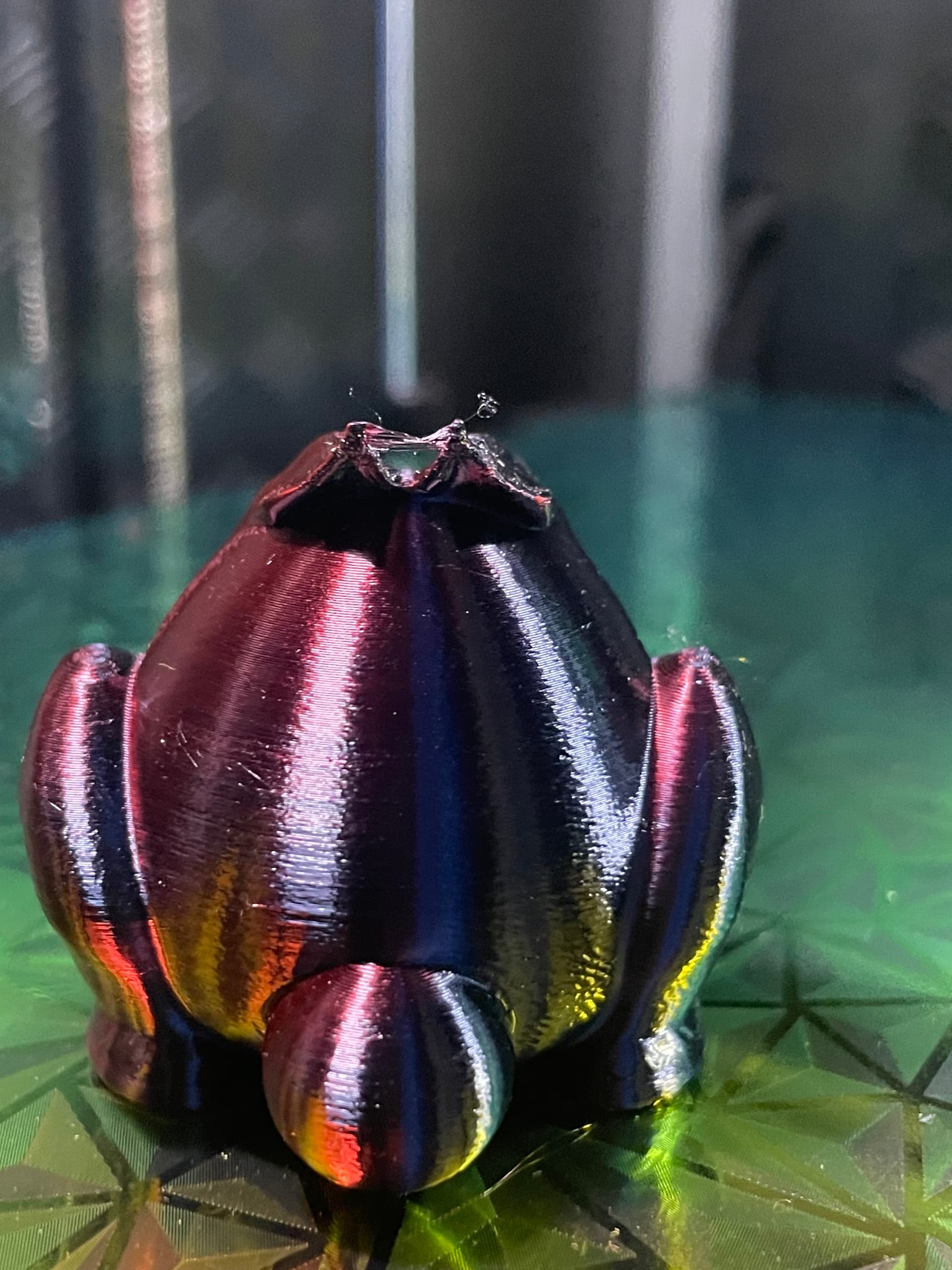
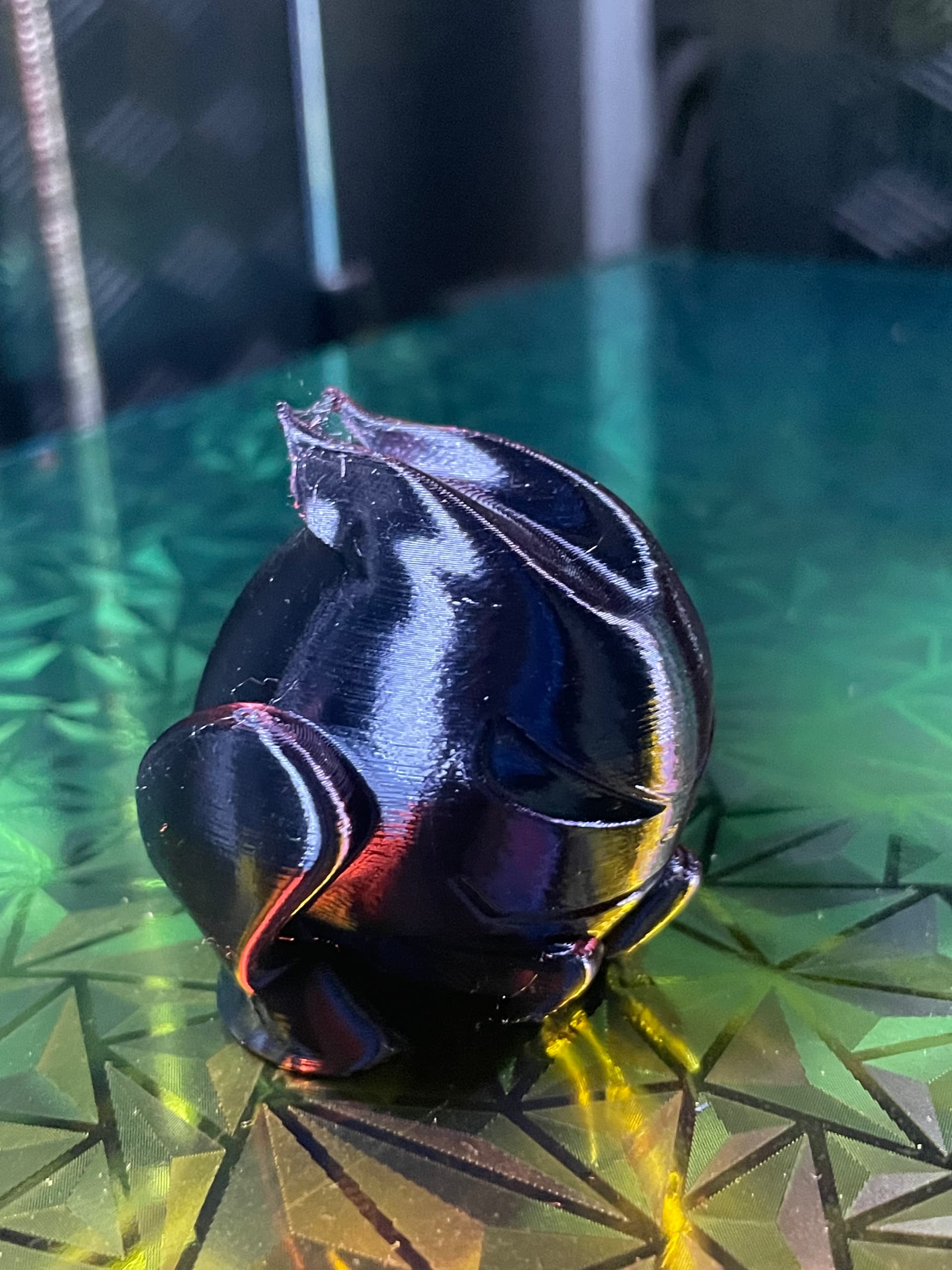
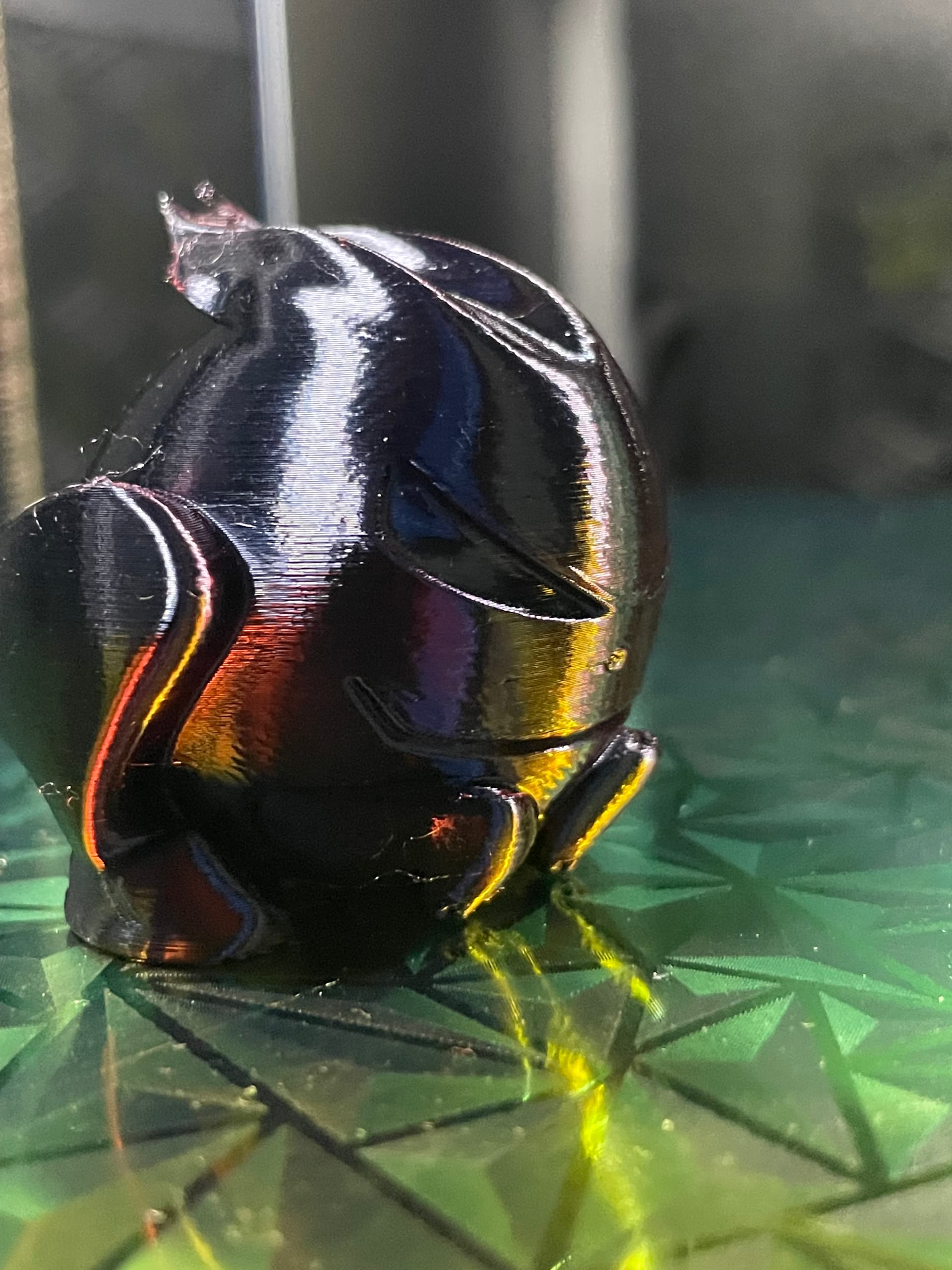
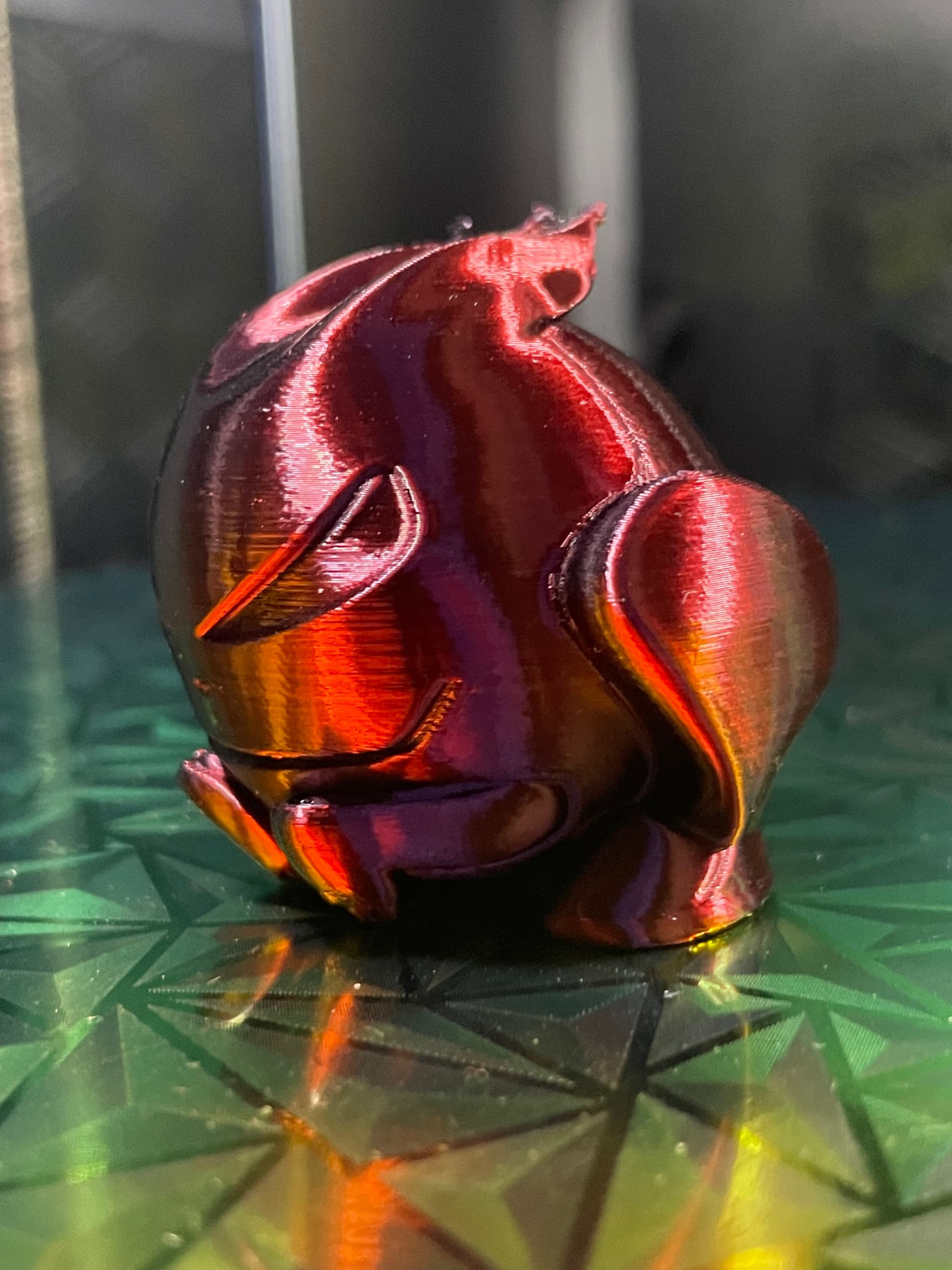
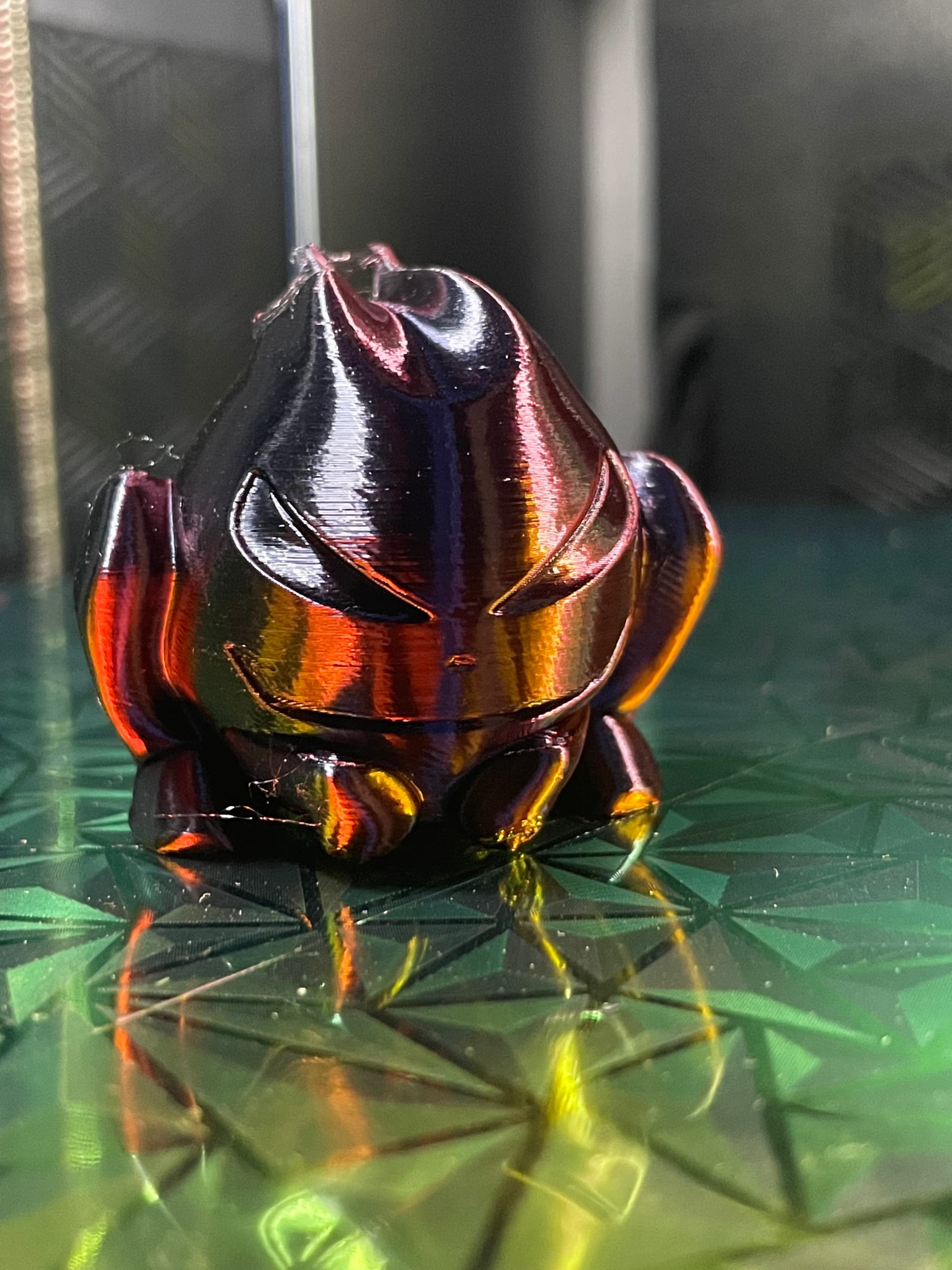
I designed this model after a coworker brought in one of his memorabilia items. He’s an avid Volkswagen fan and he was carrying around his backpack with the Volkswagen logo and inside that backpack there was Volkswagen branded sunscreen, and he also had this Volkswagen fast memorabilia they released this mascot
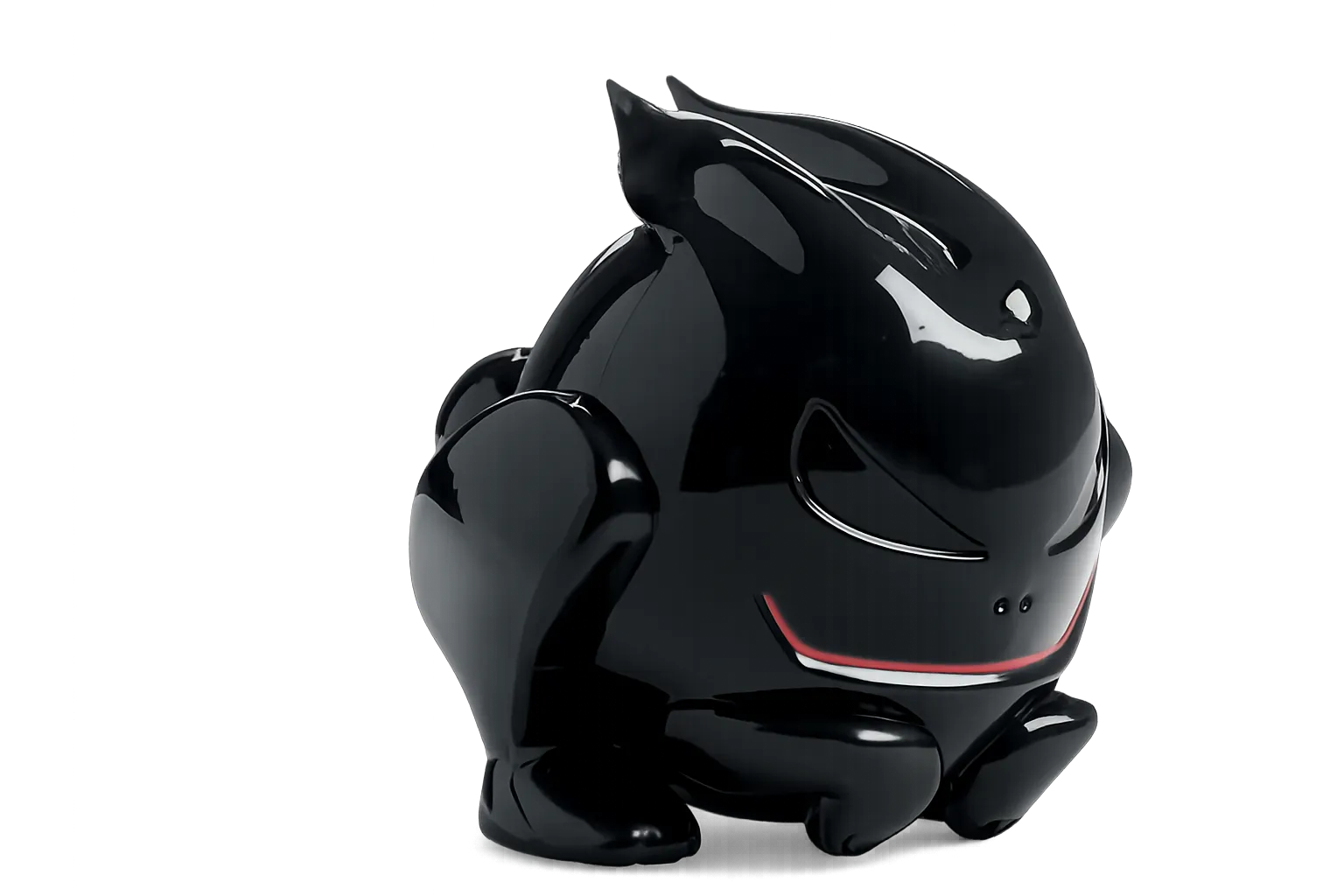
alongside one of their new MK four GTI golfs I took a picture of it with my phone several of them and ran that photo through creality make now AI and render a 3-D model
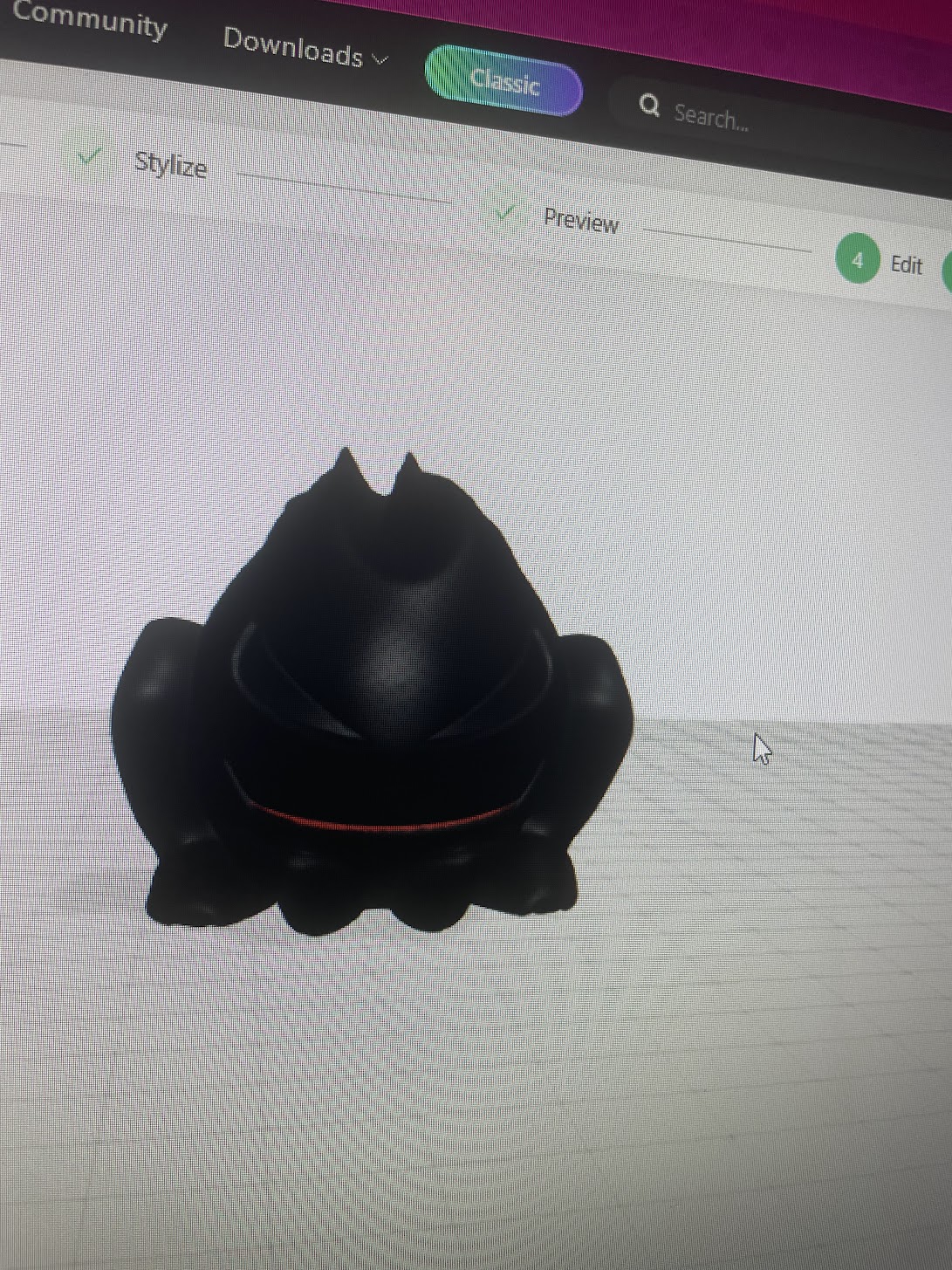
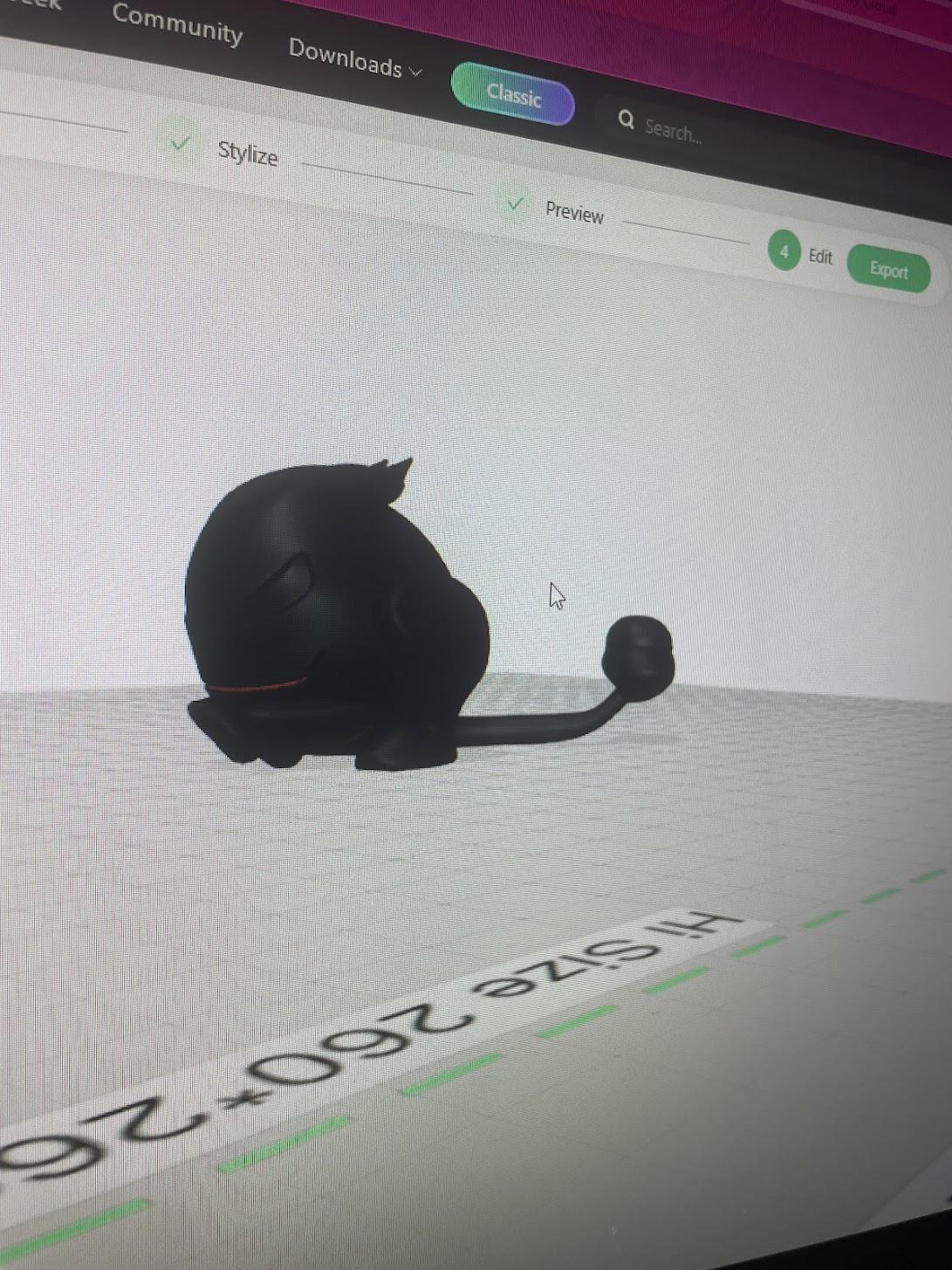
the model had some issues with it. Mainly the tail portion ended up rendering very oddly and so I had to use creality prints slicer to remove the tail and add my own
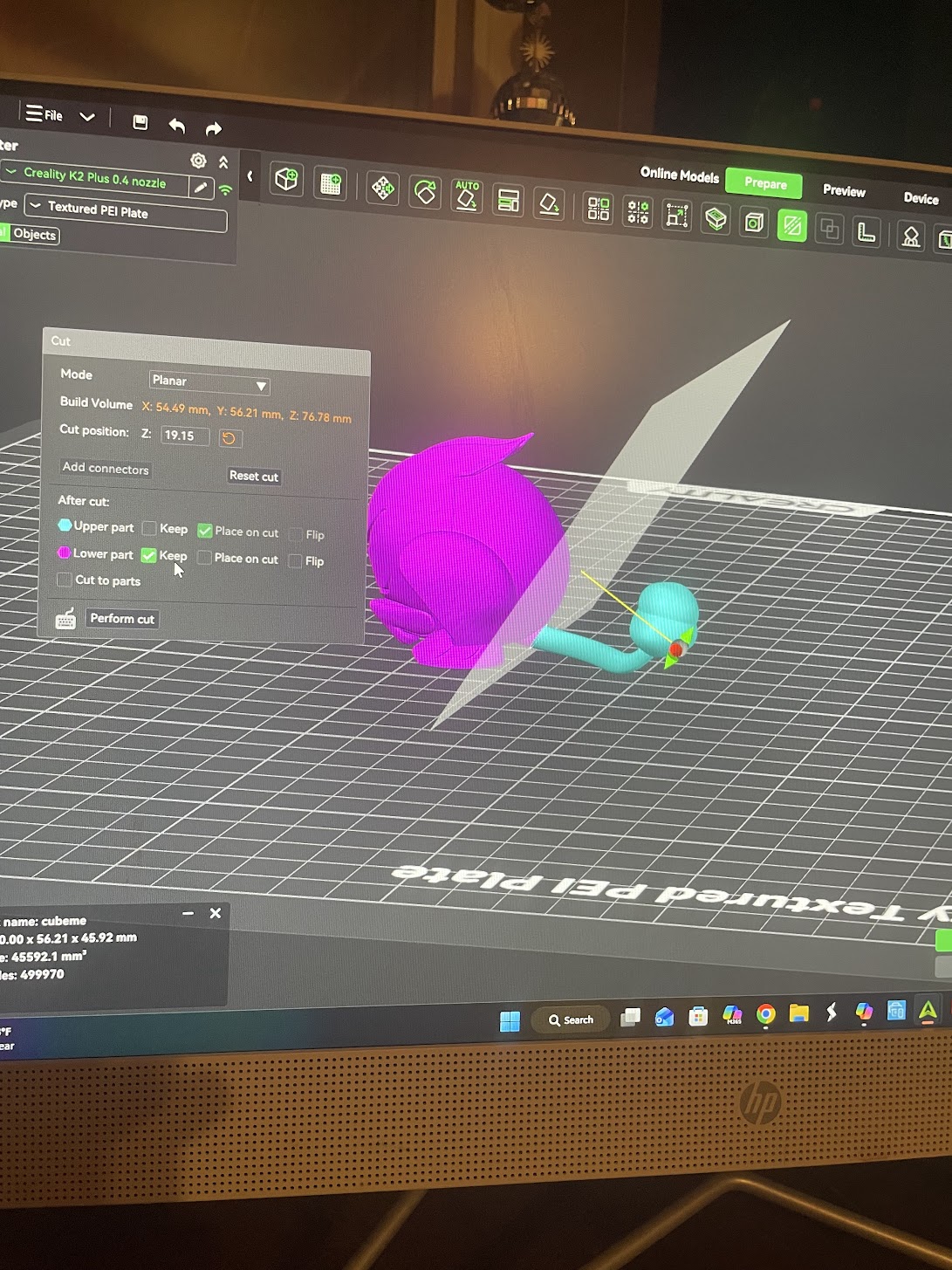
at first I tried to make it a removable tail, but it just didn’t look right, and so I opted to just have the tail fixed into the model. The way I had performed. This is by using creality print adding an object a sphere and scaling it down to the size where it would match.
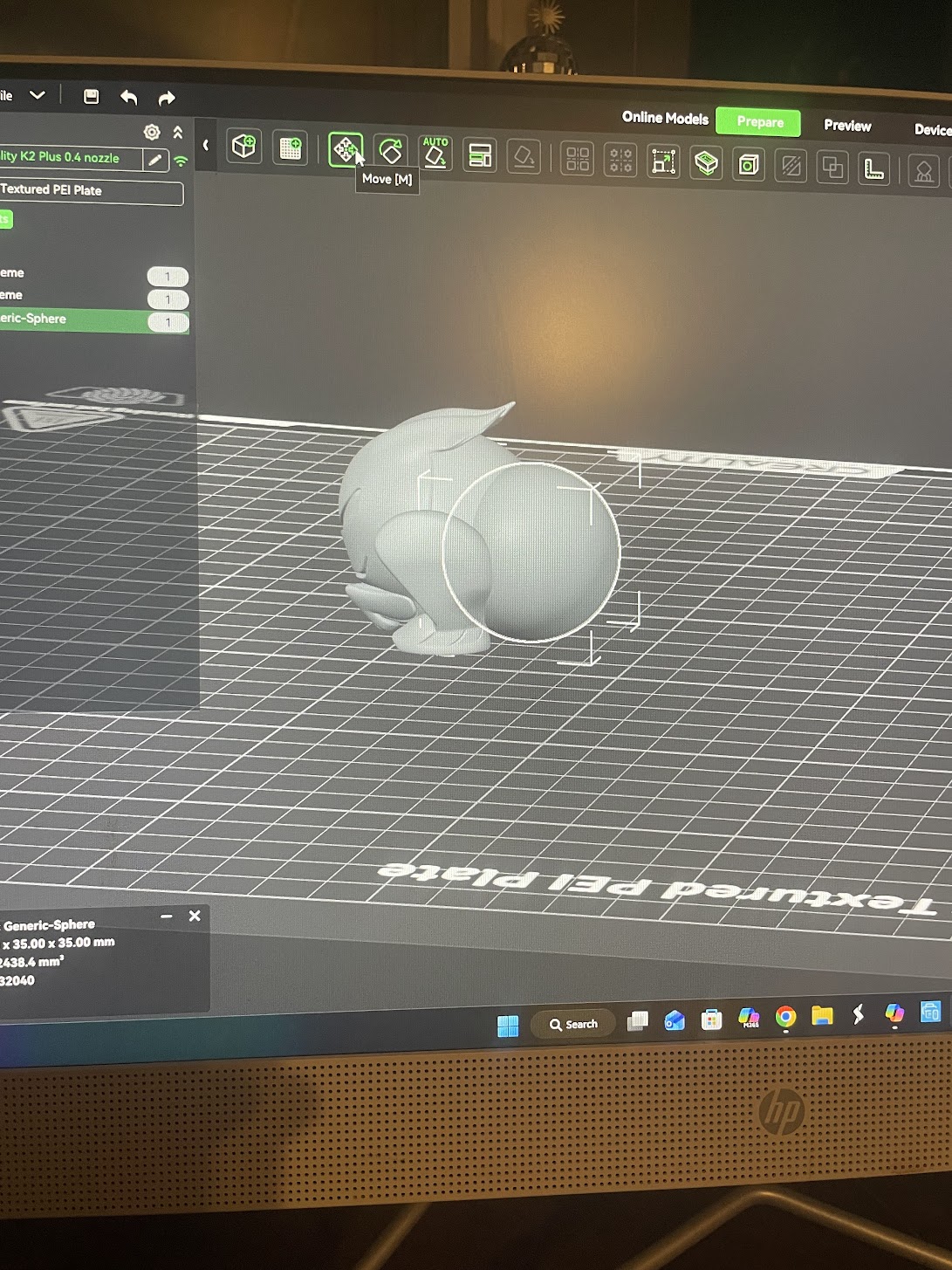
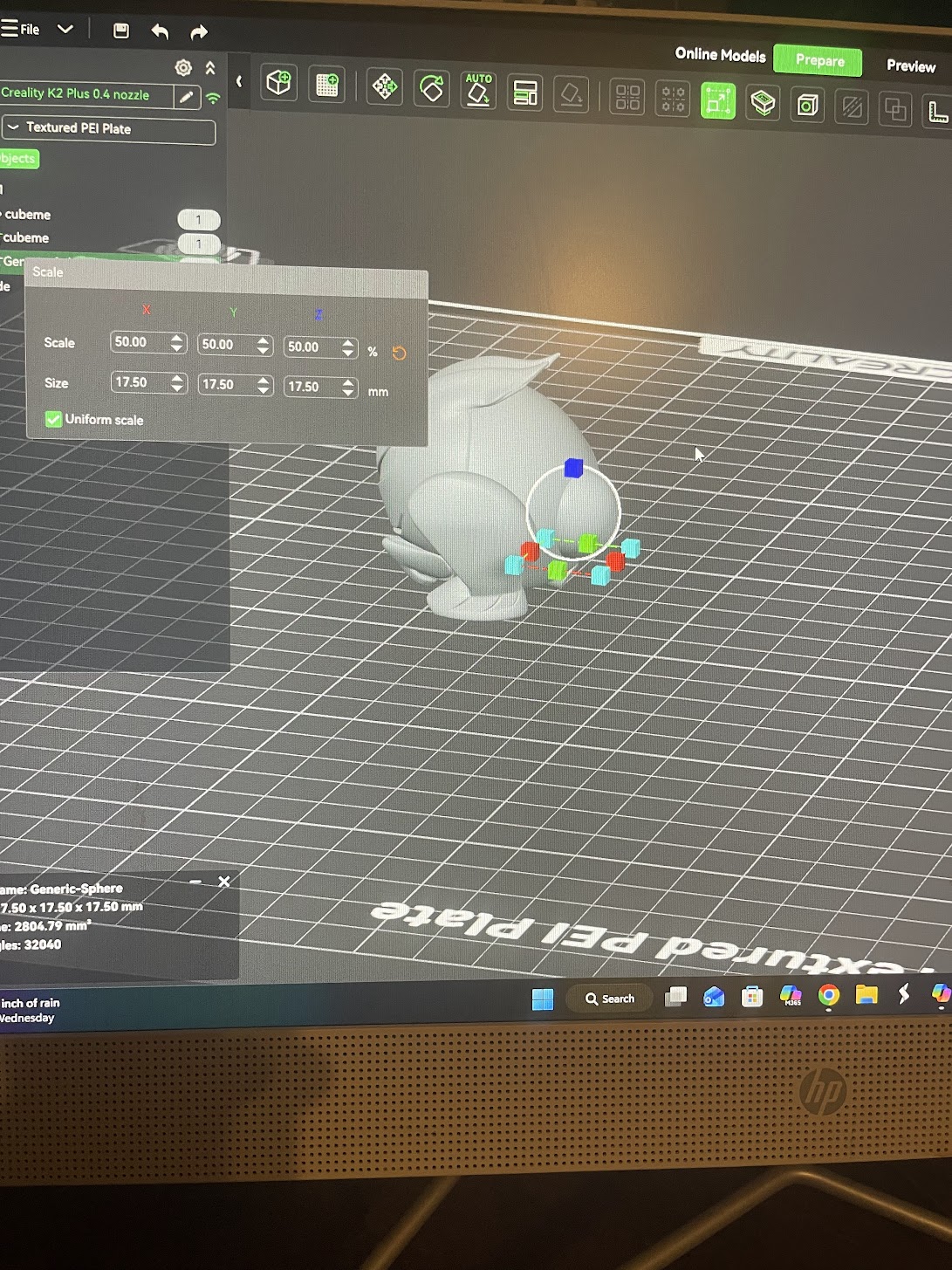
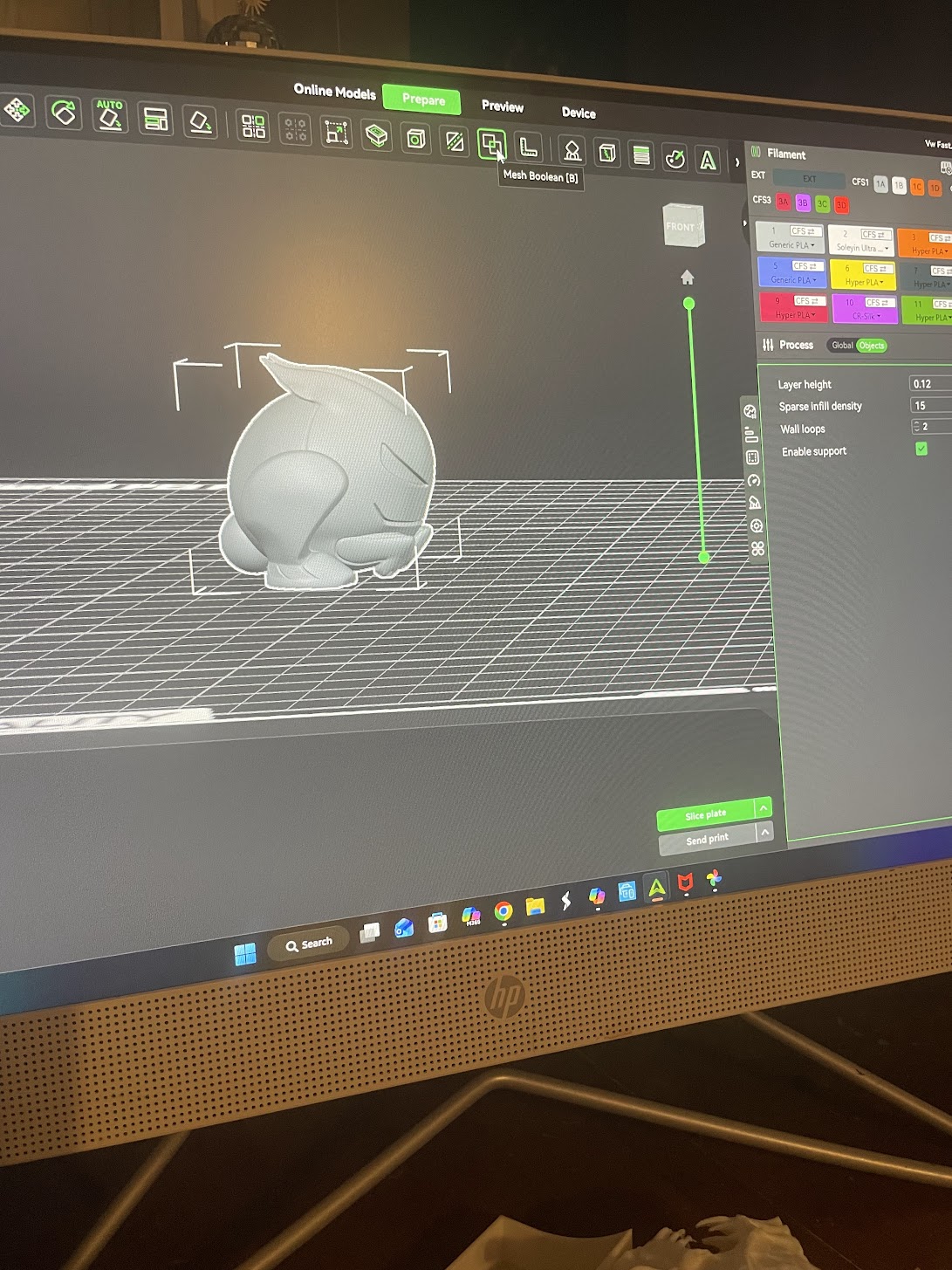
I used the centering feature to get it centered into the model and then I use the move tool to move it into place when I got it in the right location I highlighted all objects on the plate and used mesh. Boline and the union function to combine the sphere and the original model into one piece. I added Support and sent it to the printer.