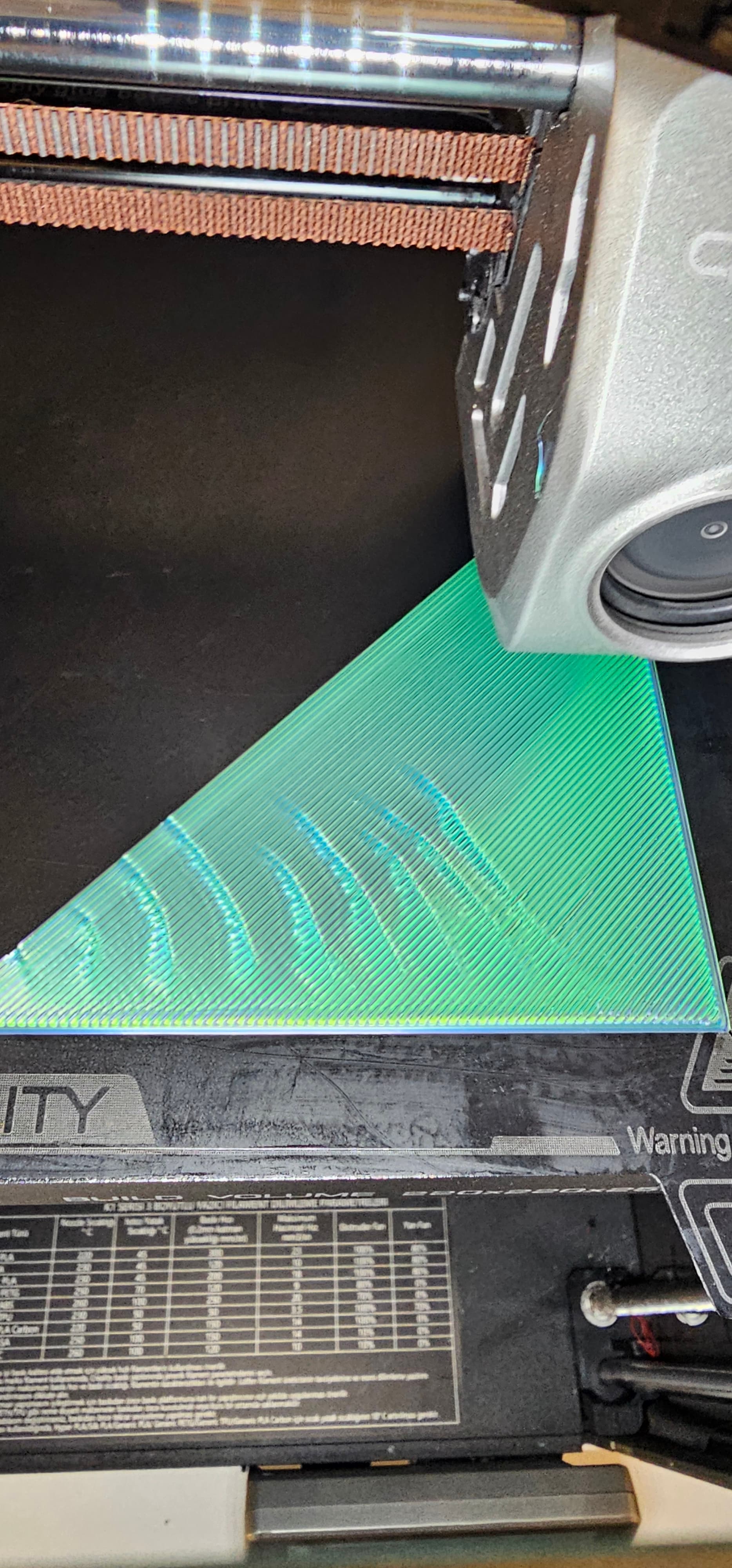
“On my Creality K1C printer, I keep getting these lines on the first layer in all my prints. There’s no such issue on the upper layers; it only happens in certain areas. I’ve tried all the bed leveling and nozzle temperature adjustments, but nothing worked. Has anyone experienced a similar problem? Thanks for your help.”
Change the Z offset manually by 0.005mm. I have to do this when i change from PLA to TEPG. Run a test and adjust the z offset while the first layer is printing. Generally rase the z offset first and observe the results. If worst then lower the z offset. Z offset adjustment is accessed from the display or if you have fluidd enabled.
Make Shure you clean the bed with Isopropyl alcohol before each print
Bill