Hi everyone, my Creality SparkX i7 is making a strange noise when moving along the X-axis. The noise happens even when the printer is turned off and I move the X-axis manually.
I already lubricated the X-axis rail and adjusted the belt tension, but the noise is still there.
Does anyone know what could be causing this or how I can fix it? Thanks!
Hello, there could be many causes: the belt tension rollers, the stepper motor, or the linear guide bearing are clogged with dust. Contact customer support for advice if the printer is under warranty and explain the cause of the malfunction in detail. Record a video, take detailed photos, and describe the symptoms and source of the noise in detail.
I would look for the component that is causing the noise by eliminating the belt, manually moving the head, and rotating the rollers and motor. After identifying the cause, I would service the components. The bearings can be carefully opened and greased (modern bearing manufacturers don’t put enough grease inside). The bearings can be replaced, or replacement rollers can be purchased on marketplaces. I would also clean the linear guide bearing if that’s the source of the noise. If the motor is the cause of the noise, I would replace its bearings, but they tend to jam when they fail.
If you’re not confident in your ability to do all this yourself, take them to a repair shop. Try contacting customer support if your printer is under warranty. They’ll definitely help, and if there’s a defective part, they’ll definitely send it to you. Describe the problem in detail, and take photos and videos before disassembling as proof of the defect or malfunction.
Attention! Disassembling the printer is at your own risk, and you are responsible for any consequences!
I’ve also started experiencing noise on the X-axis. I’ll investigate and report back as soon as I find the cause. I’ve been lubricating the linear guide constantly and have only been printing for a short time. I’ll let you know how it goes.
I think the reason is in the answers that mention the mounting screws; I’ll look into that tomorrow.
I tried to press the print head slightly towards the back of the printer and the noise disappeared, which means the noise is coming from the linear guide.
08.09.2026 : I added thicker grease and the noise disappeared after a while, now the X-axis works without noise as before.
The noise was coming from the printhead cover—the one you can easily remove by hand to change the nozzle, etc.—; if you don’t believe me, just take it off and let the printer run: you’ll notice it’s super quiet and makes no noise. I also want to draw the attention of all SparkX i7 users to this: check your printer’s screws—absolutely every visible screw—to make sure none are loose. My printer arrived with loose screws along the X-axis, both on the linear rail guide and at the X-to-Z axis connections at the rear of the linear rail.
Thanks for the help and recommendations! In my case, the noise persisted even without the decorative cover, and the screws were fine—I had disassembled the print head. Lubrication did the trick; every situation requires a different solution, and the more solutions and recommendations that are published, the easier it will be for users to figure things out and fix these issues.
Hi, in my case, the noise wasn’t coming directly from the motor, but the motor was actually causing the problem. I replaced it, and the noise disappeared. Apparently, the motor was generating vibrations that were being transferred to the extruder, which caused the strange noise.
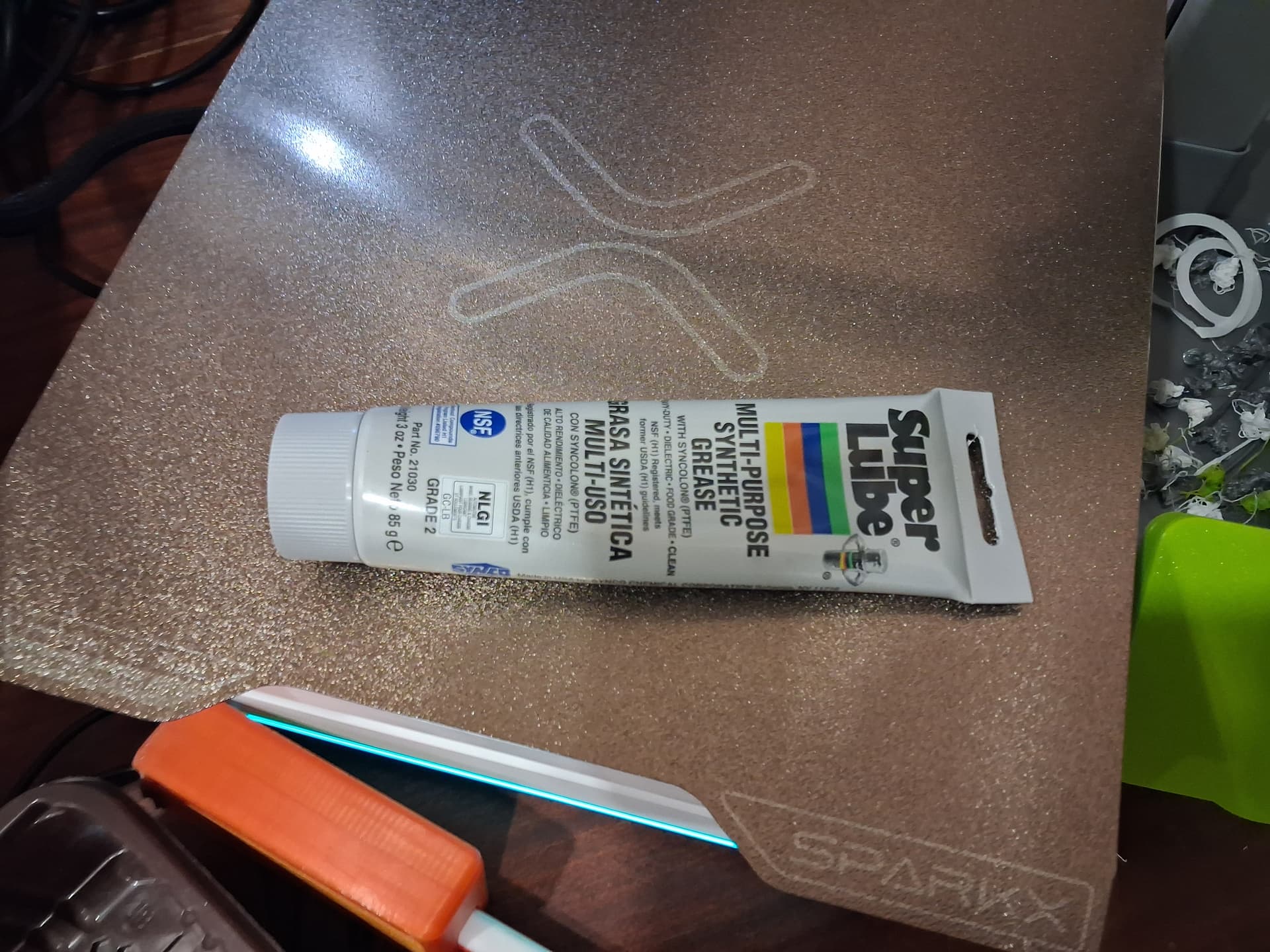
 In my case, the noise persisted even without the decorative cover, and the screws were fine—I had disassembled the print head. Lubrication did the trick; every situation requires a different solution, and the more solutions and recommendations that are published, the easier it will be for users to figure things out and fix these issues.