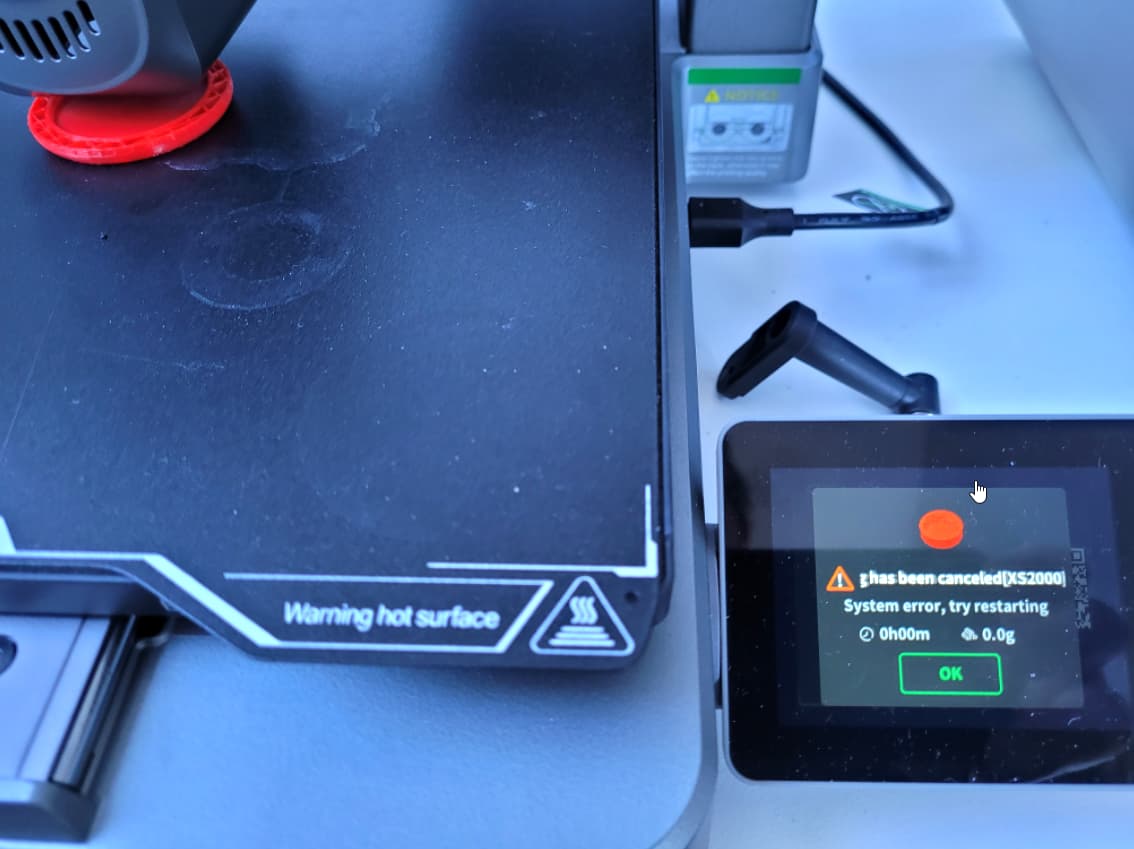
Hello,
I’d like to print the original Miele coffee clip. You can find the files at www.thingiverse.com/thing:4239135. Whenever I try to print the file “3D4U_Coffee_Clip_Cap.stl”, the printer stops after about 5 minutes and displays the error “XS2000”. According to the wiki, this is an error caused by loose cable connections. I’ve checked all the cables and tried again. The same error occurs. I then cancel everything and print other parts, and everything works perfectly – no errors. As soon as I print the above-mentioned part, the error reappears at the same point. I’ve already tried rotating the part, turning it upside down, using different filament, etc. – nothing works. It always aborts with XS2000.
If I print it on my Creality CR-200B, it works. It just doesn’t work on the Hi. Can anyone help me?
The other parts from the Miele coffee clip are printed out correctly. My Creality Hi is just 10 days old. I’m using the Creality Print V7.0.1.4212
Thank you
Christian