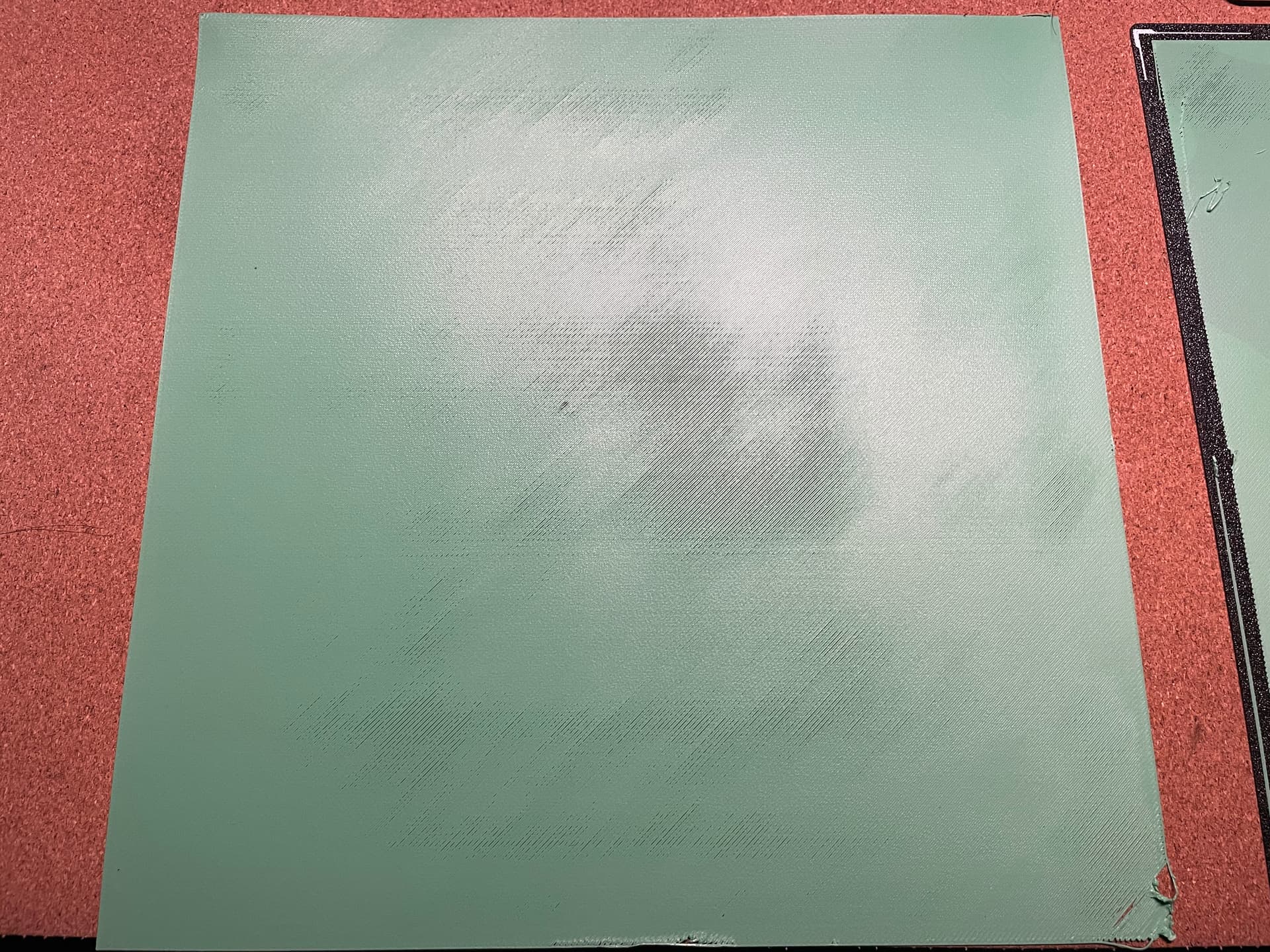
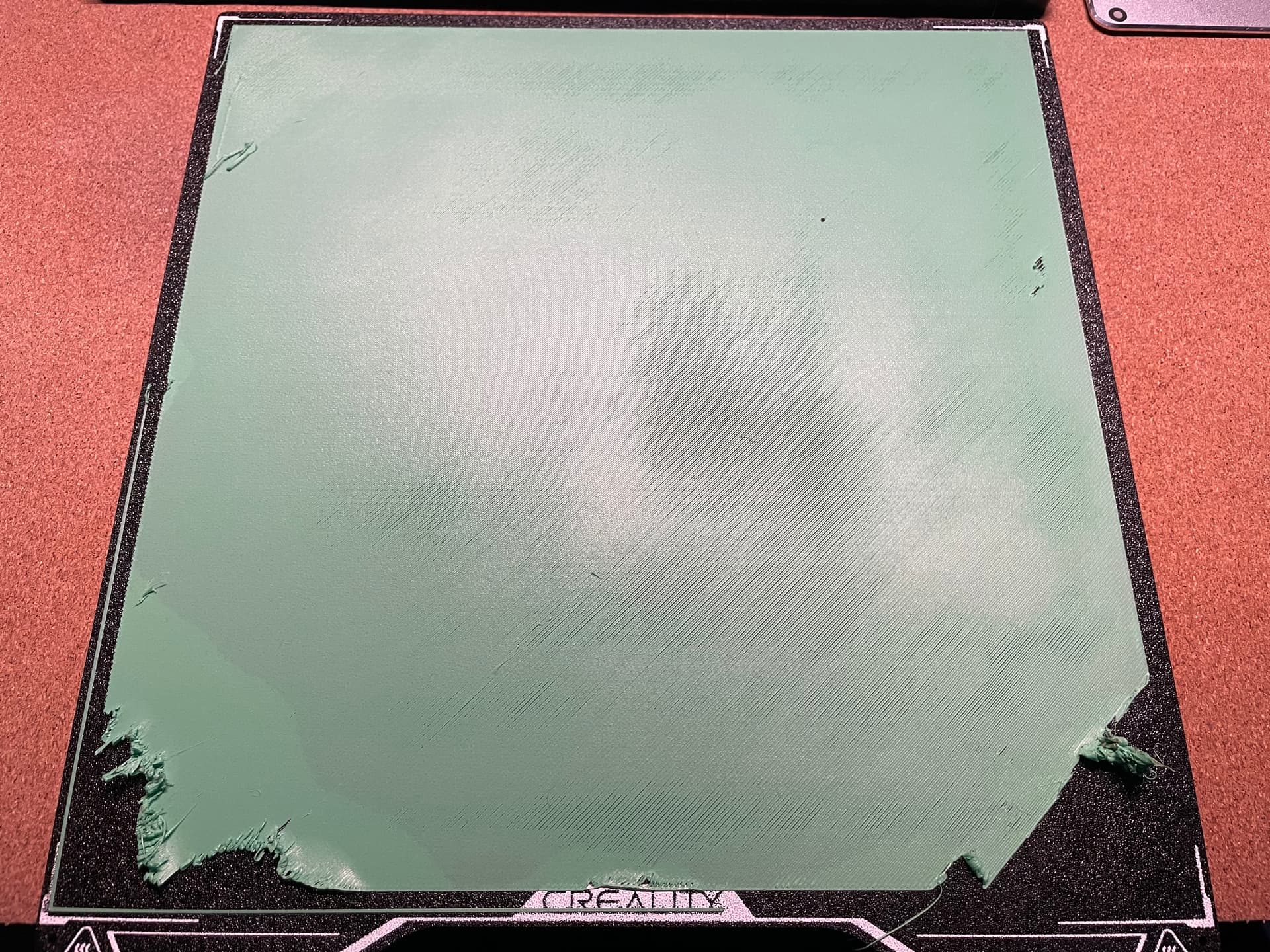
Hi everyone,
I’m running into a strange issue with my printer where the Z-axis compensation / first layer calibration seems completely broken, and I’m not sure how to fix it.
Here’s what happened step by step:
A few days ago I tried printing Kexcelled TPU 98A.
This filament requires 225–245°C, but the built-in HP-TPU profile only allows 200–220°C.
The bigger problem is that the temperature during filament load/unload cannot be adjusted, so when I tried loading/unloading multiple times, the filament kept getting stuck in the extruder because the temperature was too low.
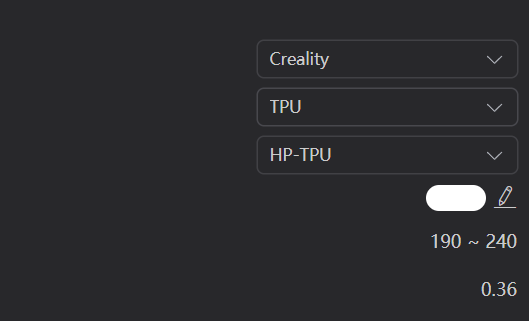
I contacted support, but unfortunately they kept suggesting that I only change the printing temperature, which doesn’t solve the load/unload temperature issue.
Eventually I decided to open the extruder and clean the nozzle. During cleaning I discovered that a previous filament blob incident had heavily contaminated the nozzle.
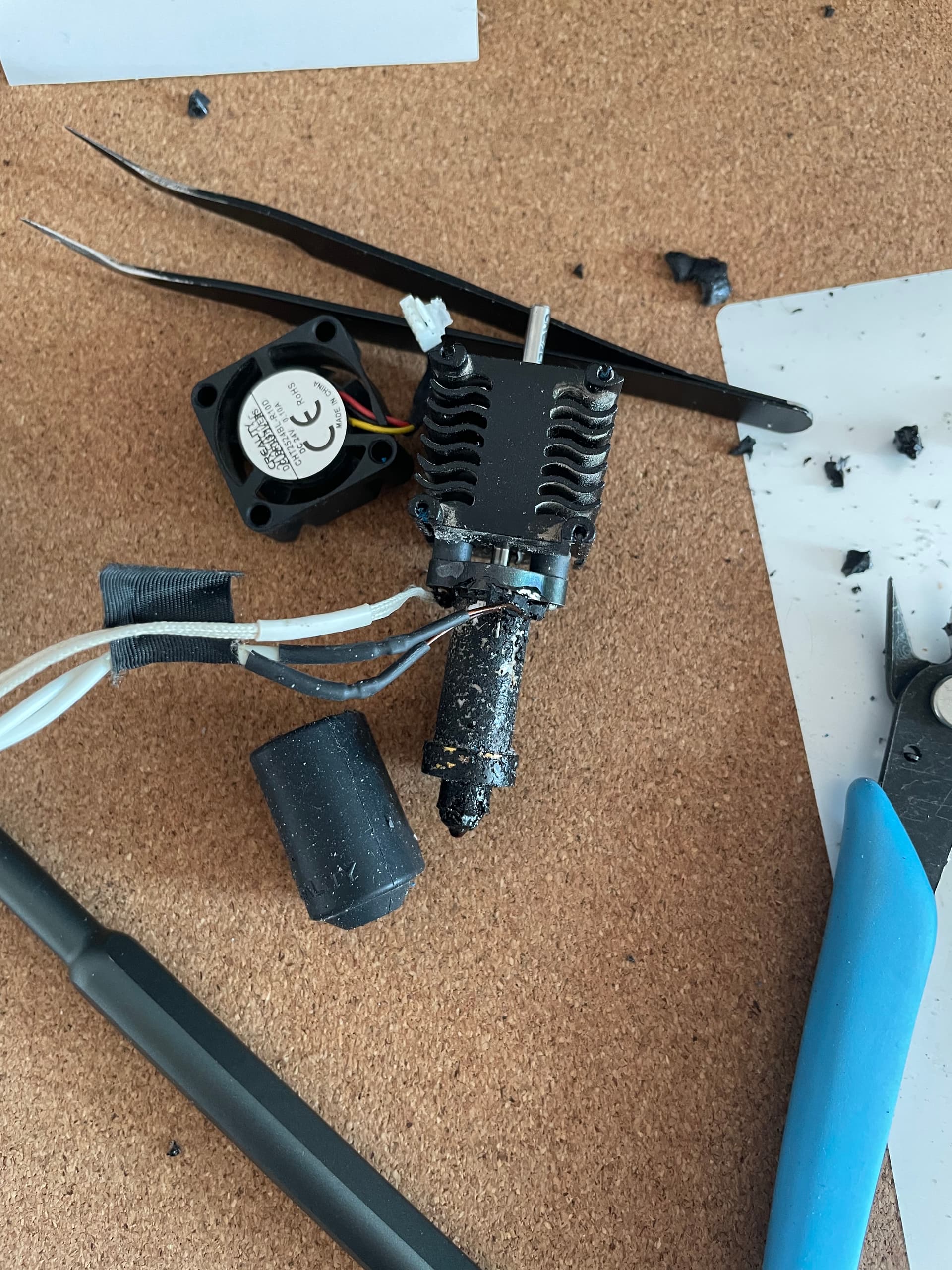
After cleaning everything, I started printing some simple PLA test models, but now a new issue appeared:
-
Prints get knocked off the bed during printing
-
The first layer height is inconsistent
-
Running calibration makes it worse each time
I ran a first layer test after calibration, and it seems like the Z-axis compensation is no longer working correctly.
Another problem is that:
-
The bed can’t be manually leveled
-
The bed mesh function seems to be missing on the Creality Hi
So right now I have no way to properly correct the bed leveling.
Current symptoms:
-
Nozzle seems to be too low in some areas
-
Calibration results become worse after each run
-
Prints often get hit by the nozzle and fly off
Has anyone encountered something similar?
Possible questions I have:
-
Is it possible that nozzle removal / reinstallation affected the Z offset reference?
-
Is there a way to rebuild or reset the bed mesh on Creality Hi?
-
Could this be related to the Z probe or auto leveling sensor drifting?
Any advice would be greatly appreciated.
Thanks!