Apparently my K1 Max is having issues with the lidar or whatever bed leveling feature…
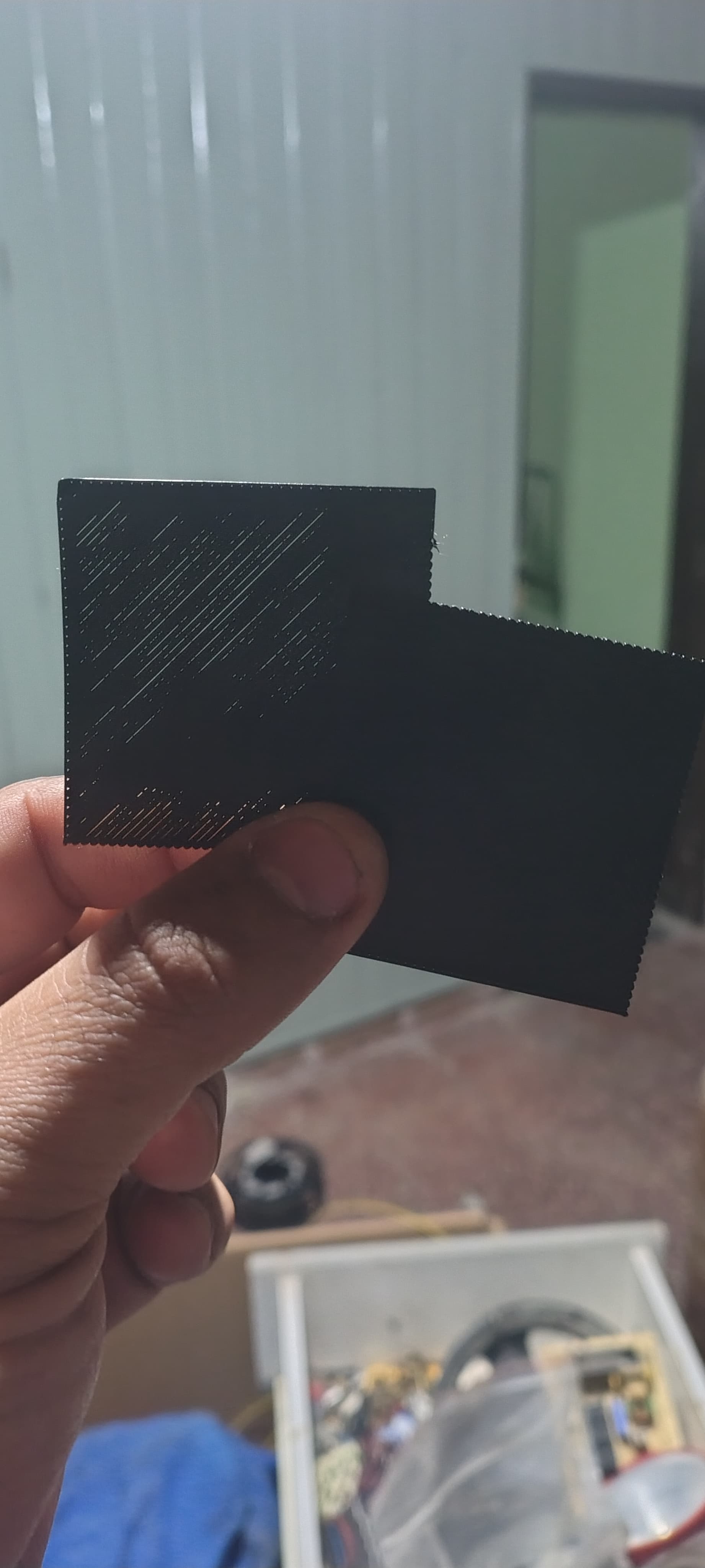
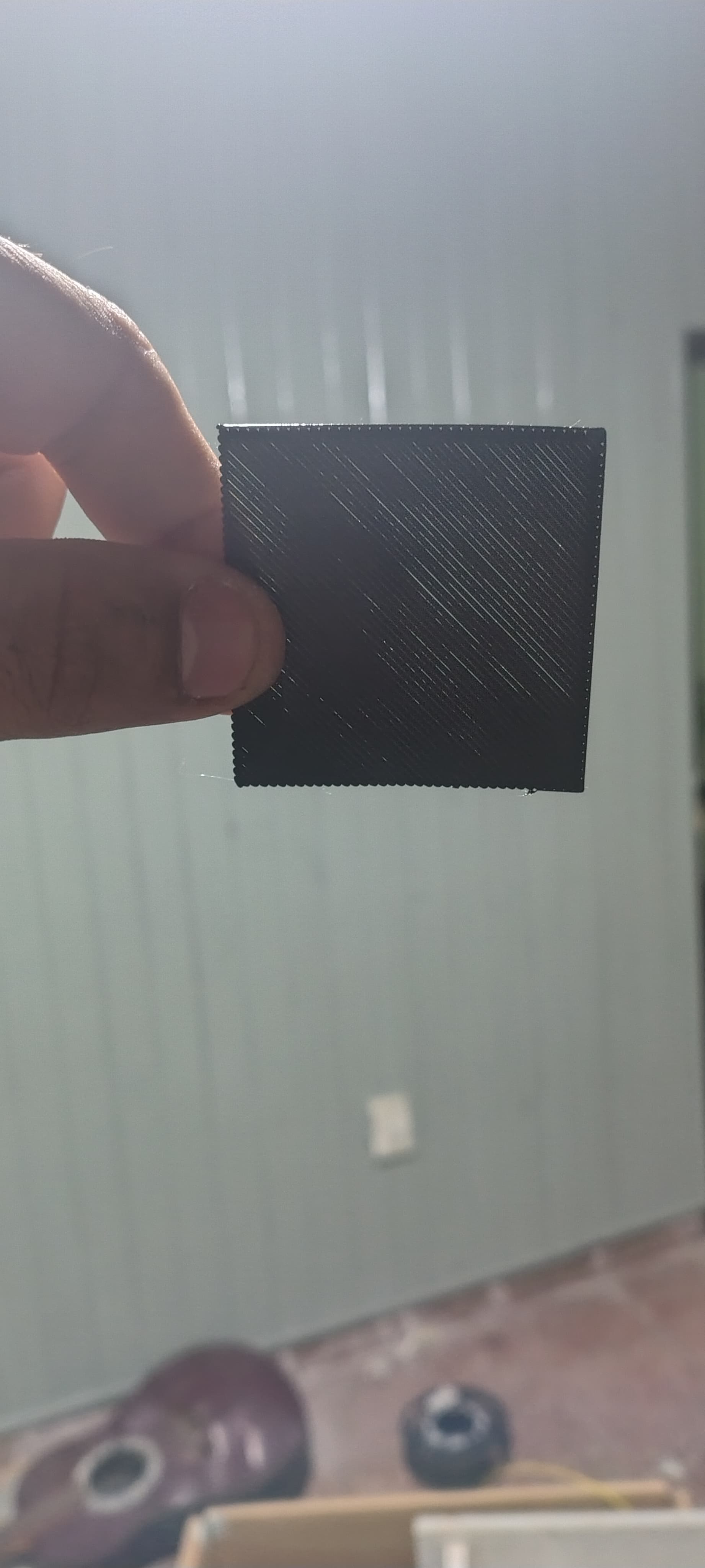
As I print, the first layer gets thinner and thinner.
But this readjusts when I run the autocheck + input shape.
What do you think the problem is?
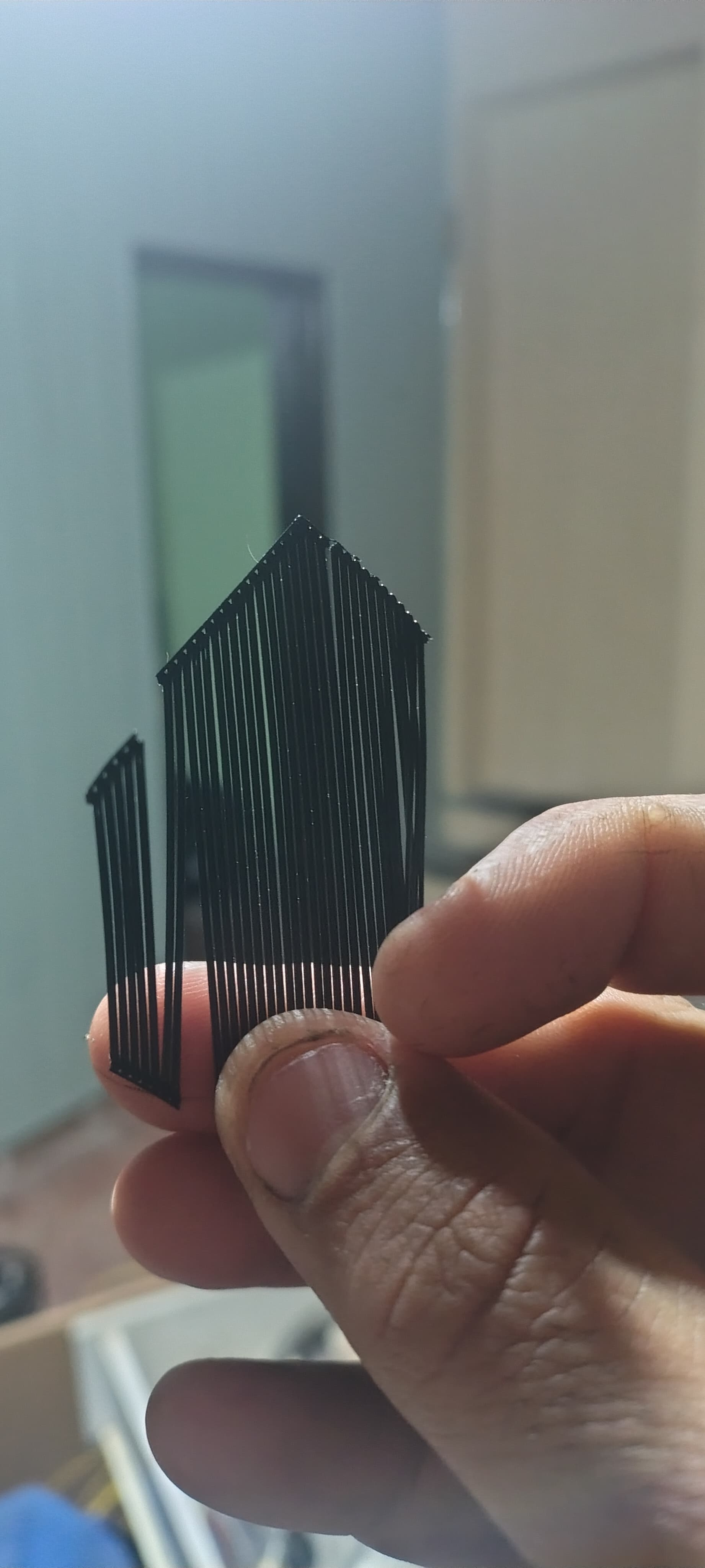
The completed print lacks two edges or outer walls if you look closely.
And as I repeat the test, the layer thickness gets thinner and thinner.
Isn’t the lidar supposed to always keep this consistent?
Is it failing? The weird thing is that if it were failing, wouldn’t it have to return to its original position when running the tests?
What part of the autoleveling works there that doesn’t work on every print? (Even if the calibrate option is checked, the result, whether checked or not, is the same.)
first print after calibration, second one and third one, the thirs lacks of adhesion between lines because it is super thin and under extruded.
i have seen this happen so many times to my k1 max. Its annoying. Have you got access to root on the printer? Just curious if you had, it on for a long time.
If you run this on the printer in the terminal:
root@K1Max-75AD /root [#] uptime
 21:17:55 up 6 min,  load average: 3.58, 2.09, 0.95
See how long It’s actually been up for. I would suggest turning it off. Then on. Run the macro “PRINT_CALIBRATION” (if you don’t have it, use the helper script to install it, and then run it).
I suspect its an issue with memory or handling of memory and its just unable to recognise any changes or inputs properly (thats just my guess).
Once you’ve done that, re-slice your print and add
Layer height > First layer height 0.25
Line Width > First layer 0.56
See how you go from there.
Nah, i usually turn it off from time to time (2 or 3 times a week)
But the machine is almost 60 entire days of work old (1440hs)
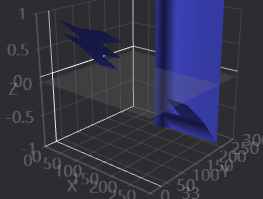
I took a look at it from Orca, and it seems that the “bed mesh” is screwed, it gives an impossible and very strange graphic.
I’m looking into rooting the printer and such right now, but I think it’s obvious that the problem is the sensors or something related.