Creality Print 6.0 is Here!

Creality Print 7.0 Public Beta Is Now Live!

Hey everyone!Over the past 6.x Creality Print, your feedback has been invaluable in helping us improve the software. Now, the brand-new Creality Print 7.0 is officially entering its first public beta, and we invite all of you to try it out and share your first-hand feedback!

:trophy: Rewards

1st Prize (2 winners): $200 Gift Card
2nd Prize (5 winners): $100 Gift Card
3rd Prize (15 winners): $30 Gift Card

:bar_chart: How Scoring Works

Our Creality Print development team will score and rank feedback based on value and contribution:

  1. Report valid software bugs or crashes: +1 point each
  2. Suggest new features comparable to other slicers: +1 point each
  3. Identify UX issues or usability improvement suggestions: +2 points each
  4. Provide innovative or breakthrough ideas: +5 to +10 points each

:trophy: Bonus Points

  1. Complete the 7.0 Satisfaction Survey: +5 points
    (Survey link released on Dec 18, submit before Dec 25)

  2. Post a positive post or feature-highlight experience on Facebook / Reddit / Creality Forum: +5 points
    (Submit before Dec 25. Please submit a separate feedback form and paste your post link in the “issue description” section. This way we can better tally the scores.)

:star: Event Details

  • Event Period: Nov 25 – Dec 25

  • How to Participate: Download and use Creality Print 7.0 Beta, then submit your feedback
    (Please remember to include your Discord username and email!)

:wrapped_gift: Winners & Prize Delivery

  • Winners Announcement: Dec 31, 2025 – Jan 6, 2026

  • Prize Distribution: After our staff contacts each winner to verify their information, prizes are estimated to be distributed starting around January 20th.

Thank you all for being part of this journey —your feedback will help shape a better and more powerful Creality Print 7.0! :rocket:

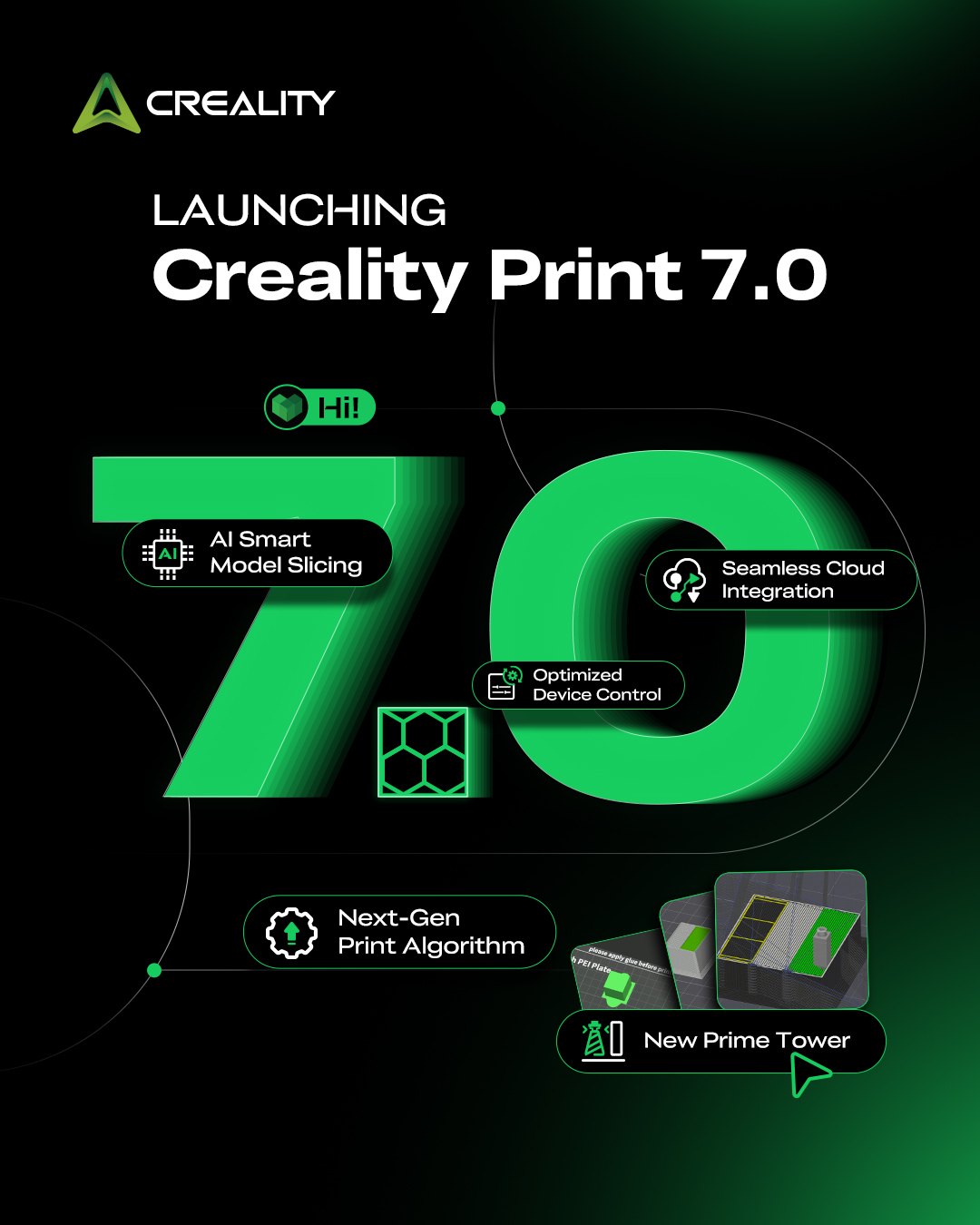
The brand-new Creality Print 7.0 is here!

AI now analyzes your 3D model and recommends the optimal support type — or determines whether supports are even needed at all — just one tap to analyze, powered by AI.

Creality Print 7.0 also brings an upgraded print algorithm for higher quality print, optimized device control, and algorithm-driven waste reduction for switching filaments. There’s plenty more to explore.

Check out Creality Wiki for the full feature list of Creality Print 7.0 and more.
Creality Print 7.0.0 Release Notes | Creality Wiki

Hi Creality, the new update is good things are a lot smoother. However there still seems to be a problem or bug for the prime tower. In my last print the prime tower got dragged over by the printer head digging into the tower itself. It happen early on into the print, so the other 65% of the print luckily finished without the tower. But this still cause problems because I have to dig out colors that don’t belong in some places and it also ruins supports. Who can I share error files with and other necessary thing to fix the problem?

Creality Print 7.1.0 Release Note

We’re excited to introduce Creality Print 7.1.0, bringing smarter slicing performance, improved print quality, and a more seamless workflow experience.

Key Improvements

  • Improved under-extrusion after overhangs for better surface quality

  • Optimized color change sequence, reducing purge by ~10%

  • Added Support Interface Ironing for smoother bottom surfaces

  • Introduced Fuzzy Skin Painting for localized texture effects

  • Added custom ear-shaped brim for better adhesion control

  • Introduced wall-infill interlocking for stronger parts

Workflow & Performance

  • Integrated MakeNow for a smoother workflow

  • Added material usage breakdown in G-code preview

  • Reduced rendering memory usage by ~10%

Fixes

  • Fixed multiple stability and functional issues