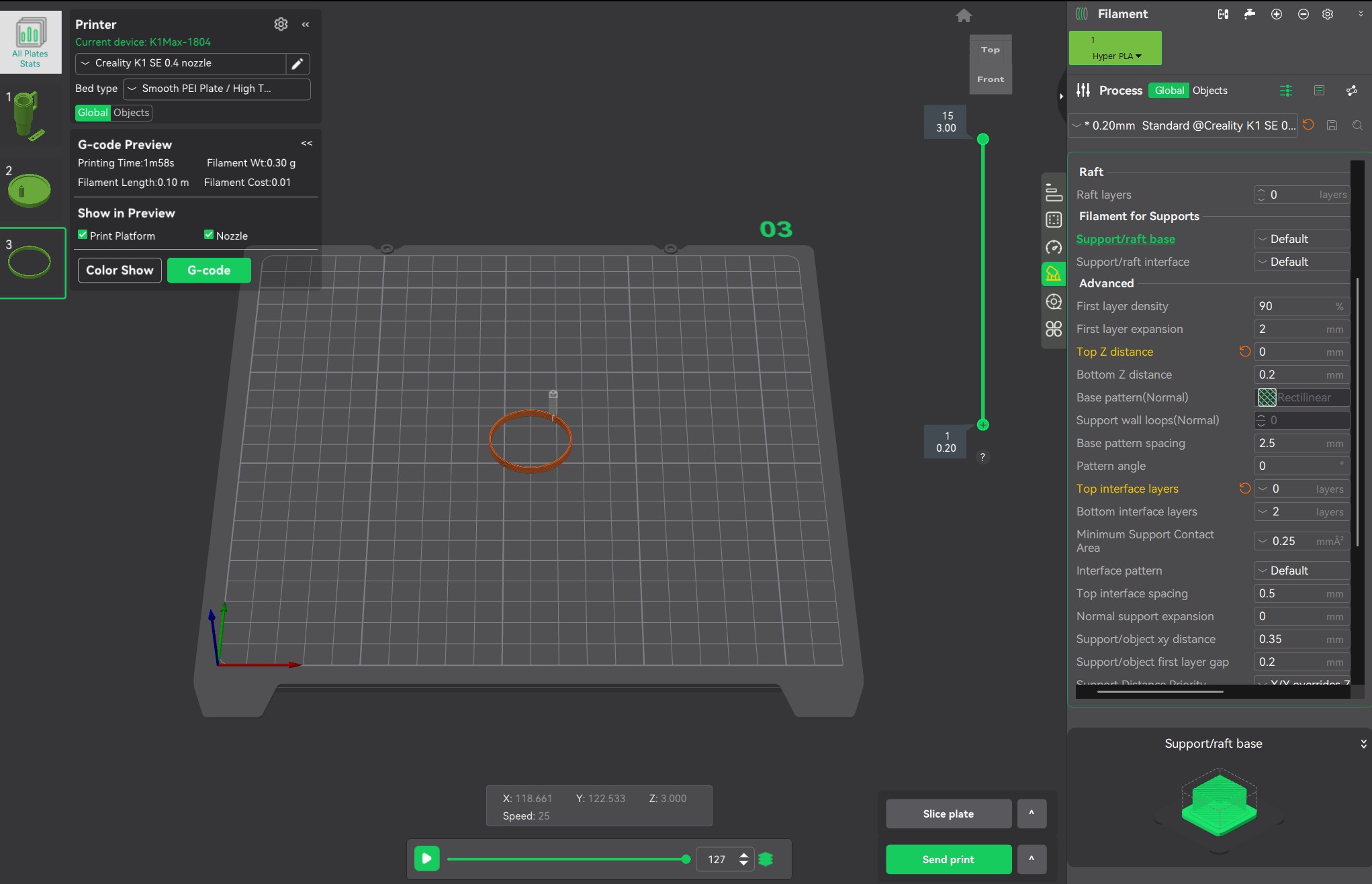
Could you speak in more detail? Or provide a screenshot. Are you the latest version 6.1.1? Here I can preview the gcode code, as shown in the following figure:

I have version CP 6.1.1.2277. Here is a picture with G-code suppose to show the G-code but it does not show up.
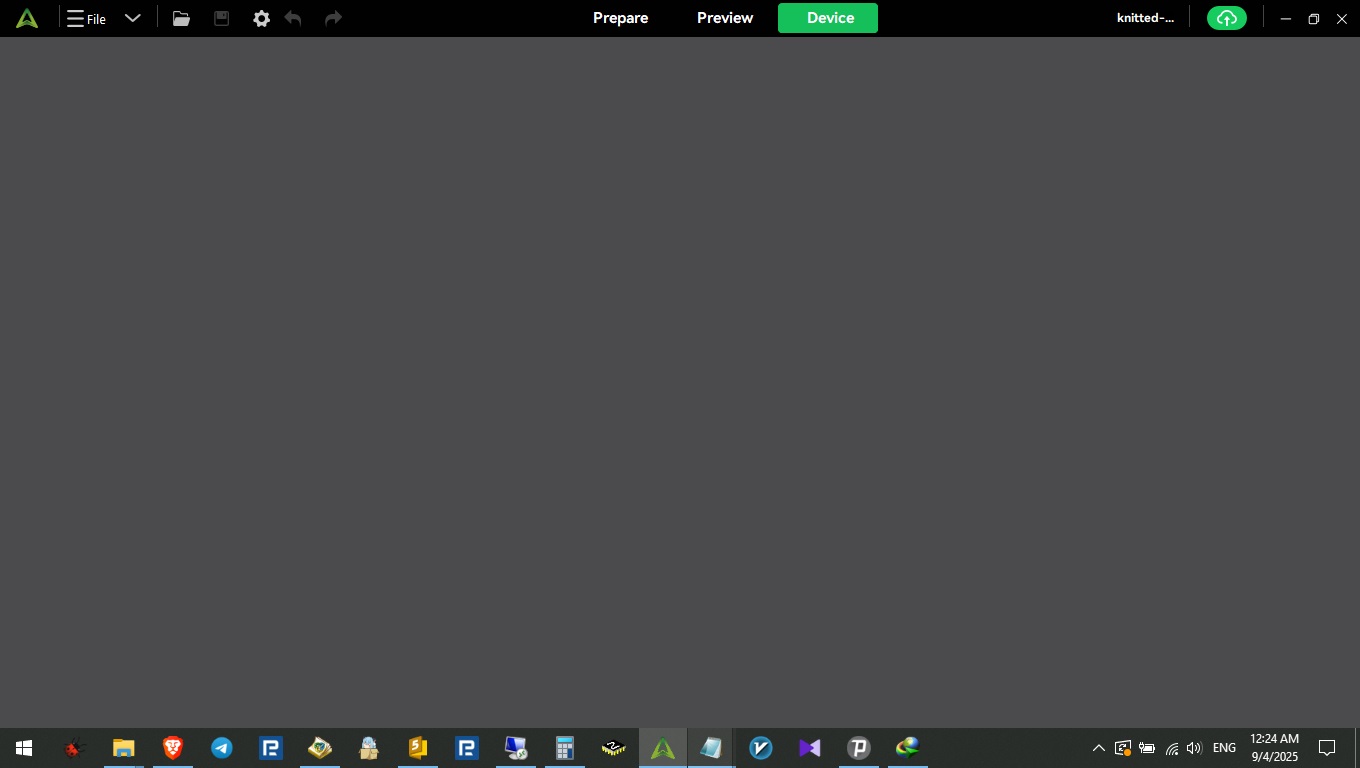
I have an issue with “CrealityPrint_6.2.2.3203_Release”.
DEVICE tab and CLOUD tab are totally EMPTY!!! is there anyone else with this issue?!
1 Like
Im using a K2 plus and ive noticed a profile called “0.20mm SpecialFilament @Creality K2 Plus 0.4 nozzle” my question is what do they class as “special” filament. ive tried searching on there webiste and wiki and forums but cant see anywhere they state what this profile was added for. Ive got some PLA-LW (lightweight) and was wondering would this profile be suted for that type of filament or should i just use the standard profile?
Using Creality Print v and a K2 Pro w/CFS with Hyper PA612-CF
In the device tab, where I program my filaments, I select the pencil on the approate spool and then choose Creality as the filament supplier. The closest type I can select there is PA-CF and then Hyper PPA-CF which is not technically correct and when I have my filament programmed correctly in the prepare tab it tells me there is no matching filament so I cannot print.
Recently switched to cp 6.3 as it can run for my k1max and my ender.. however when I sliced a print I shows infill, but it in fact does not print the infill. Please help ive already switched off lite mode and spiraling contouring aka vase mode
I updated to the newest version of released 6.3.1 and the work area does not load. It’s just blank. Device page works, filament settings work etc. Ive have the most recent update for my AMD Ryzen 7, and have several times uninstalled and reinstalled both. I had to run the compatibility trouble shooter and now it works but it’s set to Windows 8. What is going on?
1 Like
Having same issue, looks like Creality has a lack of support.
Did you ever find a fix?
yes i actually did! but belive me i do not remember what i did!! i did like 10+ corrections and finally oen of them worked.
hummm i remember i mentioned and described here the way/solution i used but i can not find here in this post!! very weird!!
1 Like
1 Like