Do the KE y-axis linear bearing upgrade

You’ll thank me. I started getting the dreaded bed is >2mm out of level warning. Took it apart and one of the bearings was almost shot. Lot’s and lot’s of play. I’ve noticed it was getting worse then I got the warning window the other day.
I upgraded my Ender KE to y-axis linear guide rails. Here are my before and after auto-level data. The test with the guide rails installed I allowed the machine perform auto-z offset. My offset went from what I was using at -2.87(ish) and sometimes I would dynamically change that during printing. Now the machine has a new z-off of -3.07. The linear rails made a huge difference in the bed level.
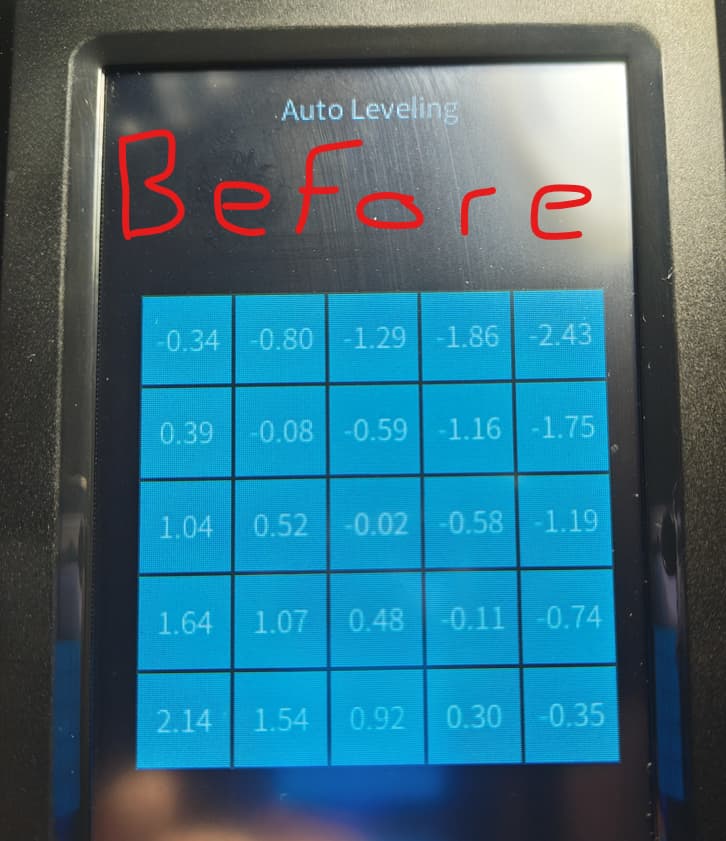
AFTER

Super flat now. No shims or anything. This was just after installing the kit. Printed a test square with PLA and it came out great on the auto Z-offset but when holding up to light it needs some tweaking.
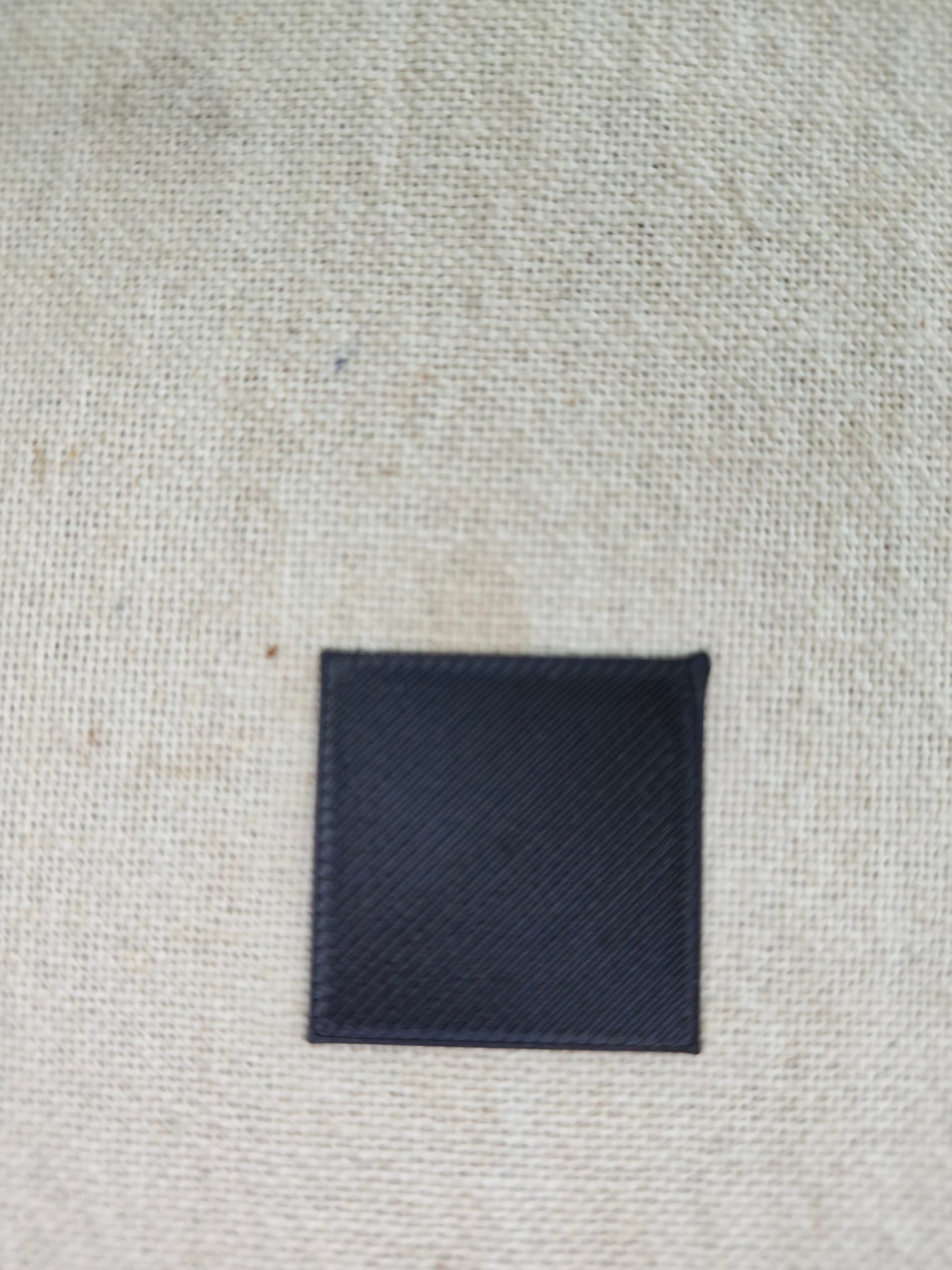
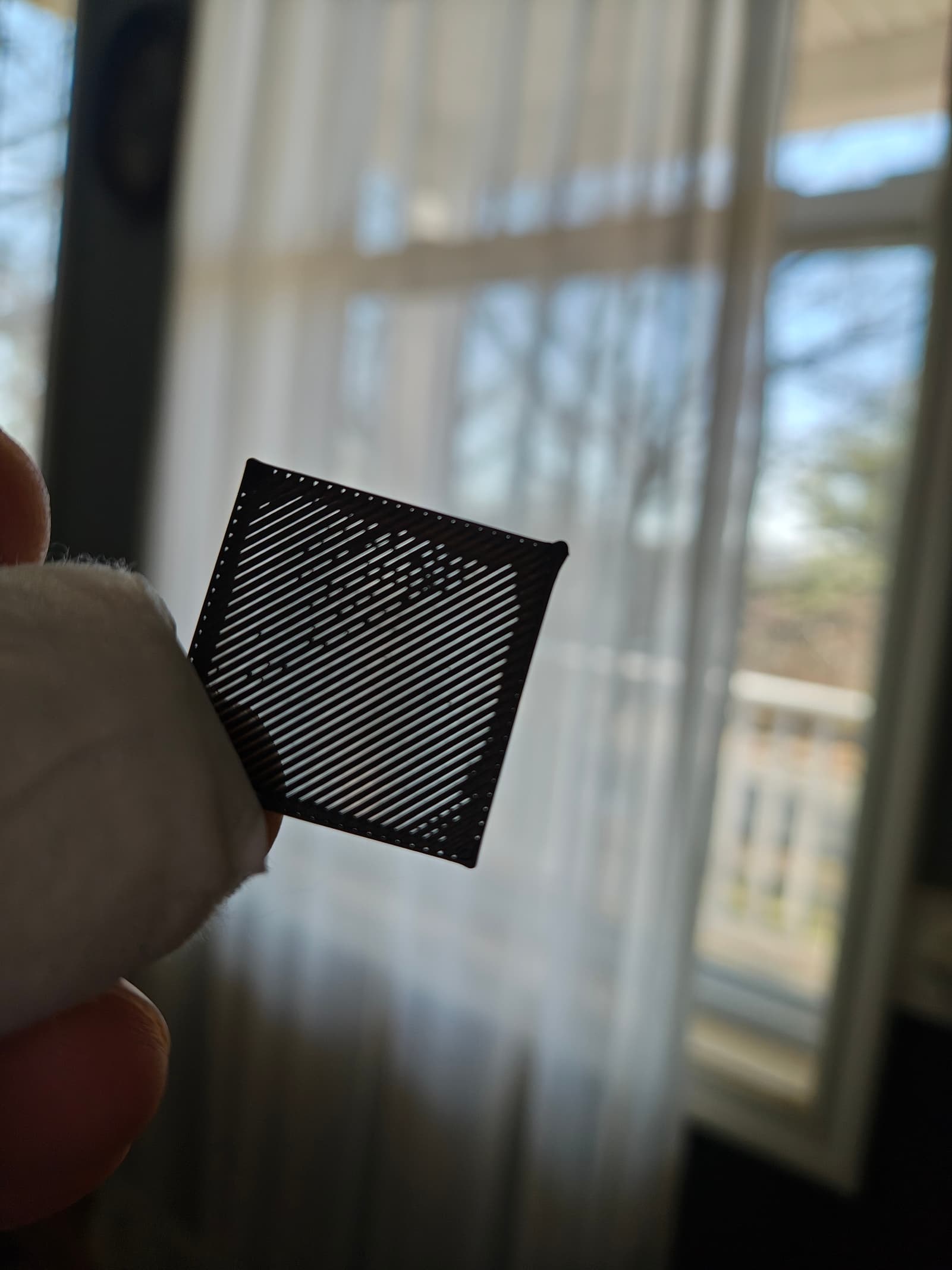
I checked the auto Z-offset with paper and it will need a little adjustment then print some more test squares and a full bed square. Working on that now.

Overall I can’t wait to get this dialed in and printing on it. Huge difference so far.

UPDATE: Did use a few shims and now my bed is almost perfect. One thing that I found when pausing a print the extruder would z-up and move to the left as usual then the bed would move full forward. During this movement (and when prints finished and moved here) the bed seemed to be hitting something. I looked at it when making this move and didn’t notice anything. I resumed the print and it started printing in a different spot about 10mm off. My guess is the stepper motor encoder counts are messed with when it hits then on resume it will not go back to the proper spot on the print. Searched and found this to be an issue on some KE’s. I had to root and change the “go-to” settings for pause etc. in the printer config file. Now my pause works well. The only thing that is not working at the moment is if I stop a print job it will just stay on the print progress page stating a print job is in progress and I can’t do much when that is on. The only way I can clear it is reboot the printer. Not a big deal and I’ll figure it out as I just don’t stop print jobs that often.