Adaptive bed mesh allows your printer to only probe and level the bed where your print is going to be, saving you time by not leveling the entire bed when all you need is the area where your’re going to print
Enabling this feature isnt very obvious on the K2 machines, but it is actually very simple. I made a video on how to do this on Youtube which I’ll link below.
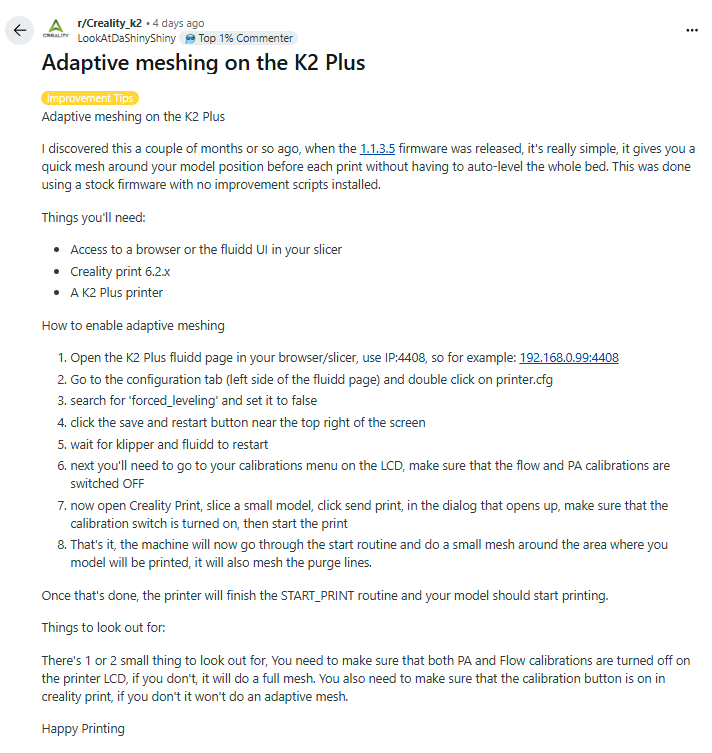
You simply need to enable calibrations on your touch pad or in the print screen of your slicer( the screen after you click send to printer). If you dont want the printer to run a Pressure Advance Calibration or a Flow Calibration then simply go to the print settings on your touch pad and toggle them off and your printer will only do the adpative bed mesh. If you toggle calibration off and turn on PA and Flow Calibrations your printer will level the entire bed and run those calibrations versus doing the adaptive bed mesh. I prefer to leave calibration toggle on and only run a PA test and Flow test when needed instead of wasting time running it on every single print. You typicslly run these when using a new material that youre not sure of what to set these parameters at. the printer will run these and set them for you using the toolhead ai camera. you may also manually set these in your filament profile. in that case you would not want to allow the machine to ruin these test and overide your preset settings.
You need to go into your printer.cfg file and I think it’s line item 52 or 54 and it’s called “forced leveling “ true. Erase true and type in false and hit save and restart. Then as long as you have calibration enabled it will do it. I would go into your print settings on the touchpad and make sure you have Pressure advance and flow calibration’s turned off unless you want to do that before print. Also make sure your printer is not printing and is in idle state or it won’t let you do the setting changes
Adaptive mesh, need both the config file change AND the slicer “calibrate” setting enabled..
On the printer you can under settings disable auto flow & PA calibration, then when the printer uses the sliced gcode with slicer calibration “enabled”, it performs adaptive mesh.
Have been using this for a while now, the key is Creality print calibration enabled.
Thanks for all the useful discussions. I’d like to optimise my levelling as well.
I’ve disabled the auto level on my printer but can’t seem to see any option for calibration in Crealilty Print (Orcaslicer). Is this gcode that needs added?
Oh and on my K2 Pro there isn’t an option called “forced levelling” in printer.cfg