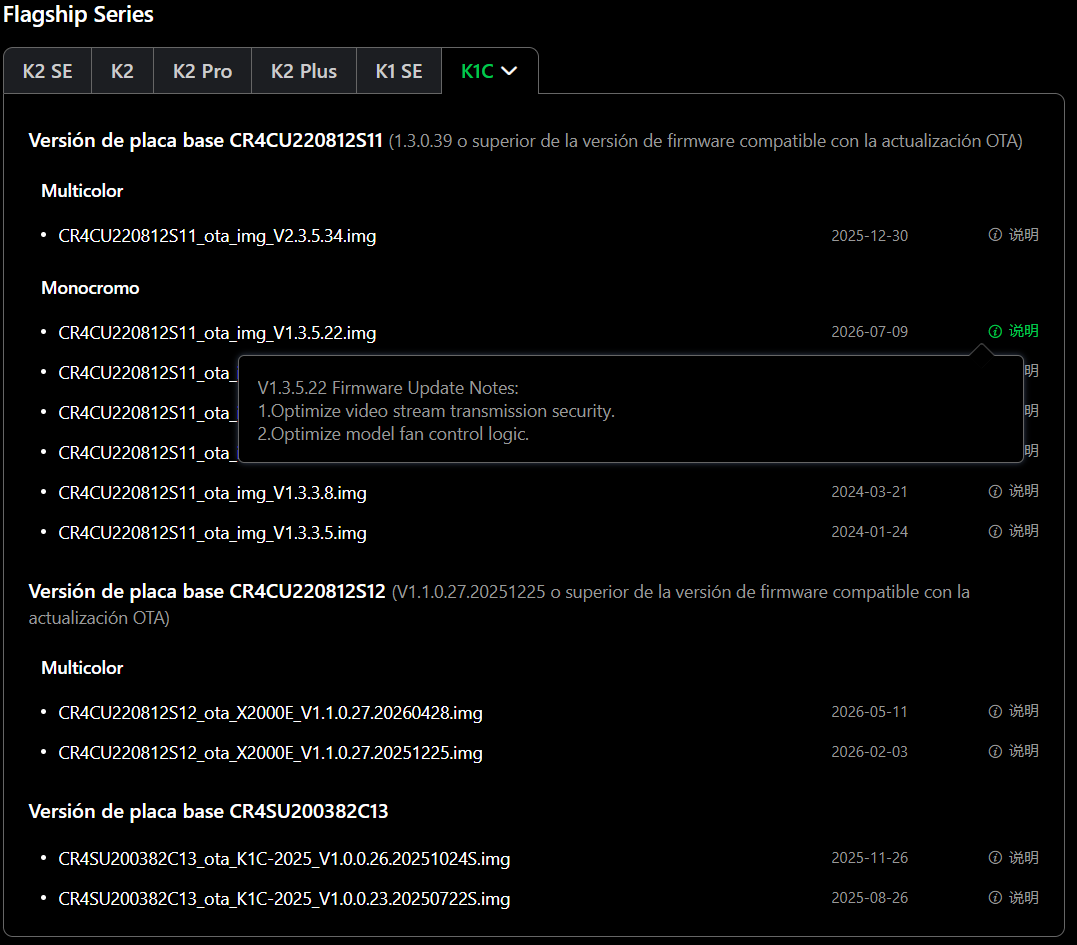
Today, while checking the firmware page, I came across this new version. Interestingly, it includes optimizations for the monochrome version, which I think is a good thing; it would be worth trying out.
However, for multi-color printing, the firmware remains unchanged, meaning the disconnection bug and the temperature issues when using different types of filament are still there.
At least this gives me some hope that they will release at least one more update for the multi-color system. As long as they fix the few existing bugs, they can stop providing support after that, but they shouldn’t just abandon it with those bugs unresolved.
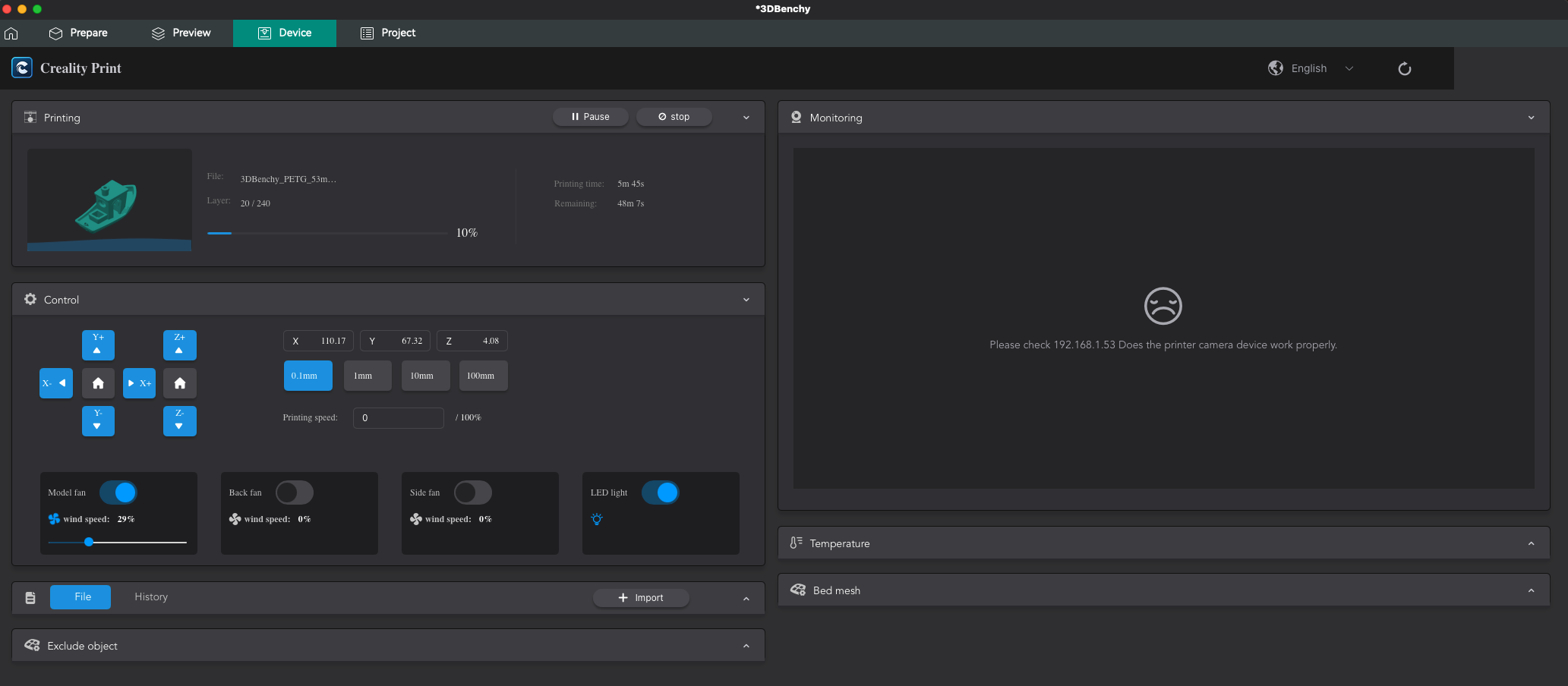
What the hell means “Optimize video stream transmission security”? Can not access via local area network anymore? If so, directly downgrade or kicking Creality fronend. With best regards from the Creality Helper Script.
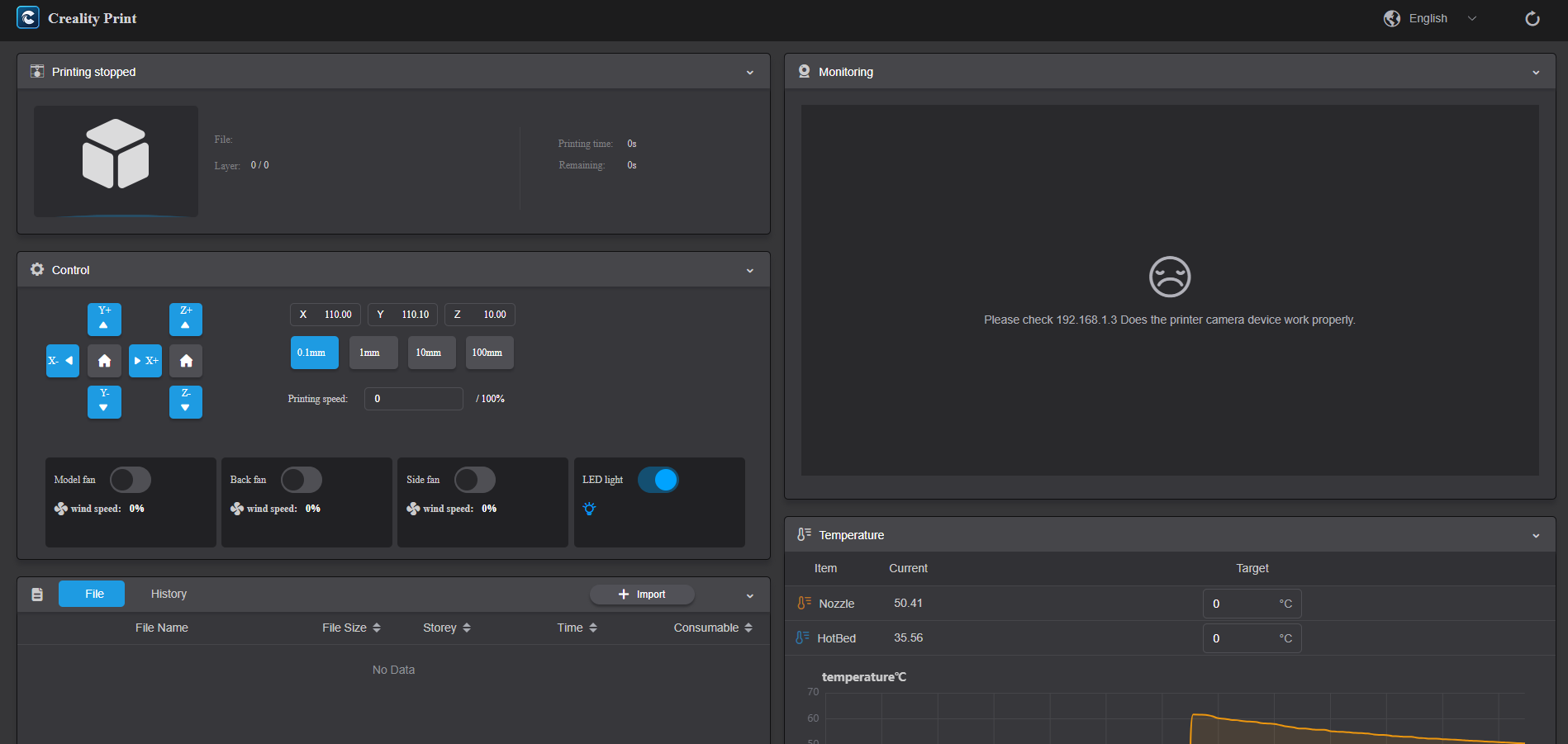
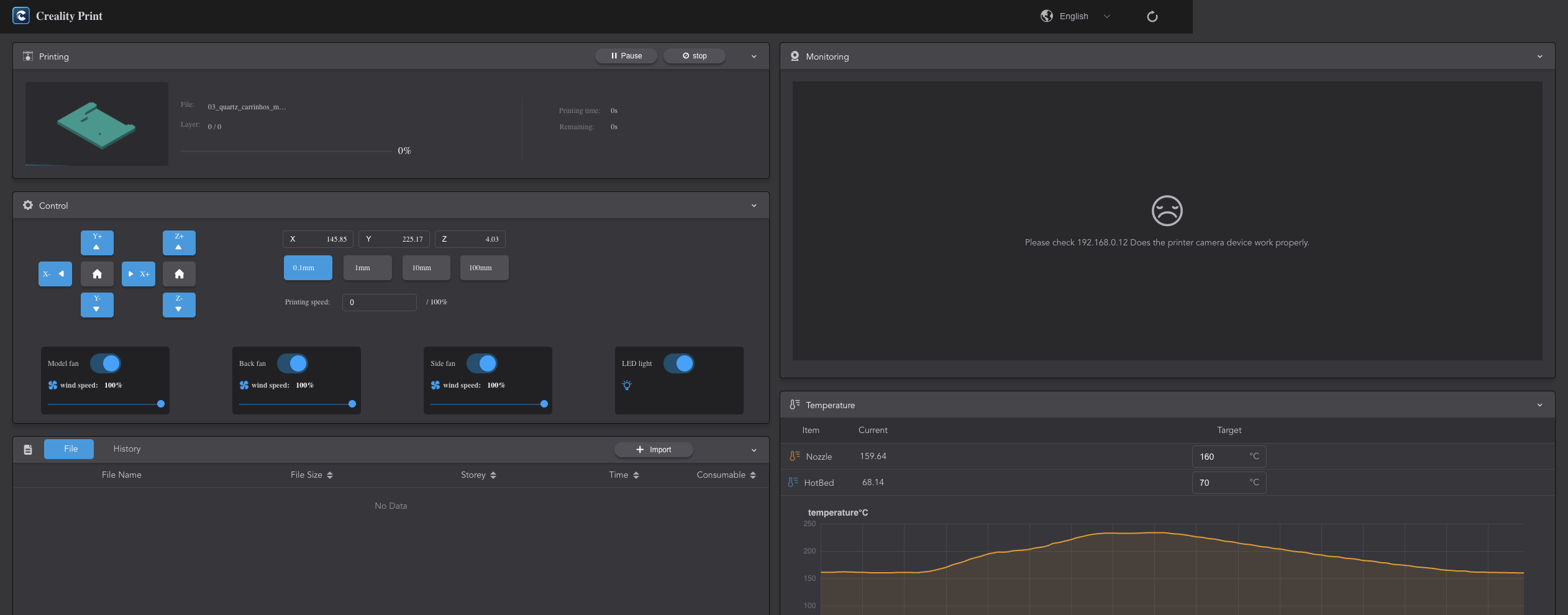
Same problem here. I bought the K1C specifically because of the built-in camera, but after updating to firmware 1.3.5.22, I can no longer access the camera stream over my local network.
I have tried to connect camera via Creality Print: successful.
I have tried to connect camera via Cloud-App: successful.
Once again I ry to connect via LAN-Stream: fail.
Downgrade firmware: YES, successful.
My K1, K1C, K1SE works now with the formaly firmware and when there will be a firmware for my k1 Max with 2 CFS-units, I deny this update. Maybe I will leave Creality after owning 4 CR-6SE, 3 Ende-3 V3 SE, one Ender-3 V3 KE and two LD-002R. I head snapmaker have a good toolchanger.
same issue here
the camera preview still works in Creality Slicer and surprisingly, it works locally (I disconnected the router from the internet, so at least now we know it’s not going through the chinese cloud) There’s most likely some hidden endpoint that provides access to the camera feed. I’m going to try reverse engineering how it connects to the printer.
update from my previous comment
I managed to reverse engineer the new camera connection and package it into a single python script
the firmware has not removed local camera access entirely - it moved the stream to WebRTC.
The script connects directly to the printer on the LAN, receives the H.264 stream and exposes it again in a browser.
It can also provide an old-style MJPEG stream and snapshots for compatibility.
I tested it on a K1 running firmware 1.3.5.22. Fortunately, no Creality cloud connection is required.
You work is greatly appreciated but wouldn’t it be wonderful if Creality just fixed the firmware. I have downgraded also. I dont see enough benefit from the upgrade
Does anyone know where I can find the firmware version for the K1 that was released before 1.3.5.22? The firmware section on Creality’s support pages is a bit confusing.
Also, why don’t they add an option to automatically unload/eject the filament after a print finishes, or at least provide that function directly from Creality Print? It would be much more convenient than having to do it manually every time.
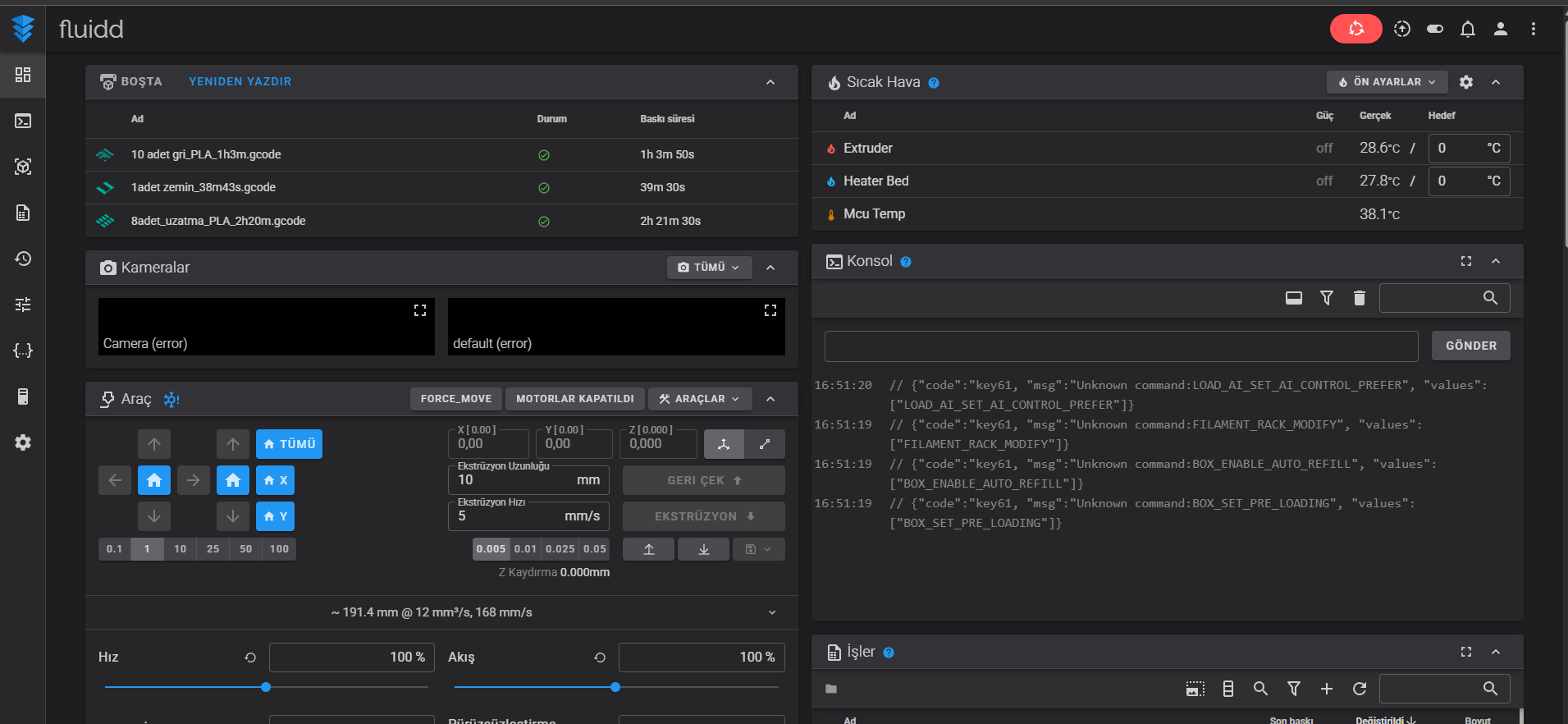
and the camera immediately started working again in Fluidd.
Conclusion
The camera hardware appears to be functioning correctly and the operating system still detects the camera properly.
The issue seems to be related to the new camera/video streaming implementation introduced in firmware 1.3.5.22. The cam_app service takes control of the camera but does not provide a working video stream, causing the camera to fail in both the Creality WebUI and Fluidd.
Could you please investigate whether there is a known issue with the camera streaming service in firmware 1.3.5.22?