Hello. i have a k1 SE with s12 board and camera is gone after ota update . i can’t rollback because it wont accept the version on website, they have lower numbers…the printer just ignore it . and i don’t understant . the firmware 1.3.5.22 that my printer updated it’s for s11 board like k1 e k1c . i have k1 SE with s12board ,should not be possible. another thing is if i change the name of the img file ,the printer only recognize it if it’s s11 firmware. what is happening?!!

K1C 1.3.5.22: camera missing in Fluidd — you don’t need to roll back
Short version: the update didn’t block your camera for security reasons. It deleted a file that the helper script needs, so the camera streamer never starts. A small fix brings it back, and you can stay on the new firmware.
Tested on a K1C with root + Fluidd (Guilouz helper script). Probably the same on K1 and K1 Max, but I haven’t tested those.
What’s wrong
The helper script starts the camera stream using a program stored in a folder called /opt. The 1.3.5.22 update wiped that folder.
So when the printer boots, it looks for a program that isn’t there any more, gives up quietly, and you get no camera. Nothing is locked or encrypted — it just never starts.
The good news: the printer already has its own copy of the same program in a different folder. We just tell it to use that one instead.
The fix
You’ll need to connect to the printer with SSH. If you’ve used the helper script before, you’ve already done this.
1. Connect
From a terminal on your computer (or PuTTY):
ssh root@YOUR-PRINTER-IP
Password is creality_2023 unless you changed it. Nothing shows on screen while you type it — that’s normal.
2. Open the file that needs changing
vi /etc/init.d/S50usb_camera
3. Replace what’s in it
Press i (this lets you type), select everything and delete it, then paste this in:
sh
#!/bin/sh
case "$1" in
  start)
    i=0
    while [ ! -e /dev/shm/camera_main ] && [ $i -lt 30 ]; do sleep 1; i=$((i+1)); done
    /usr/bin/mjpg_streamer -b -i "/usr/lib/mjpg-streamer/input_memfd.so -t 0" -o "/usr/lib/mjpg-streamer/output_http.so -p 8080"
    ;;
  stop)
    killall -q mjpg_streamer
    ;;
  restart|reload)
    "$0" stop; sleep 1; "$0" start
    ;;
  *)
    echo "Usage: $0 {start|stop|restart}"; exit 1
esac
exit $?
Then press Esc, type :wq and press Enter to save and close.
4. Turn it on and check
chmod +x /etc/init.d/S50usb_camera
cp /etc/init.d/S50usb_camera /usr/data/S50usb_camera.working
/etc/init.d/S50usb_camera restart
netstat -ltn | grep 8080
If that last line prints something ending in LISTEN, it’s working.
5. Check it in your browser
Go to http://YOUR-PRINTER-IP:8080/?action=stream. You should see the camera.
In Fluidd, under Settings → Cameras, use:
-
Stream:
http://YOUR-PRINTER-IP:8080/?action=stream -
Snapshot:
http://YOUR-PRINTER-IP:8080/?action=snapshot -
Service: MJPEG-Streamer
Reboot the printer once to be sure it comes back on its own. Mine does.
Is this risky?
Not really. You’re editing one small startup file, and step 4 saves a copy of your working version to /usr/data, which updates don’t touch. Creality’s own camera view and Creality Print keep working exactly as before — this doesn’t take the camera away from them.
If something goes wrong, a rollback to 1.3.5.19 is still available as a fallback.
When the next update breaks it again
Because it will — /etc/init.d gets replaced every update. Since you saved a copy, it’s one line:
cp /usr/data/S50usb_camera.working /etc/init.d/S50usb_camera && chmod +x /etc/init.d/S50usb_camera && /etc/init.d/S50usb_camera restart
Two small notes for anyone technical
-
input_uvc.sowon’t work on this firmware —cam_appholds/dev/video4exclusively.input_memfd.soreads the shared buffer instead, which is why Creality’s own feed keeps running. -
Don’t pass
-r; it crashes withundefined symbol: parse_resolution_opt. Resolution comes fromcam_appanyway. -
The wait loop in the script matters:
S50runs beforecam_appis ready, so without it the camera works when started by hand but not after a reboot.
6 Likes
Thanks to this thread, I will not be updating the firmware! I am not sure that i need it and I want my camera to work.
Is there any way to stop the message to offer upgrade appearing on turning on the machine?
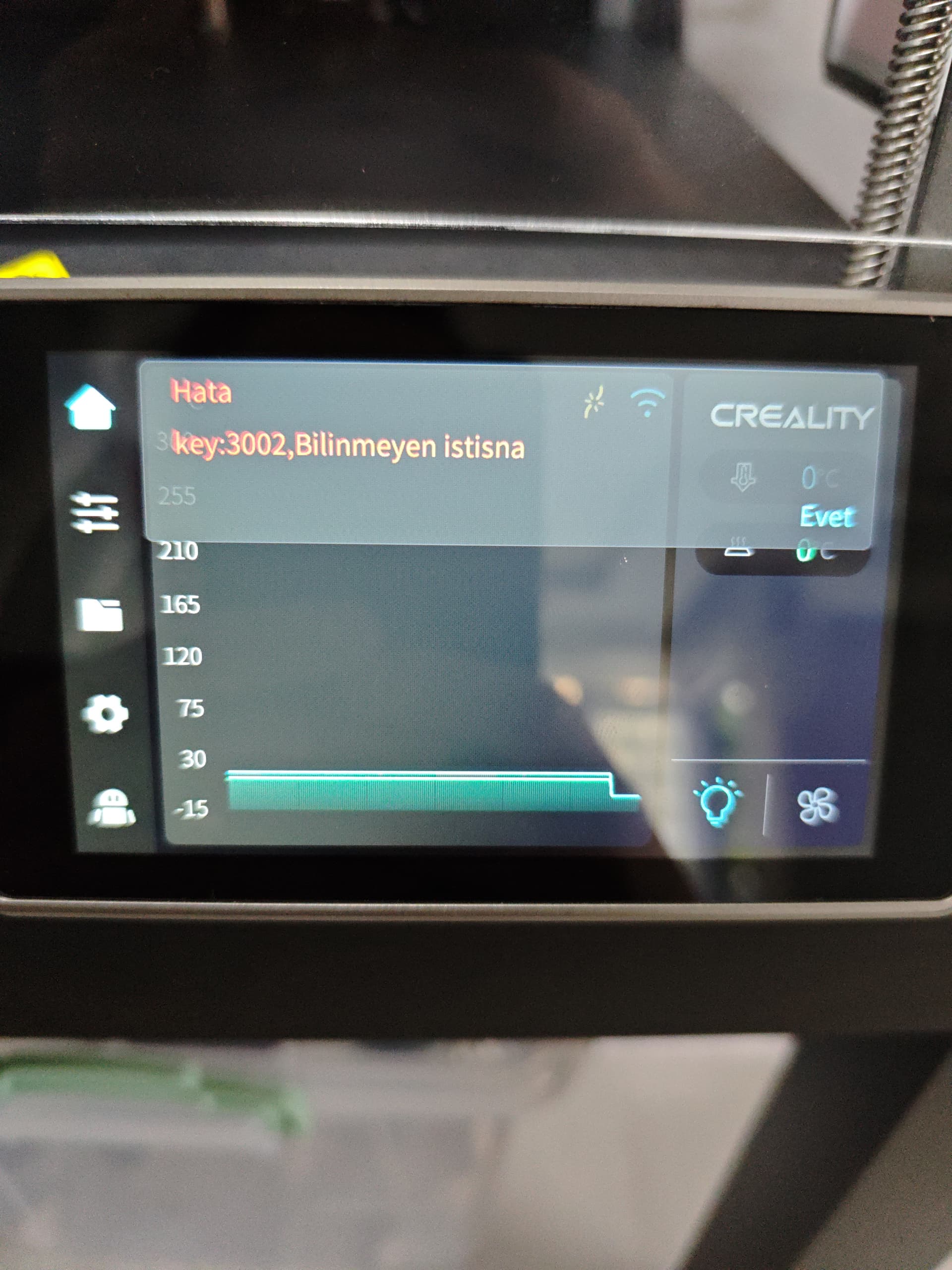
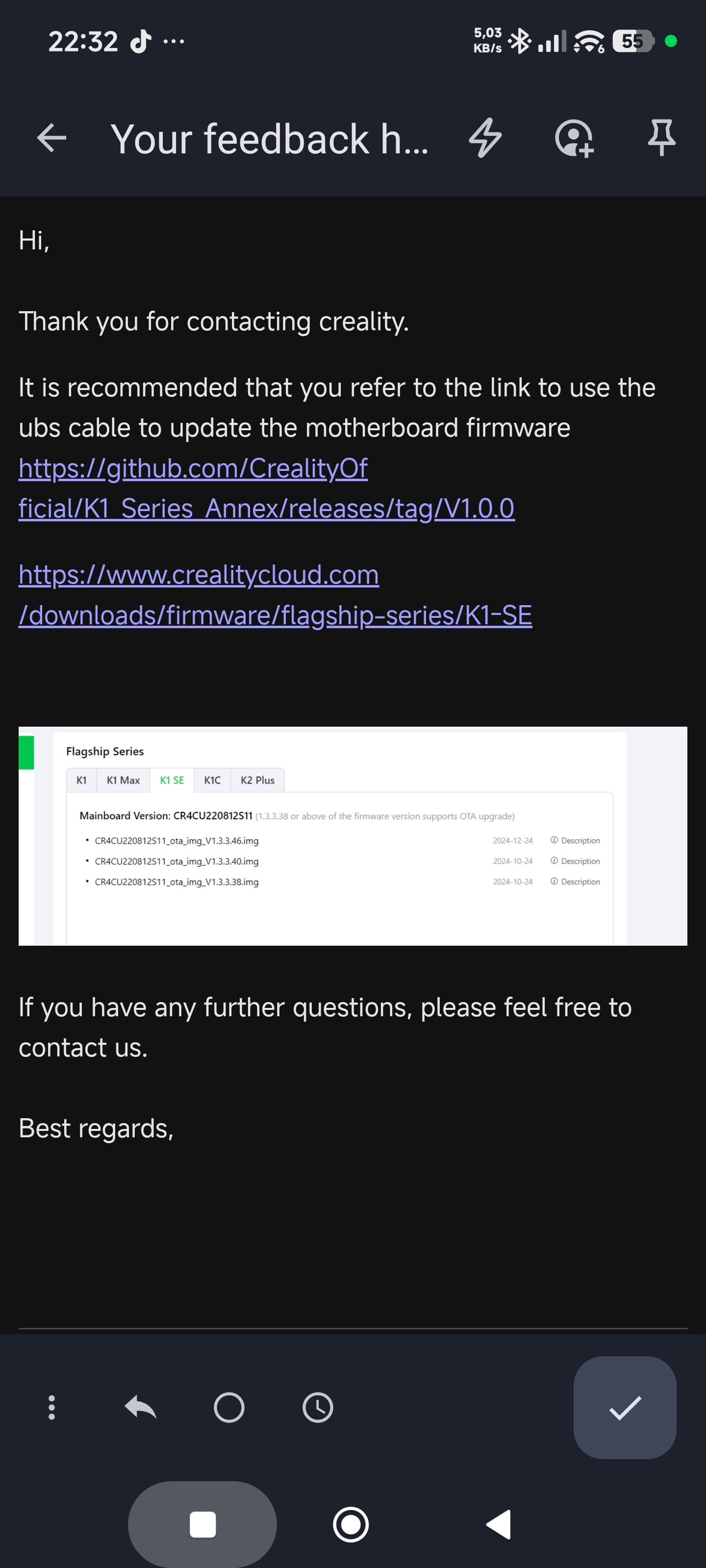
I first got a key 3002 error due to an update. Then I sent an email to Creality. I followed their instructions, and now my motherboard is bricked and it’s not fixing.
Hi, thanks for your findings.
Are you saying the new firmware is failing only on people that installed the 3rd party “Helper Script”? If I understand correctly, this won’t happen in a plain stock, not rooted K1C?
If I do a factory reset, will the camera start to work again? If so, what happens after installing the helper script again?
yusuf-02can_Wjgo if you have a k1 SE with the board ends in S12 ,like mine why creality ask for update with usb cable with s11 firmware !!!?? i will not do it. mine it’s on warranty they will solve it. good or bad way
@yusuf-02can_Wjgo once creality want us on s11 firmware if its monocolor try this one that should unbrick you printer :CR4CU220812S11_ota_img_V1.3.3.46.img
the new firmare 1.3.5.22 fail in every k1 printer ,as i know,because mine never had root active before that happens
The motherboard ends with S12. I created the flash drive using the Imagine file as shown in the guide, but I’m confused about which operation to follow with the version you mentioned.
This is the latest email from Creality.

Am I the only one who aspecting cleam running firmware from my supplier? Don’t think so! It was an targetted decision to let the printer unrooted. I await clean updates from my supplier. No DIY to get my printer working after their update.
i’m sorry to hear the the board it’s definitively bricked, but second i read this is linux(klipper) not runing and just the bootloader are runing ,but you can do the same metod to put the CR4CU220812S11_ota_img_V1.3.3.46.img back again by usb cable . i think you just upload the wrong firmware the fist time. It’s in creality cloud site, session k1 SE as the link i left before above.
this is just a gess ,because i never tried this
The camera here also stopped working after updating to firmware 1.3.5.22. Creality’s support team suggested reverting to the old firmware.
Thanks for posting this effective fix. Your described actions were easy to execute and corrected the non functional camera stream after an update in Juli 2026.
Please, CREALITY, check proper functionality of your upgraded software. Rolling out this poorly tested printer software will damage your reputation. Nowadays everybody expects a 3D-printer to be functional, without ANY tinkering.
1 Like
Hi,
Yes, I believe an non-rooted printer is unaffected. Creality’s own camera pipeline still works fine on 1.3.5.22, the printer’s screen, the Creality app and Creality Print all show the camera as normal. What broke is only the extra stream that the helper script sets up so Fluidd and Mainsail can show the camera.
I didn’t do a factory reset but I did re-run the helper script after the update to get root back and option 17. Camera Settings Control wouldn’t install, So at least on an already-updated printer, the helper script can’t set the camera up in its current state.
I can’t say for certain what happens after a full factory reset.
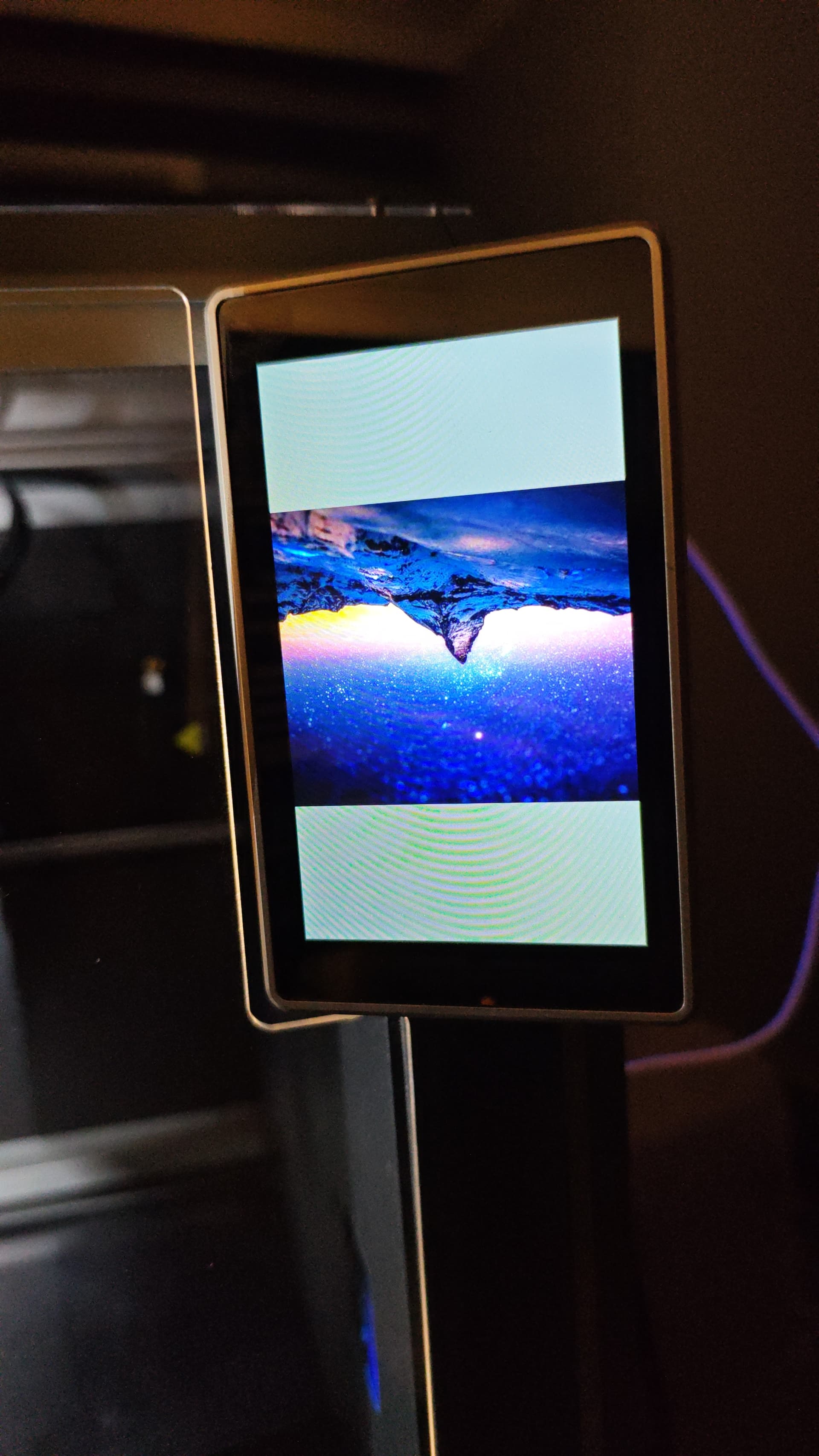
I followed all the steps. CR4CU220812S11_ota_img_V1.3.3.46 into USB.i put the img for 1 hour, the device was the same. i still have the mountain photo.
revert how? if the printer don’t accept the previous version by usb stick.
I didn’t even try to revert it. I used the solution provided by @user5006971339 . It worked on my K1C. In my case, it wasn’t working in the Creality app or on the web.
Tested for K1 printer.
I can confirm this solution works perfectly. Thank you!
The camera fix with the init script works for K1C 2025 as well, but there is also an issue with the list of uploaded files (empty) and Bed mesh display:

so I asked the support for downgrade instructions, this 1.3.5.22 version is sloppy at best.
Hi @user5006971339
Thank you for posting this fix, I tested it now on my K1C, this worked perfectly, My camera stream is back again. I did not have the S50usb_camera file, but just created it and all good. Thank you again for this. Would love to know how you figured this out 
Tested on K1C - works like a charm. Great respect!
Hi @user5006971339,
thank you for your excellent help. I can confirm that this description worked for my unrooted K! (from end of year 2023 and a later ordered k1 cam). I only have to turn of and an the printer after step 4.
Highly appreciated!
Greetings,
Richman