Noob here. Like anything I get into I read and research it to the max but once I get into it I still have questions. I bought a Ender V3 KE after looking for a while, reading reviews etc. It’s the best entry level printer for me so I ready for my first print. Should be tonight if I’m not too tired after work
I wanted to make my first print experience as smooth as possible, so I bought the ADXL345 vibration sensor to help in this process. I bought it off Amazon and the first one they sent had the wrong cable. It was a USB C to USB A cable when the sensor has a white connector on it. The cable sent will not work. I sent it back for exchanged. Same thing, wrong cable. Not sure why Creality would even box this cable in with this sensor. Anyone had this issue. I have not contacted Creality yet but will.
Anther quick question. Infill - If I set this to 100% then the print model will be solid? Anything less than 100% would be semi-hollow inside?
My goal is to print household stuff; trinkets and some brackets or parts needed for my 1971 Corvette. I did buy an enclosure to help try printing ABS and other high temp materials. I have an exhaust system in place, and the printer will be setup in our garage (heated).
Thanks for any replies and I know I’ll be back.
Hello !
So, in theory, yes
In reality, not always the case as it depends of the flow ratio of the filament (due to the fact that it’s not always 1.75mm (diameter of the filament)
Same for the extruder, when it should extrude 100mm, it will maybe send 99mm or 101..you can calibrate it but you will never reach exactly the same value.
From my experience, I never try to set 100% exactly, I always downgrade it to 97-98%. By the way, in terms of mechanical resistance, it’s not that better than 50-60%
Good luck !
ABS is maybe one of the hardest filament as it is “very very very” dependant of temperature differences (warping).
Generally you have to get the chamber of the printer at 40-50°C at least. I’m not sure the motherboard of the V3 KE will support it (it may shutdown)
Not saying it is impossible but I would suggest easier materials like ASA (close to ABS) or PETG
Thanks Alex. I’ve successfully printed two Benchy’s and two calibration cubes both in PLA. Made some tweaks after both first runs and the second runs I got the process dialed in for PLA. I then printed a P51 Mustang file (needs assembly) and it turned out great.
I have read up on the issues with ABS and will not try that until I get more seat time and learn the software etc. before going to more exotic materials. I’m and engineer on semiconductor manufacturing equipment on high temp furnaces so I can come up an heating solution for my enclosure. We call them mini-environments at work. I’ll be able to come up with a heater and monitoring system to keep the inside of the enclosure at the proper temp.
Super happy so far with the performance of this printer. Can’t wait to make some cool stuff.
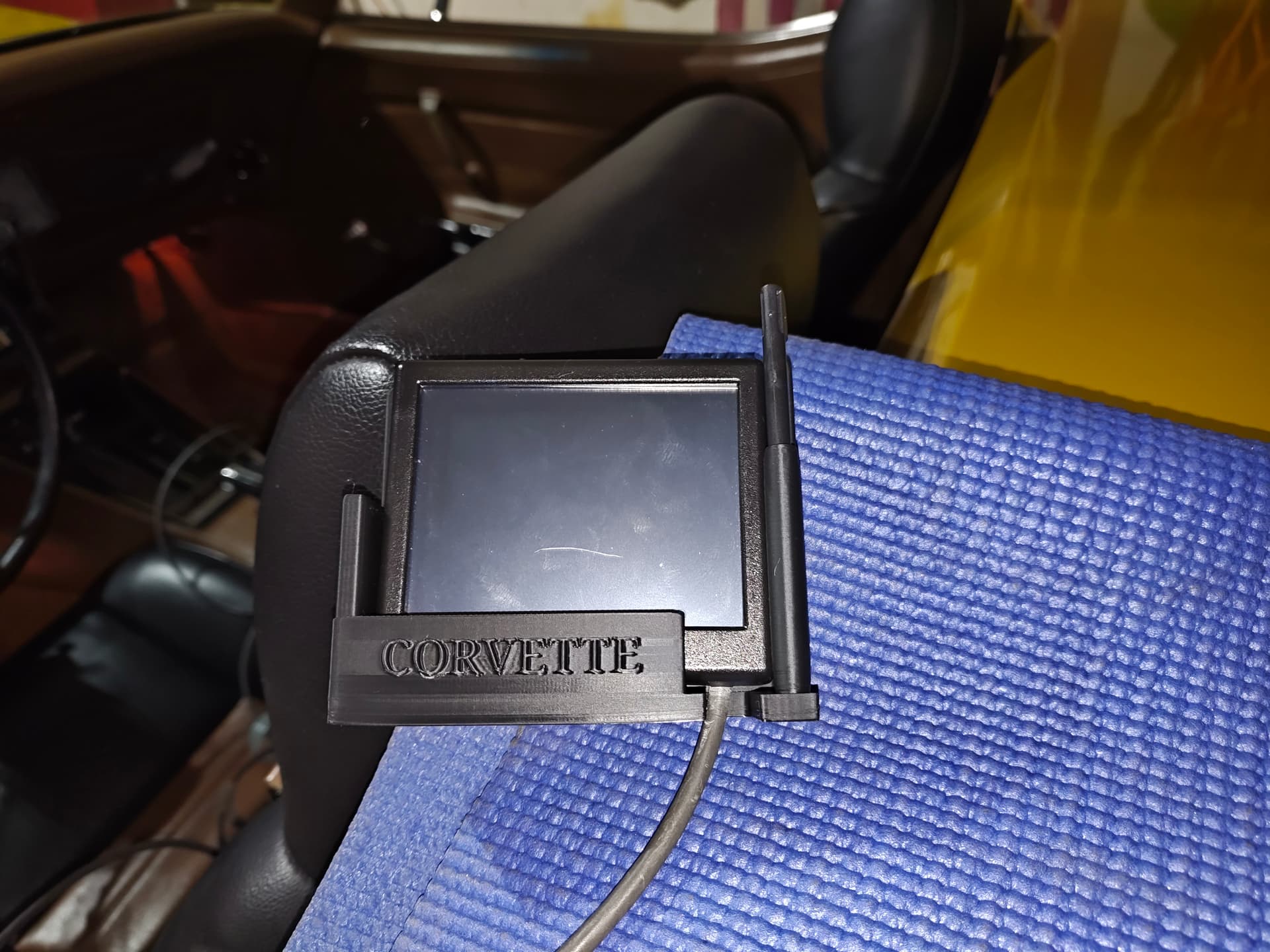
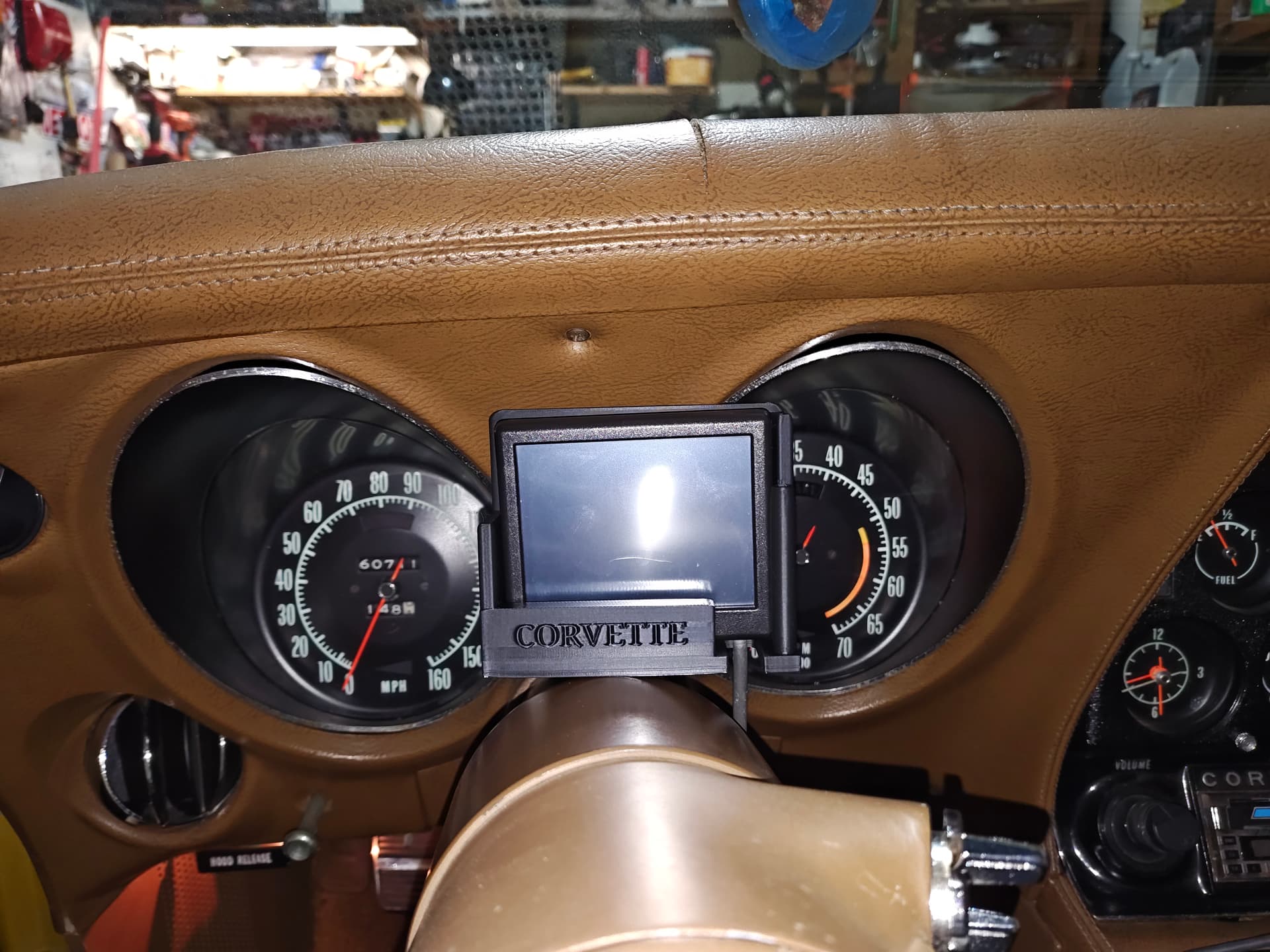
I’ve had some great success and some epic failures but it’s all part of the leaning curve. My biggest printing project is I’m creating a holder to use in my 1971 Corvette for the Holley 3.5 inch display that came with the fuel injection system I installed. This is close to the final version, I’m designing the clamp that will go around the steering column. Hopefully be done with this soon.
Failures tuned out to be mostly my fault. I started getting first layer issues and didn’t realize PLA (and most plastics) are hydroscopic. After a 5 day marathon of printing after getting my new KE setup my filament got too moist. Bought a drier and dried both rolls for 8 to 10 hours. Resumed printing yesterday with dried filament and everything worked fine. No print aborts!!
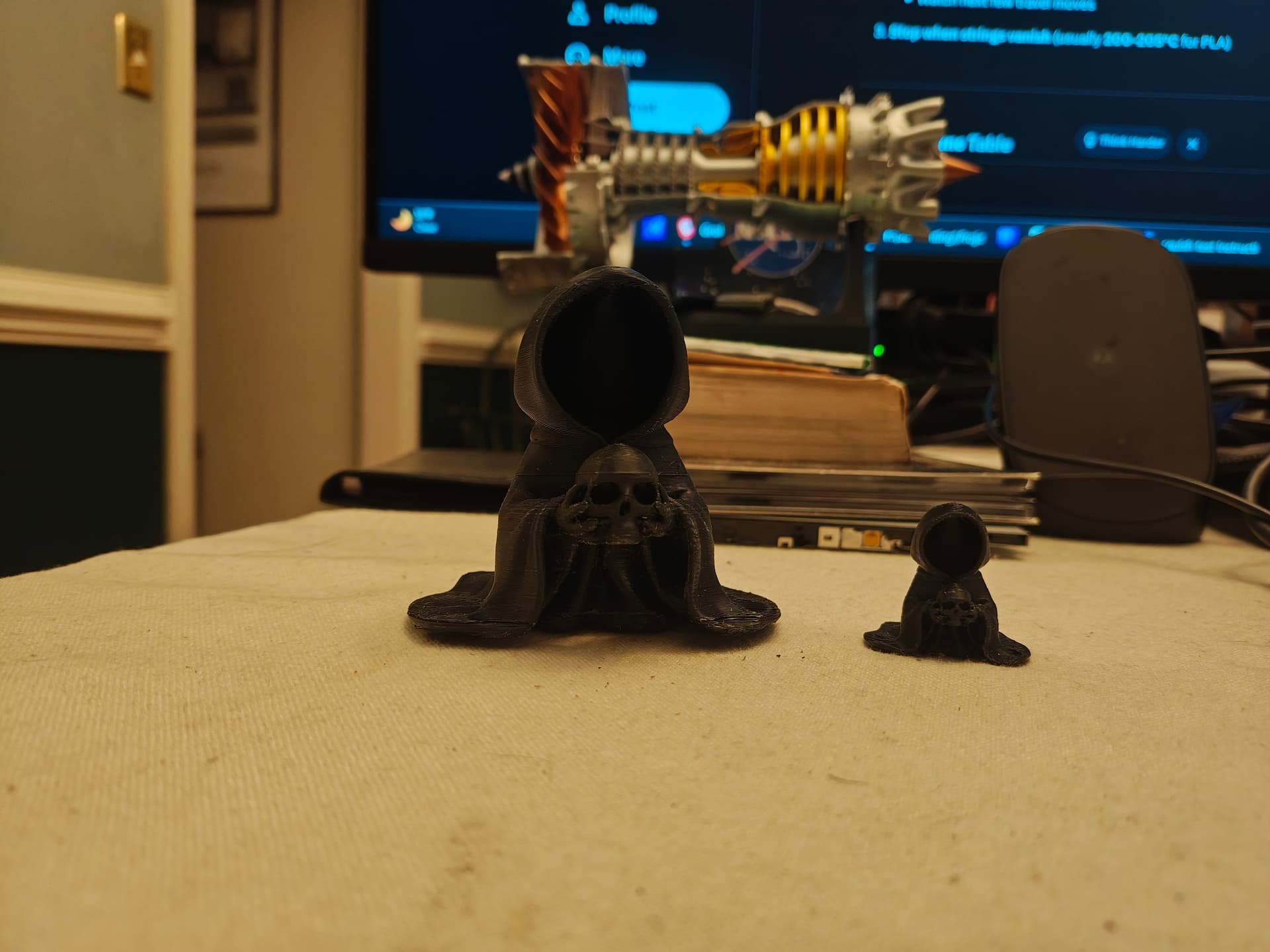
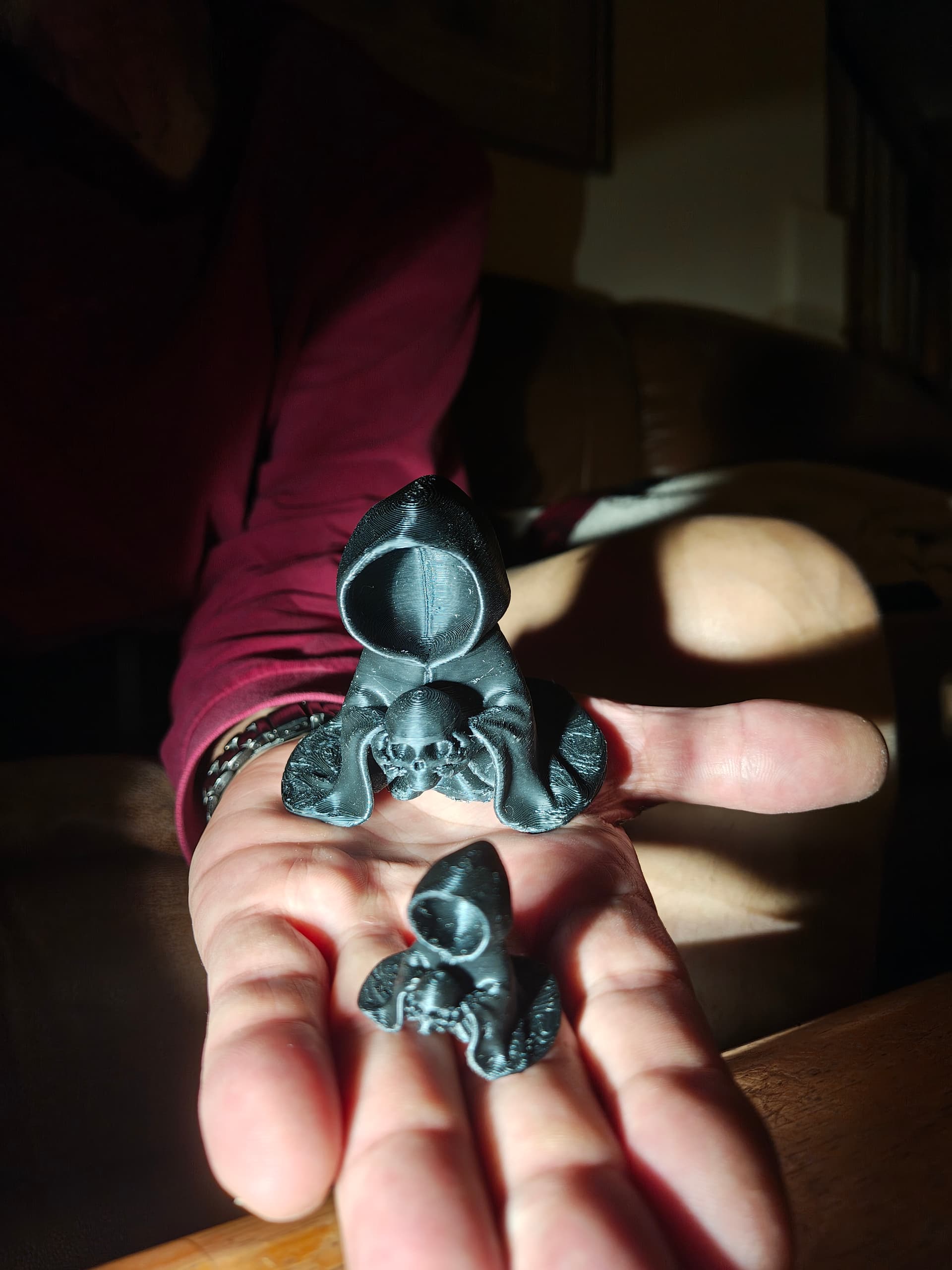
Printed this friendly monk. The little one I printed a few day ago before my adhesion issues. I tried to print him bigger but it kept failing. Today was a success:
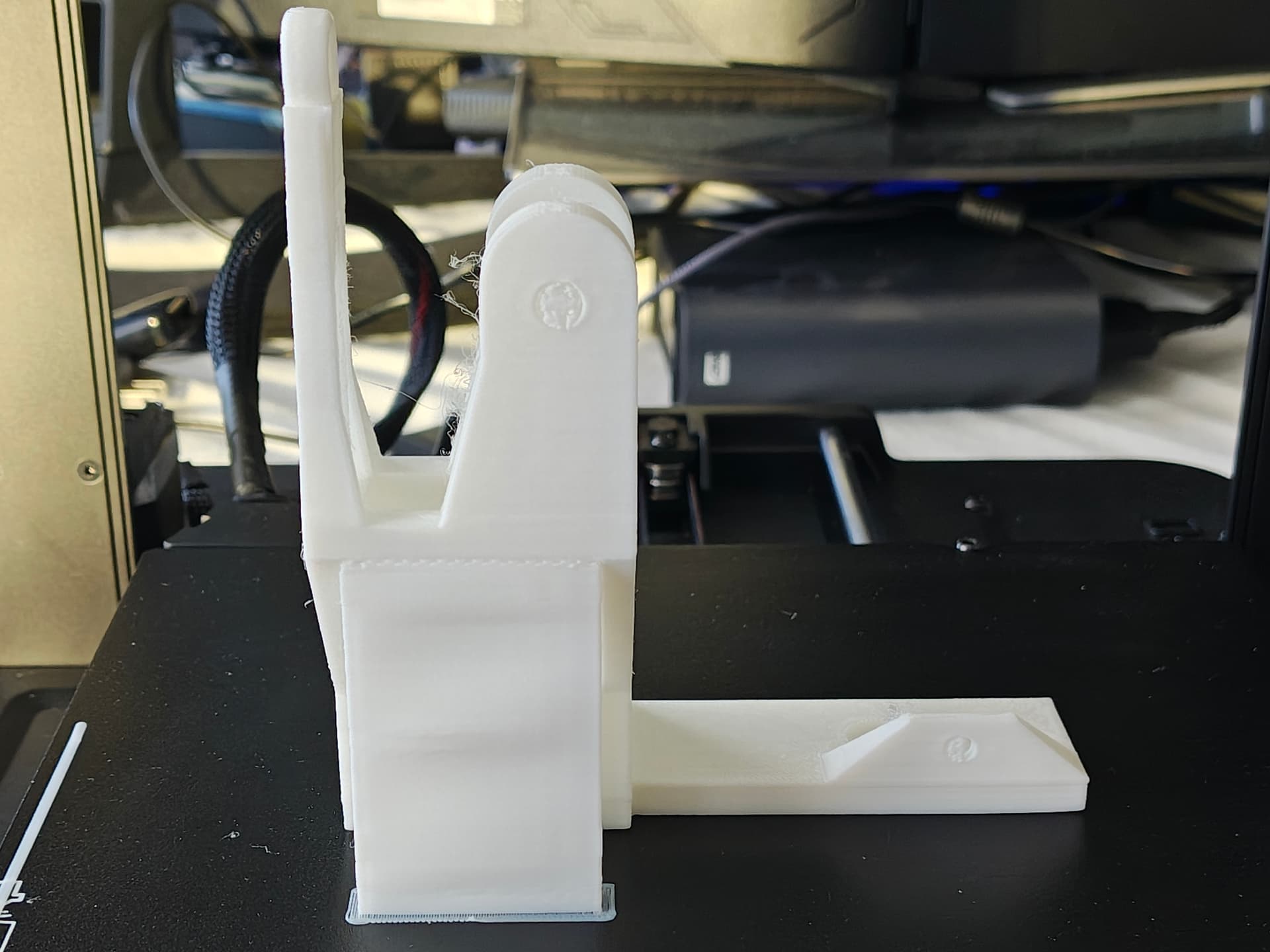
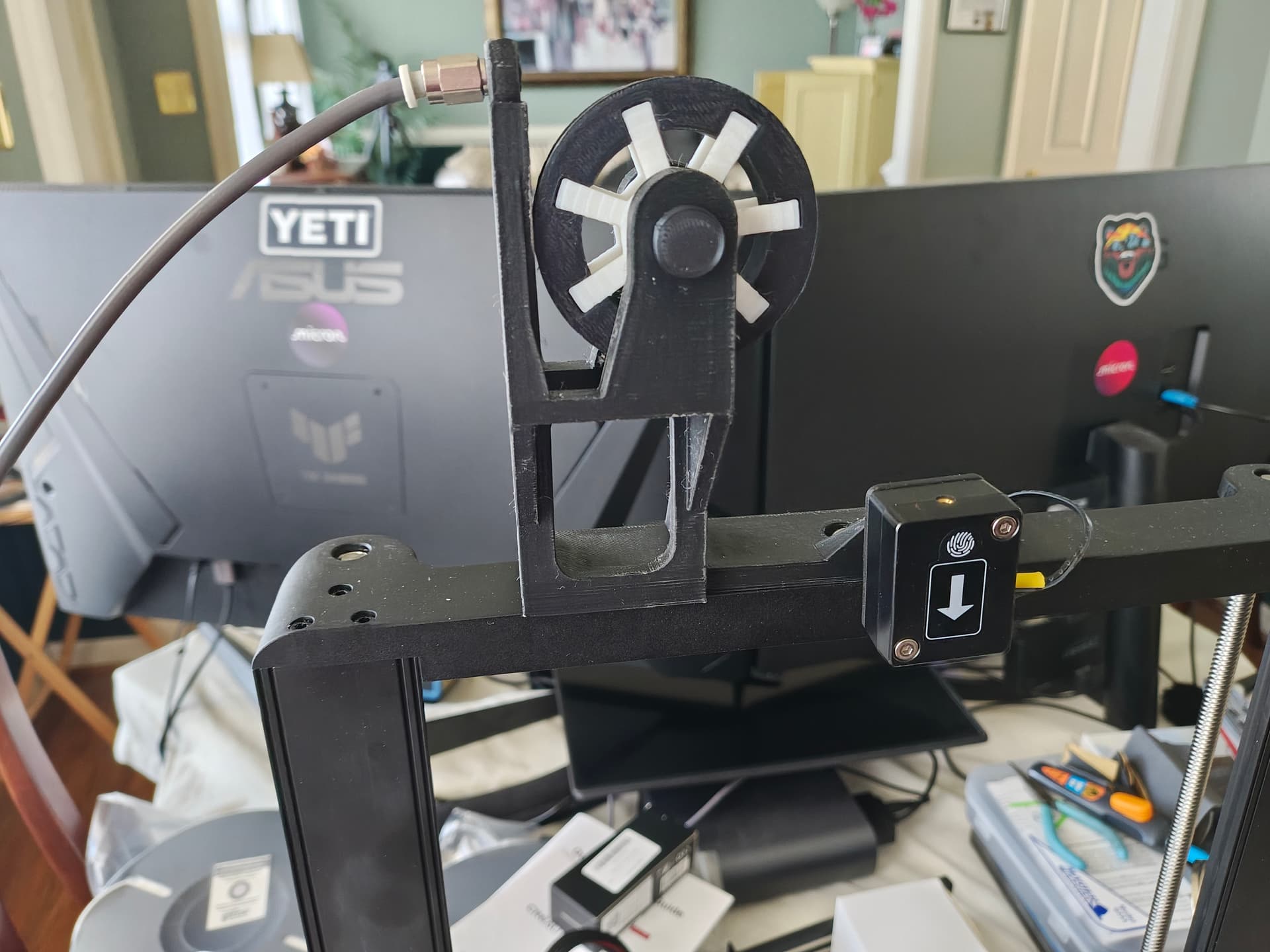
I also printed out a filament guide so I can print directly from my dryer. My first one broke because somehow when printing the filament got itself tangled and started picking up the dryer and snapped off the filament guide post. Opps. It was right in the middle of printing the monk. I thank Creality for the filament sensor as the monk was about 2/3rds done when this happened. This is the first version. The arm on the left is what broke. I then put the file in Tinkercad and beefed it up. I reprinted it in black (color I wanted it in anyway, my black was still in the dryer). Second one turned out fine.
I’m having minor stringing. I’ve reduced nozzle temp 5 (first layer 205, all others 195, from 210 and 200) During the first few layers when it’s infilling I can hear the nozzle “scraping” across the print pretty much each print. I’ve messed with z-off while it’s printing and can get it to go away and it then prints fine. I want to fine tune to where I don’t have to do this. I turned auto z-off OFF and it still will change my manual z-off a little. For instance I found -2.87 to be the sweet spot on the squish test square but even when I have auto z check off and not even perform an autolevel before printing it changes it to -2.92 for some reason before printing. Checked all the belts and drive connections and all are tight.
I will eventually root this bad boy (big rooter on my Android phones) to unlock it but for now I’m just sticking with stock Creality unless one of you fine members let me know the immediate benefits of rooting. I really want to concentrate on getting my prints better. I’m really happy so far but I know I can get better results with all you fine people’s help.
Happy Printing
John