I updated the firmware on my K2 plus to 1.1.5.5 and now the webcamera webpage on port 8000 is no longer showing. Just a white screen. I can see it in Creatity Print. Where has it gone? Did the port change?
2 Likes
I have the same problem. It’s a firmware issue I guess. Downgrading to 1.1.4.11 or 1.1.5.2 will restore your video stream on port 8000. At least it did for me. I’m going to let version 1.1.5.5 pass me by; I need the camera feed for remote viewing.
3 Likes
Same here!
Upgraded to v1.1.5.5 and webpage video cam stopped working at :8000
Downgraded back to v1.1.4.4 via USB key download and video resumed operation.
Now K2 Pro firmware pesters me to upgrade every print!
Avoid v1.1.5.5
Based on reports from the Creality Community Forum and other user discussions, this is a firmware-level bug rather than a hardware failure. The camera remains functional within Creality Print and the mobile app, but the web-based stream is currently broken. recommend downgrading to 1.1.5.2 or 1.1.4.11
Check to see if your ports also show "0” instead of the correct port in this file:
Creality Print/7.0/deviceInfo.json
“fluiddPort": 0,
“mac”: “FCEE281069A6”,
“mainsailPort”: 0,
“model”: “F021”,
“moonrakerPort”: 0,
I would expect these to have “4408” in one of them.
Can’t find that file in my K2 Pro printer. The port is 8000.
Port:4408 is for the status information server.
Mine just started working again last night. That file still has zeros for port numbers so I guess it isn’t where it gets the ports from.
I should reboot my printer after the update occurred. That is always a good practice!
Mine just started working again last night.
What started working again? Do you have the video stream on port 8000 working in a web browser from your K2 plus with firmware 1.1.5.5 installed?
You are right! Port 8000 still shows a blank white page in my Chrome as well.
The cam view shows up in the Creality Print app correctly.
I forced the app to go through my proxy server so I can view the traffic.
It shows using port 443 for video in the app. It’s possible they accidentally broke port 8000 for the alternate method.
HTTP/1.1 200 OK
Access-Control-Allow-Origin: *
Connection: keep-alive
Content-Length: 132
Content-Type: application/json
Date: Sat, 23 May 2026 23:55:47 GMT
Server: libhv/1.3.3
{
“mac”: “FCEE281069A6”,
“model”: “F021”,
“sn”: “358937281069A6”,
“version”: “1.0.0”,
“videoPort”: 443,
“wssPort”: 443
}
I will contact their support team and get them working on fixing this!
Good luck with support
1 Like
I contact Creality support and the answer was “Contact the retailer from whom you purchased the printer”… 

Same here. I responded by putting in another tech support ticket explaining to them that my local store cannot fix firmware issues. They haven’t responded to that ticket yet.
Turns out I did get a reply on my ticket:
We have confirmed with the technical team that port 8000 has been disabled in the new firmware version for security reasons.
Therefore, video streaming on this port will not function properly after the upgrade. Time-lapse photography remains available. We recommend viewing the video via Creality Print or Creality Cloud.
Don’t know how to respond to this. This is totally unacceptable.
1 Like

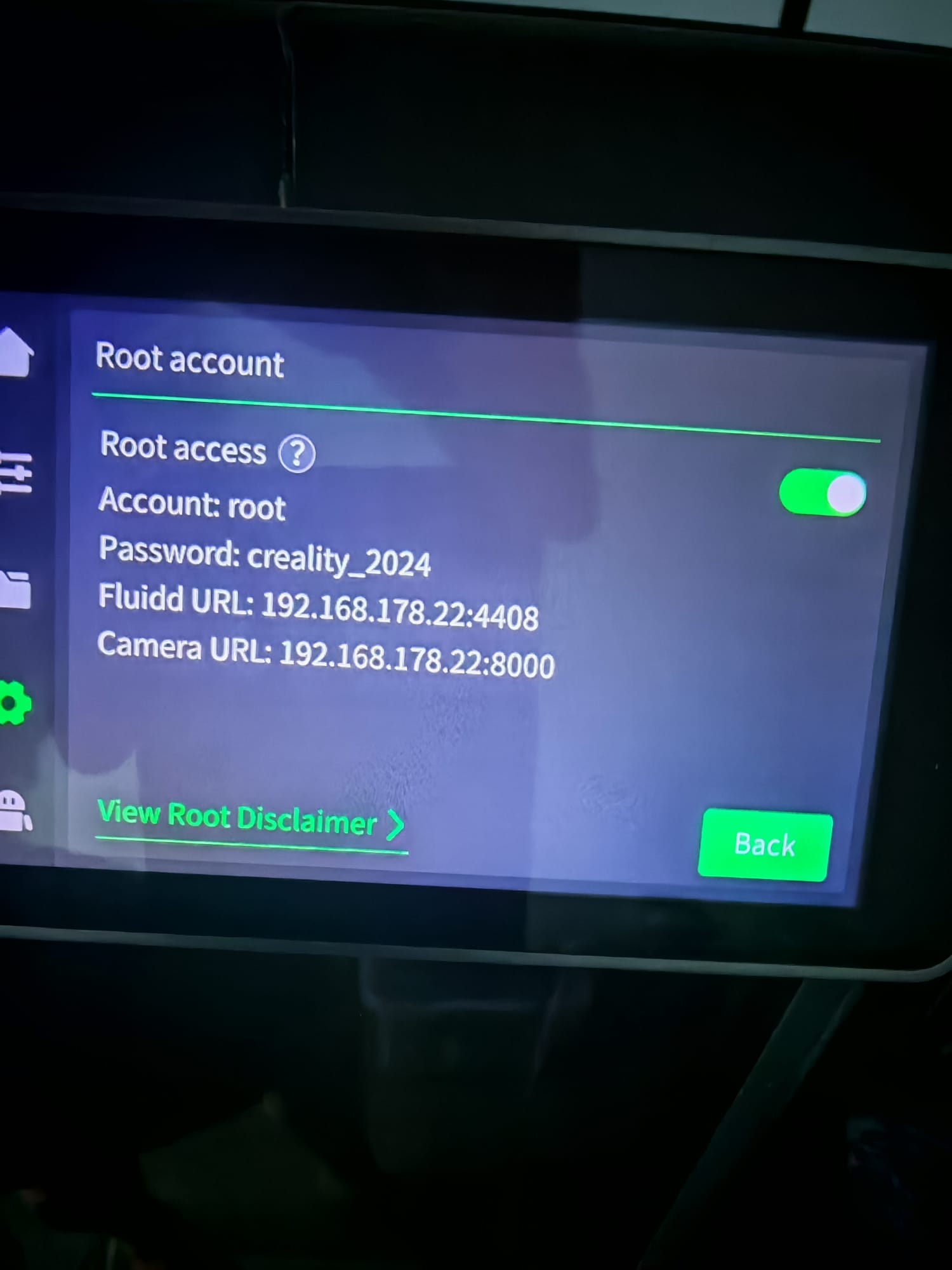
Yes indeed. They are also actively advertising this feature of the K2 plus on their website.
And to be pedantic: the port isn’t actually closed. There is still a web server responding to the http request on port 8000. It’s just the video stream that is disabled.
Came here to chime in that I also have this issue. The latest firmware botched this feature.
I got the same reply to my issue report to the support team. That is unacceptable. It was working in previous version. Why is it now considered a security issue? I’m pushing back on the technical team for it to be fixed.
You should also reply to your support case and tell them it is not acceptable and we need it fixed. Point them to this thread in your reply email: K2 Plus camera feed no longer on port 8000 - #13 by HvH377
To be even more pedantic - the video stream is still available. They removed the web page that displays the video stream within the browser. That is why the third party fluidd camera integration still works.
Which also means they didn’t actually fix a security issue they were supposedly concerned about - they just made unauthenticated video access a bit harder - on a printer with a default root password.
1 Like
Exactly! I see the web server responding to my curl calls. They didn’t properly fix anything. I’m pushing back to get the feature restored.
1 Like
I have the same problem with port 8000, but it seems that the camera is showing in the Fluidd interface now. I do not remember is working before or doing something to make it work.
Si now, I can access the camera feed with : http://IP/camera.html
I’ll be using this url to monitor my prints in Home Assistant now.