My SE has been working fine until tonight.
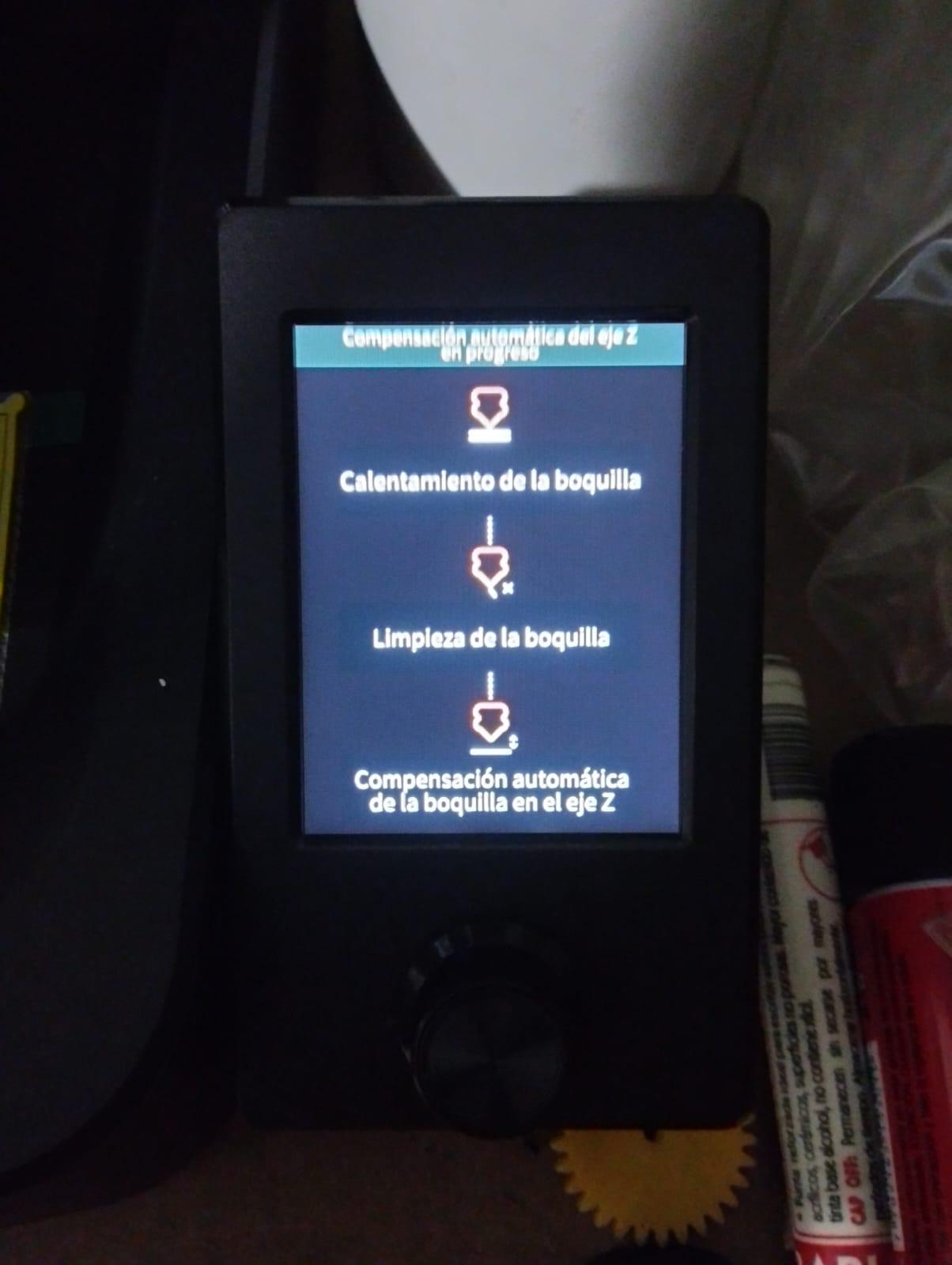
While homing the sensor changes colour as it touches the bed, but continues to travel downwards and I have to switch off before something breaks,
I checked all the plugs on the carrier board and all seem to be plugged in okay,
I don’t know what to do or what to look for, anyone have any ideas?
I checked again this morning and lifted the carriage up high so I would have some working space.
Then I noticed that there was some melted filament that had set near the nozzle and was stopping the probe from actually reaching the bed.
I cleaned it off and tested again and everything is working again.
Hello good evening, this seems to be a common problem. On this occasion it is my ender3 v3 se, that has problems when reaching the end of the x-axis as the the motor wants to continue, you hear that the limit switch is actuated when the motor arrives, proble with the multimeter and it is actuated correctly.
The strange thing is that the printer works fine until last night when I went to print a new part and then I noticed the noise and it didn’t work again.
Attached is a video showing what the damage looks like.

I purchased a new Ender3 V3 SE and it arrived this week, assembled it to hit two problems, the CR Sensor sticking issue and even worse the X Axis problem where the print head goes off to the right and continuously hits the right hand support frame. I thought I was going made until I read this thread. I have had a chat with the support team but all they have offered is to send new sensor and X axis switch which I am to fit myself on my brand new out of the box printer, however I am not convinced it will solve the issue as the head doesn’t go anywhere near that switch to activate it as it is located on the left hand side of the print head on the V3 SE and is designed to touch the left hand support frame but with this fault that is the one direction the print head never travels in. After reading this thread I am changing the ticket to request a new replacement printer like the original poster and hoping this will fix my problem.
I am shocked that this problem is still occurring on brand new shipped units, looking at the dates on here the original poster was having these issues in January 2024, its now October 2025 and units are being shipped with the same issue.
Fingers crossed they will agree to send me a new replacement printer and I can send back this faulty one.
Nabro did you get your problem solved if so what was it, I ask as I have the same problem on my brand new unboxed V3 SE printer, support have just offered me a new x axis switch but I have a feeling this will not fix the issue.
X축 스탑 스위치가 항상 트리거 되있는지 먼저 확인을 해보는게 좋아요.
그리고 노즐뒤에있는 보드(스위치가 달린)를 교체하니 정상적으로 작동했어.
I think I may have found my problem, the print head ribbon cable plug has a defect on one of the pins, basically the hole is blocked and so when I plugged this into the socket with the pins on the print head it pushed one of the pins in and so this is not making a connection. I believe from a pin connection diagram of the print head card the two end pins (one of which has been pushed in) go to the X-axis switch and so this explains my X axis problems above causing the print head to crash into the right hand support frame. Tech support team are sending me a new cable, print head card and CR Touch sensor which will hopefully come later this week (coming to UK from Poland) for me to replace the faulty ones on my new machine. If it doesn’t fix then they have promised to replace the printer, which to be honest I would have preferred in the first place. I will update when they are arrived and fitted.

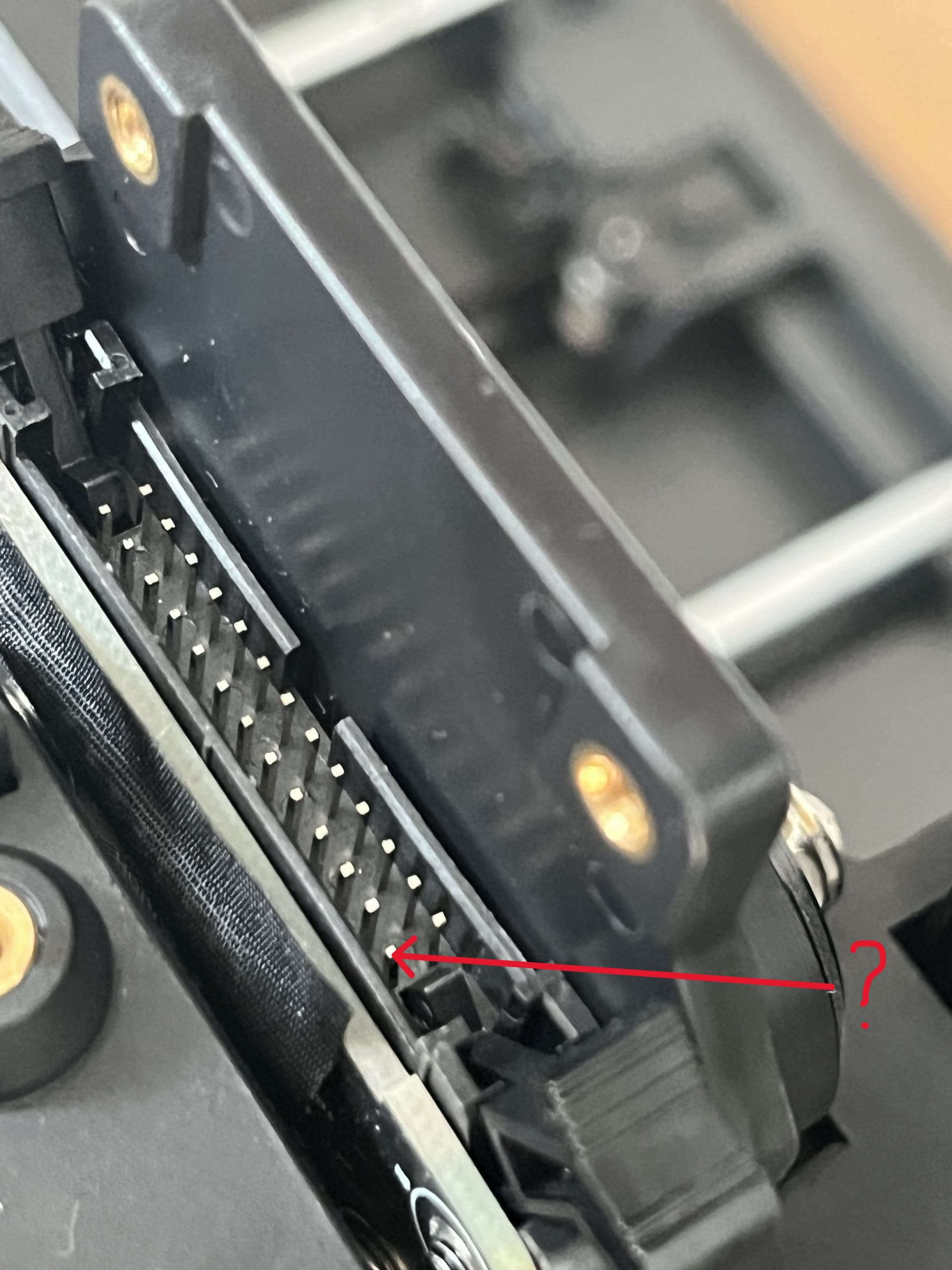

OK just to update on my X-axis and homing issue, I was correct above it was solved by replacing the print ribbon and X axis plate which was quite a task but the help videos walk you through what to do, having said that it is not something you would expect to have to do to a brand new out of the box machine.
However all fixed now and probably about 15 prints in with no more issues, very impressed with quality for a budget printer.
I am needing the print ribbon. Where were you able to find the ribbon cables?
I had the same issue it seemed.
Just wanted to add the following.
The first couple of prints were no problem and the printer behaved as expected.
Then seemingly out of the blue the printer didn’t home properly and started to grind against the right side.
I read every post here and didn’t feel like doing complicated stuff (as I am not very technical.I am more the kind of watch and think person).
I decided to carefully check all the cables. It turned out that the cable to the top of the print thingy (the big black on) probably hadn’t been fixed in place tight enough. The plug had wiggled itself out off the perfect alignment and the lefthand side was now about 0.5-1mm up compared to being on it completely straight. I did put it back on as straight as possible and fixed it into place a it tighter than the first time.
This fixed it for me.
Of course I realize my problem need not be the same as other’s but as this was fairly easy to check I thought I’d mention it.
Contact their after sales team via the website and order the part
Thank you. I am in the process of trying to get the cable from them. It’s been a slow process.